25EN
DIRIS Digiware M-50 & M-70 - 548751B - SOCOMEC
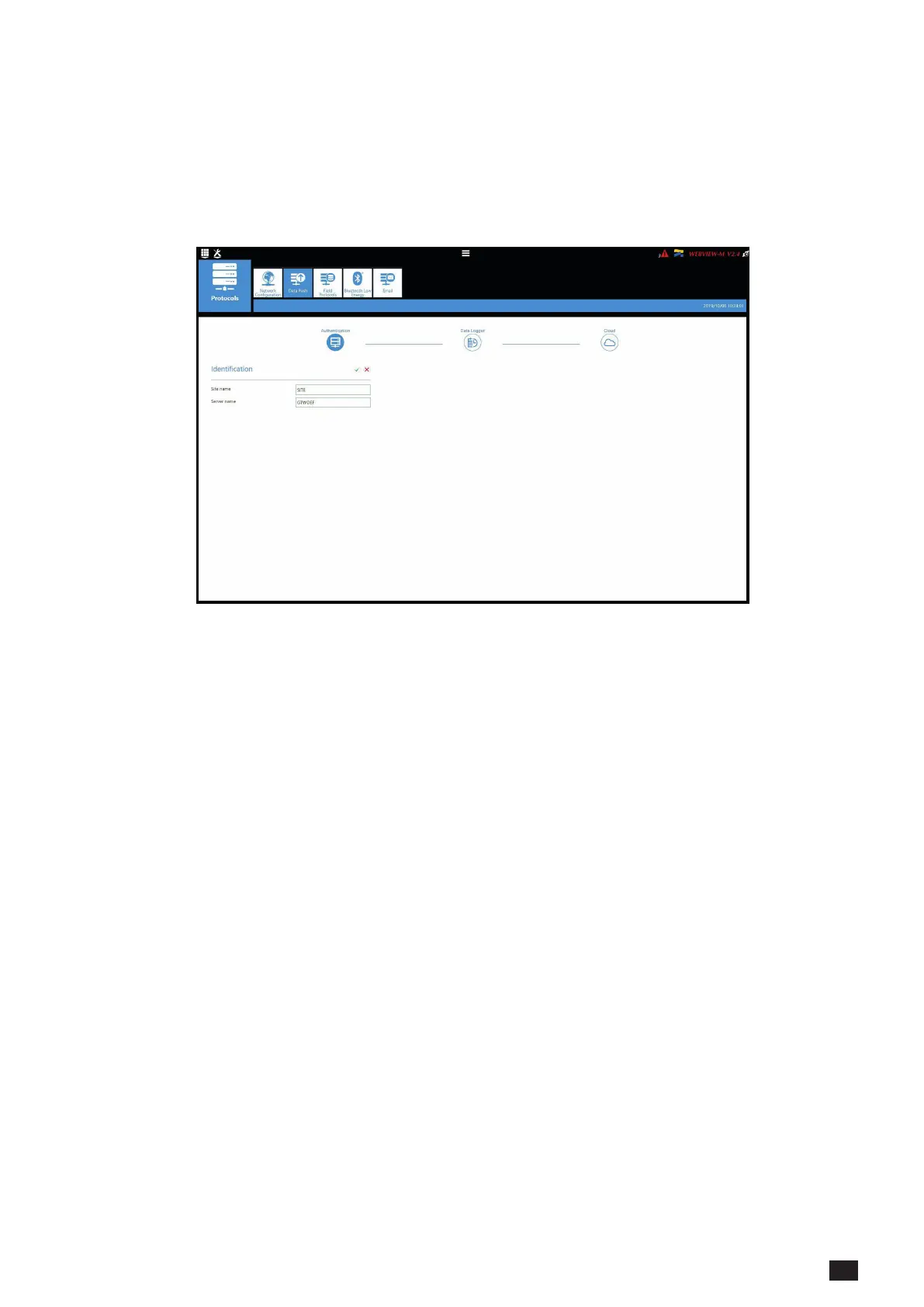
• Data Push
- Authentication
o Site name: This setting is essential to connect the M-50/M-70 gateway to a physical location within
the project structure. Default Site name is “SITE” and must be changed (in EMS export mode only)
or a system alarm will be triggered.
o Server name: Unique identier of the gateway . The default server name is the NET ID, marked on
the front face of the M-50/M-70 gateway.
- Data Logger
o Server: To send data les to a remote server, the Administrator selects the FTP(S) server
o Destination folder: Enter the remote server directory for receiving the les
o Upload log les: Select if you want the gateway to also send the log le to the remote server
o Address: Enter the IP address of the remote server
o Port: Enter the software port (usually 20 or 21 for FTP and 990 for FTPS)
o User name: enter the user name the access the remote server. It must be consistent with the User name
congured on the FTP server.
o Password: enter the password to access the remote server. It must be consistent with the password
congured on the FTP server.
o Secure communication: open a secure session between the gateway and the remote server
o File format: data can be exported in different le formats (CSV and EMS – see appendices 1 and 2). The CSV
format is easier to use while EMS is better for importing data into an external energy management software.
o Test connectivity: Test the FTP export function



 To Next Page