EasyManua.ls Logo

Sofar HYD3000-ES - User Manual

Sofar HYD3000-ES
47 pages
Print Icon
To Next Page IconTo Next Page
Loading...
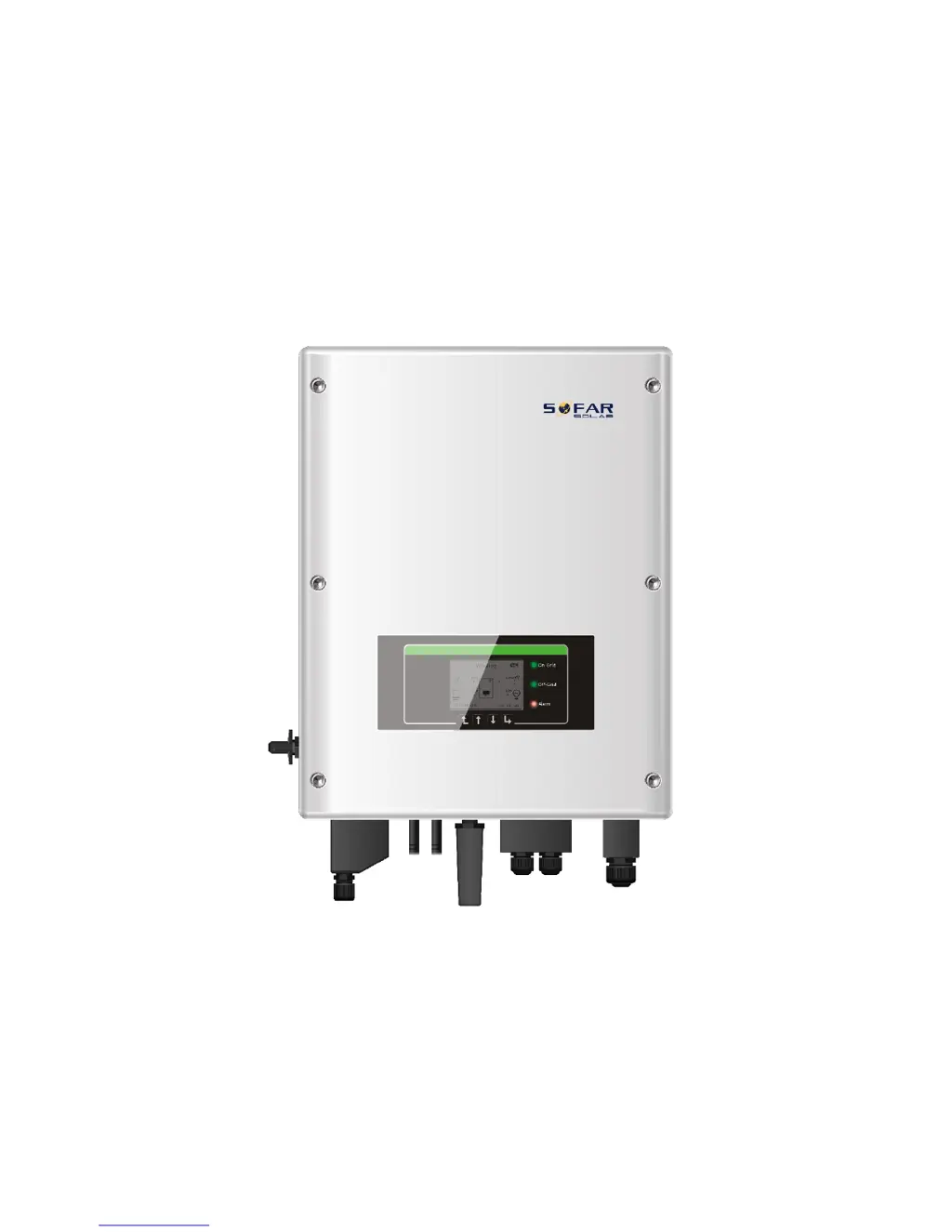
HYD 3000/4000/5000/6000-ES
User Manual
2018-8-8
Version V1.00 (for firmware V1.00)

Questions and Answers

  • T
    Tina HodgesAug 22, 2025
    What does it mean if the GFCI sampling value is not consistent in Sofar HYD3000-ES?
    • G
      gsolisAug 22, 2025
      If the fault occurs occasionally, the external circuits may be temporarily abnormal. The HYD-ES inverter should automatically return to normal after the fault is rectified. If the fault occurs frequently and lasts a long time, check the insulation resistance between the PV array and earth (ground), and also check the insulation conditions of PV cables.
  • A
    Anthony RodriguezAug 25, 2025
    What to do if Sofar HYD3000-ES Inverter shows battery voltage too high?
    • K
      Kathy BrewerAug 26, 2025
      If the alarm occurs occasionally, wait a while to see if the problem resolves itself. If the alarm occurs frequently, check whether the battery overvoltage setting is inconsistent with the battery spec and contact SOFAR technical support.
  • K
    kbrownAug 27, 2025
    Why is the PV voltage too high on my Sofar HYD3000-ES?
    • A
      allendanielAug 27, 2025
      Too many PV modules may be series connected in a PV string. Check if the voltage (Voc) of the PV string is higher than the maximum input voltage of the HYD-ES inverter. If it is, adjust the number of series-connected PV modules to decrease the voltage of the PV string to fit within the input voltage range of the HYD-ES inverter.
  • A
    Alex MacdonaldAug 30, 2025
    How to fix low insulation resistance on Sofar HYD3000-ES Inverter?
    • J
      Jeffrey CochranAug 30, 2025
      Check the insulation resistance between the PV array and earth (ground). If a short circuit is found, rectify the fault.
  • S
    Sherri SnyderSep 2, 2025
    What causes unbalanced input current on Sofar HYD-ES Inverter?
    • C
      Cassandra HammondSep 2, 2025
      Check the PV input mode (parallel mode/ independent mode) setting of the HYD-ES inverter. If the setting is incorrect, change the PV input mode.
  • W
    Wendy GarciaSep 4, 2025
    How to fix SD card fault on Sofar HYD-ES Inverter?
    • B
      buckstephenSep 5, 2025
      Normally, ID98 is caused by a loose SD card holder. Click and take out the SD card, press the SD card holder, then insert the SD card back in. This should solve the problem.
  • T
    timothysmithSep 7, 2025
    What to do if Sofar HYD-ES Inverter communication board EEPROM is faulty?
    • S
      Shannon EllisonSep 7, 2025
      ID95-ID96 are internal faults of the HYD-ES inverter. Switch OFF the HYD-ES inverter, wait for 5 minutes, then switch it back ON. Check whether the problem is solved. If not, please contact SOFAR technical support.
  • B
    Bradley GuzmanSep 10, 2025
    What causes battery high temperature protection while discharging on Sofar Inverter?
    • W
      Walter CoffeySep 10, 2025
      Ensure the battery is in a well-ventilated place. Try decreasing the maximum discharge (A) or/and maximum charge (A) to see if the problem is resolved.
  • J
    Jason AndersonSep 10, 2025
    Why Sofar HYD-ES Inverter can't communicate with Lithium battery BMS correctly?
    • A
      Amanda GraySep 12, 2025
      The battery might not be compatible with the HYD-ES inverter. Ensure that the battery you are using is indeed compatible. Also, verify that you have selected the correct battery type within the settings. Check the communication cable between the battery and the HYD-ES inverter, CAN communication is recommended. For PYLONTECH US2000 PLUS battery, if you’re using RS485 communication, the ADD DIP switch should be all down.
  • A
    archerheatherSep 13, 2025
    Why Sofar HYD series inverter switches OFF when battery voltage is too low?
    • G
      Gary OlsonSep 13, 2025
      The HYD-ES inverter will switch OFF when the battery voltage is too low. This is a protection mechanism for the battery.

Summary

HYD-ES Inverter Introduction

Safety Information

Safety Notes

Detailed safety precautions to prevent electric shock and equipment damage.

Installation and Maintenance Notes

Notes on safe installation, maintenance, and battery handling procedures.

Inverter Warning Symbols

Explanation of warning symbols on the inverter for hazard identification.

Installation Guide

Product Overview

Visual identification of the HYD-ES inverter's main components and ports.

Packing List

List of all accessories and fittings included with the HYD-ES inverter.

Installation Environment

Recommended environmental conditions for optimal inverter placement.

Installation Tools

List of all necessary tools required for the installation process.

Installation Position

Guidelines for selecting the optimal mounting location for the inverter.

Mounting the Inverter

Step-by-step instructions for physically mounting the inverter onto a surface.

Electrical Connection

Battery Connection

Procedures for correctly connecting the battery to the inverter terminals.

PV Connection

Step-by-step guide for connecting the photovoltaic panels to the inverter.

CT, CAN, RS485, NTC Connection

Instructions for connecting CT, CAN, RS485, and NTC communication components.

Grid Connection

Procedures for safely connecting the inverter to the electrical grid.

Critical Load Connection (EPS)

Connecting critical loads for the Emergency Power Supply (EPS) function.

User Interface

Inverter Buttons

Description of the function of each button on the inverter's interface.

Indicator Lights Status

Explanation of the meaning of different indicator lights and their operational status.

Operation and Setup

Pre-Operation Double Check

Essential checks before operation to ensure correct installation and configuration.

First Time Setup

Critical steps for the initial configuration and setup of the inverter.

Commissioning the Inverter

Steps and information required for putting the inverter into service.

Menu Navigation and Settings

Basic Settings

Configuration of fundamental operational settings for the inverter.

Advanced Settings

Accessing and configuring advanced operational parameters and protections.

Event List

Viewing current and historical event logs for monitoring and diagnostics.

System Information

Accessing detailed system information and inverter operational parameters.

Energy Statistics

Reviewing energy generation and consumption statistics over various time periods.

Software Upgrade

Procedure for upgrading the inverter's firmware to the latest version.

Technical Data

Troubleshooting Guide

Sofar HYD3000-ES Specifications

General IconGeneral
BrandSofar
ModelHYD3000-ES
CategoryInverter
LanguageEnglish

Related product manuals