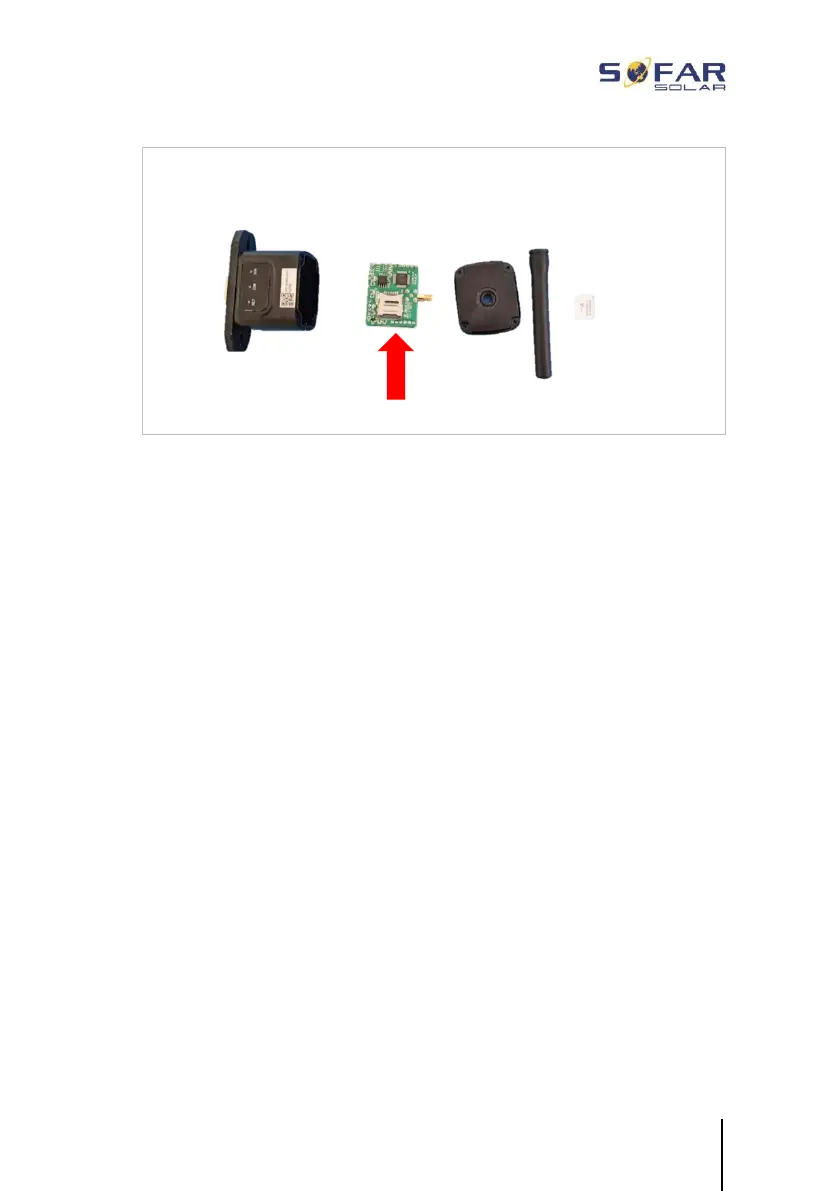
The GPRS stick must be set up via the SOLARMAN Business:
Observe the following steps:
1 Open the app and call up the Bluetooth Tools menu item
2 Identify the WiFi stick with the serial number and select it.
3 Call up the “Custom” item
4 Enter the command AP+YZAPN= “APN name of your grid
operator”
(e.g. for T-Mobile: AP+YZAPN=internet.v6.telekom)
5 To check the setting, call up AP+YZAPN
6 You can check the status via the “Logger Status” and “Read”
menu item. Depending on the grid operator, wait several minutes
until the connection has been established and the status is
normal:






 To Next Page