OPERATION OF THE DEVICE
SOFAR 3 ... 6KTLM-G3 61
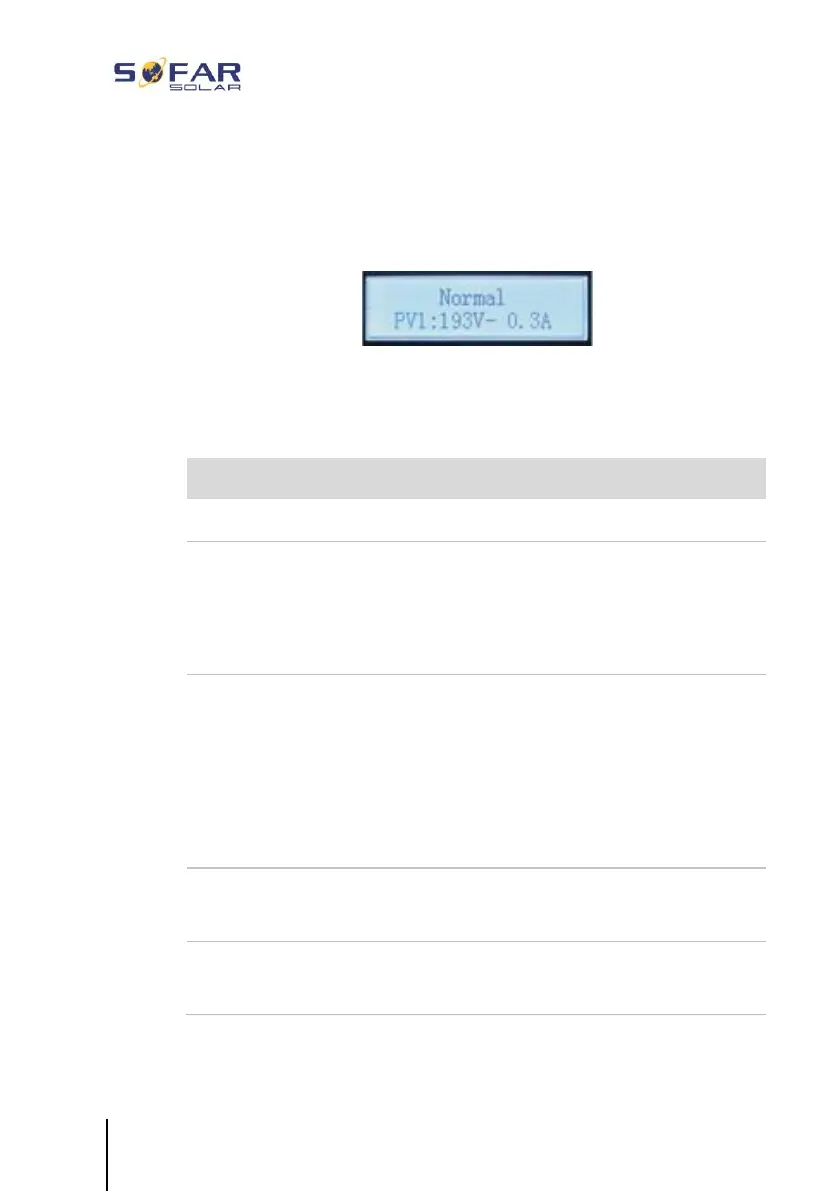
7.2 Standard display
This shows a rolling display of the DC voltage/current (PV1), energy
yields (today/total), grid voltage and current, as well as the status.
7.3 Status display
The following table displays the various statuses and their meanings:
The control software is started
Connecting criteria are checked. The voltage
and frequency limits must be within the defined
range for a specific duration in accordance with
the selected country code.
The inverter checks the insulation resistance,
relays and other safety requirements. It will also
carry out a self-test to ensure that its software
and hardware are functioning faultlessly. If an
error or a fault occurs, the inverter will go into
the “Fault” or “Permanent” state.
The inverter goes into the “Normal” state, and
feeds current into the grid
The inverter goes into the “Error” state if an
error or a fault occurs.






 To Next Page