Technical Manual 9200
REF: 380/5 11
OK
3.2 Raw values
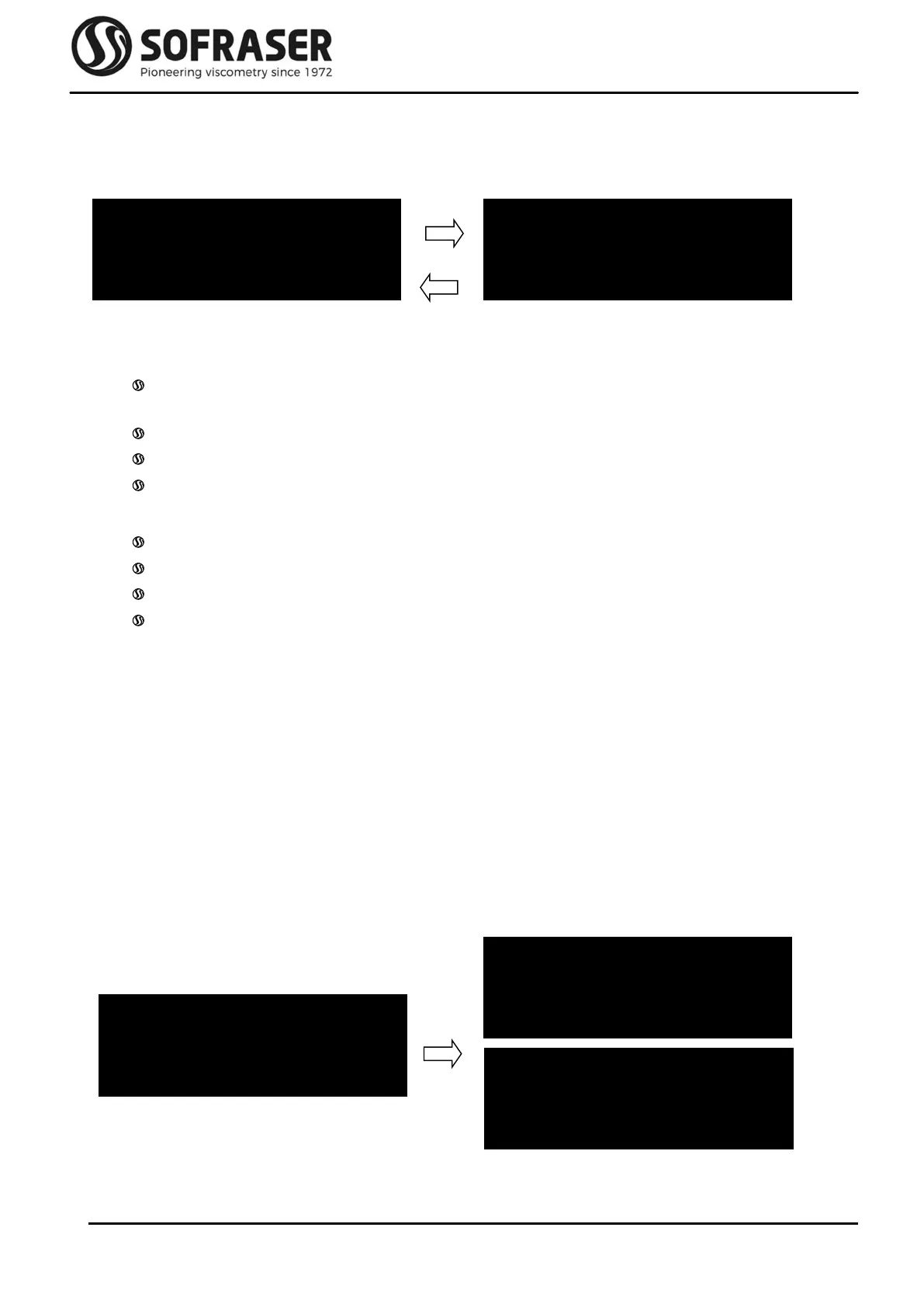
This menu has two screens. It allows the user to read the raw values of the main measured signals
and other information specific of the unit.
Mainly, these data are used to diagnose when something wrong happens with the sensor.
On the first screen are displayed:
The amplitude value, image of the amplitude of the oscillating rod with no correction and
no calculation.
The coil value, image of the inner temperature.
The frequency of the vibration.
The program version is displayed for after-sale purposes.
And on the second screen are displayed:
The serial number of the electronics (3 letters) and of the sensor (4 digits).
The date of manufacturing.
The inner temperature.
The viscosity range of the sensor.
Exit this menu by pressing Home.
3.3 Offset
In this menu, we set the zero in the air. This is a very important step in the installation procedure of
the equipment and it must be done each time the sensor is installed again after being
removed for cleaning, calibration or maintenance.
Before proceeding to the zero setting, the rod must be clean and dry. Be sure the process is empty
and that the rod is vibrating in the air. The sensor must be fixed on its final position and will
have to remain so. If not, the offset calibration will have to be done again.
Press OK to enter the Offset menu. The warning window with the message for having the rod clean
and dry appears. If OK is pressed, the new adjustment value (here -26) is displayed. The user
can validate the new offset pressing OK or he can get out of the menu by pressing Home.
Off. Acquisition
Rod Clean & Dry
OFFSET -26
Confirm with OK
OK
AMP 1179 COIL 5033
FRQ 287 PROG 530
OK
FZW 5853 04/2019
TC26°C 500
OFFSET -26
Cancel with HOME



 To Next Page