Technical Manual 9200
REF: 380/5 13
By pressing OK, it sends the first current value (04 mA). Then by browsing with OK, it goes to the
next two values (12 mA and 20 mA).
Exit the menu by pressing Home.
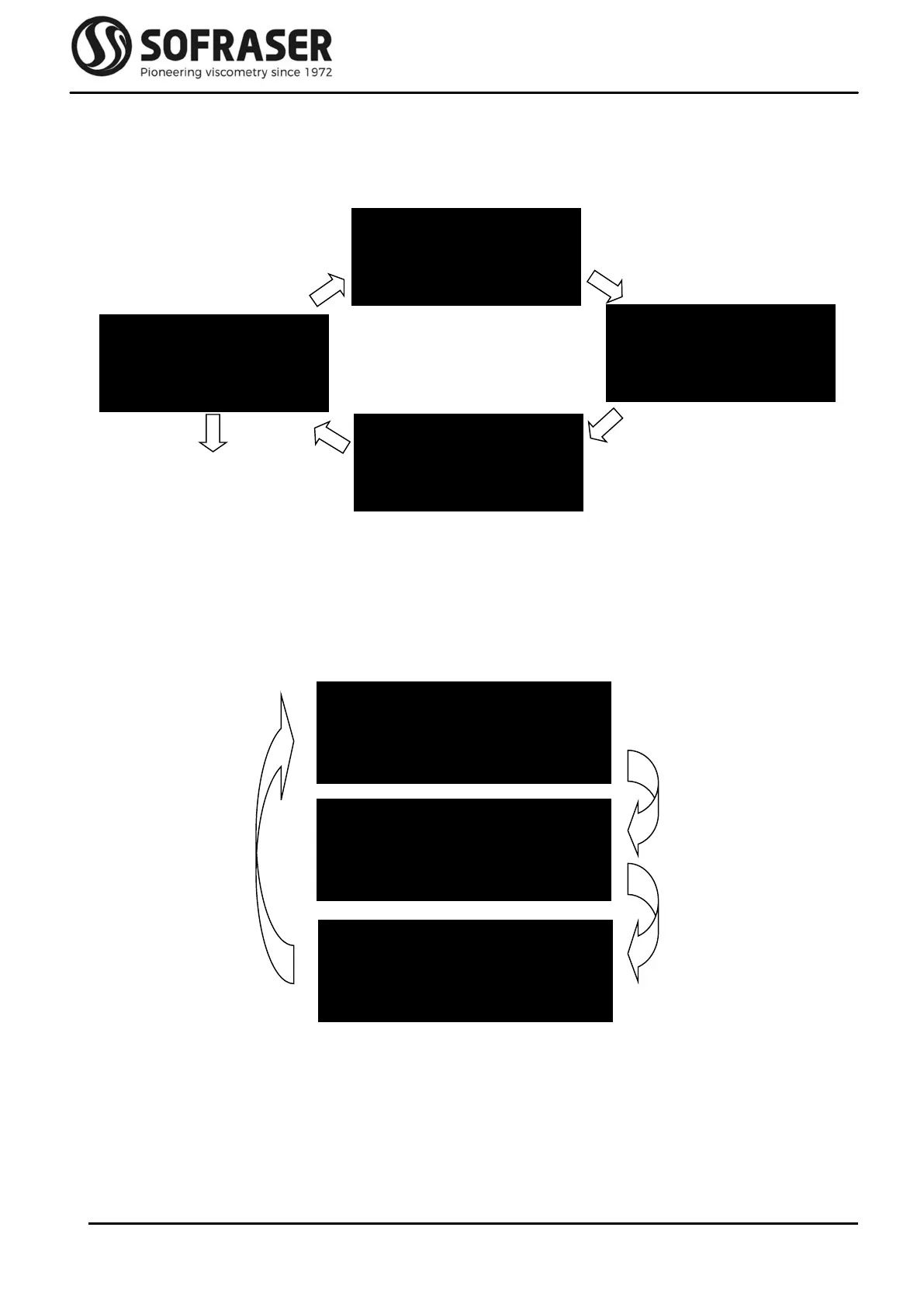
3.6 Correlation
This menu allows the user to enable or disable the correlation function. After positioning on the
Correlation menu change the status by pressing OK and exit by pressing Home when the
desired status is reached.
It is necessary to use the Sofraser Interface Software (SIS, see chapter 5) to choose the type of
correlation (Linear with ax + b formula or Table) and to change the values of correlation.
When the correlation is activated, an asterisk * appears on the bottom right corner of the main
screen (see chapter 2.1).
Check 4-20mA
12 mA
20 mA
OK
OK
OK
OK
OK
Correlation
None
Correlation
Equation
OK
Correlation
Table
OK
04 mA



 To Next Page