Technical Manual 9200
REF: 380/5 17
5. Sofraser Interface Software
The Sofraser Interface Software (SIS) has been designed for working with the 9200 electronic device.
It allows the communication between the electronic board of the 9200 and a computer in
order to make some data logging or to set some parameters.
This software has been designed to work on Windows XP, Windows Vista, Windows 7 and Windows
10 systems. The communication is established through the RS485 port, MODBUS (code RTU)
protocol.
This is optional and is not included in standard with 9200 device.
5.1 The main features
The main features of the SIS are as following:
display and refresh the dynamic values from the sensor: viscosity, temperature (when there
is a Pt100 probe), amplitude, coil and frequency signals
make the zero adjustment in the air
data log of the dynamic values in an Excel file
adjust some correlations for the viscosity
5.2 The user-friendly interface
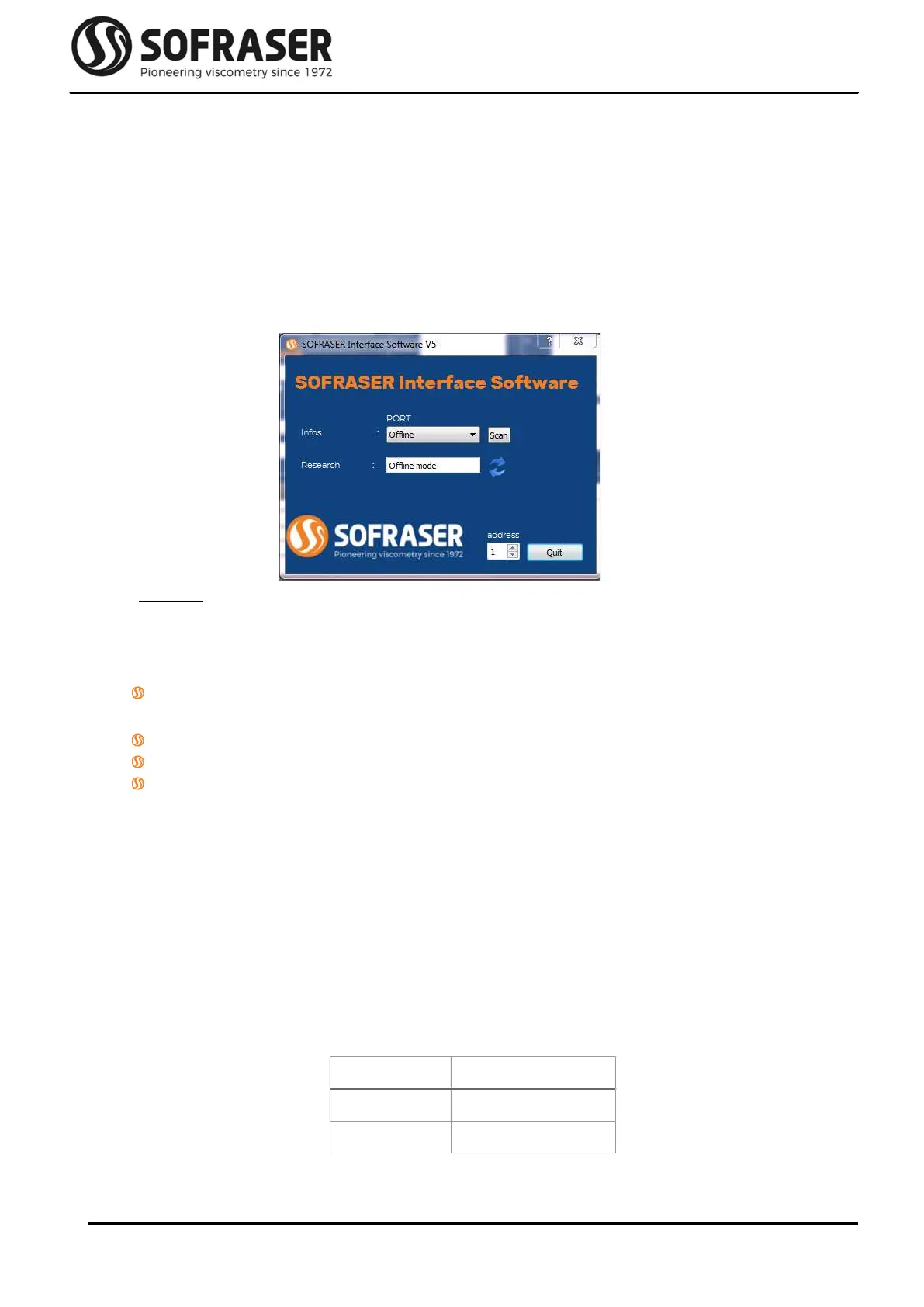
When connecting the 9200 to a computer, choose the COM port on which is connected the
viscometer. Then click on the double arrow button; the SIS will automatically detect the board,
display the serial number of the device and open a new window. The user is ready to start
working with the equipment.
Each equipment is protected with a registration. At first use, you will have to activate the software
by entering the registration key given by Sofraser (go to menu “File\Add Sensor” or “F6”). From
then on, the SIS installed on this computer will always be able to communicate with the 9200.
Different levels of security have been set up in the SIS, so that different users can have different
possibilities on the equipment through menu “Options\Connect As” or “F9”.
User Password
Technician 1111
Manager 1111



 To Next Page