16
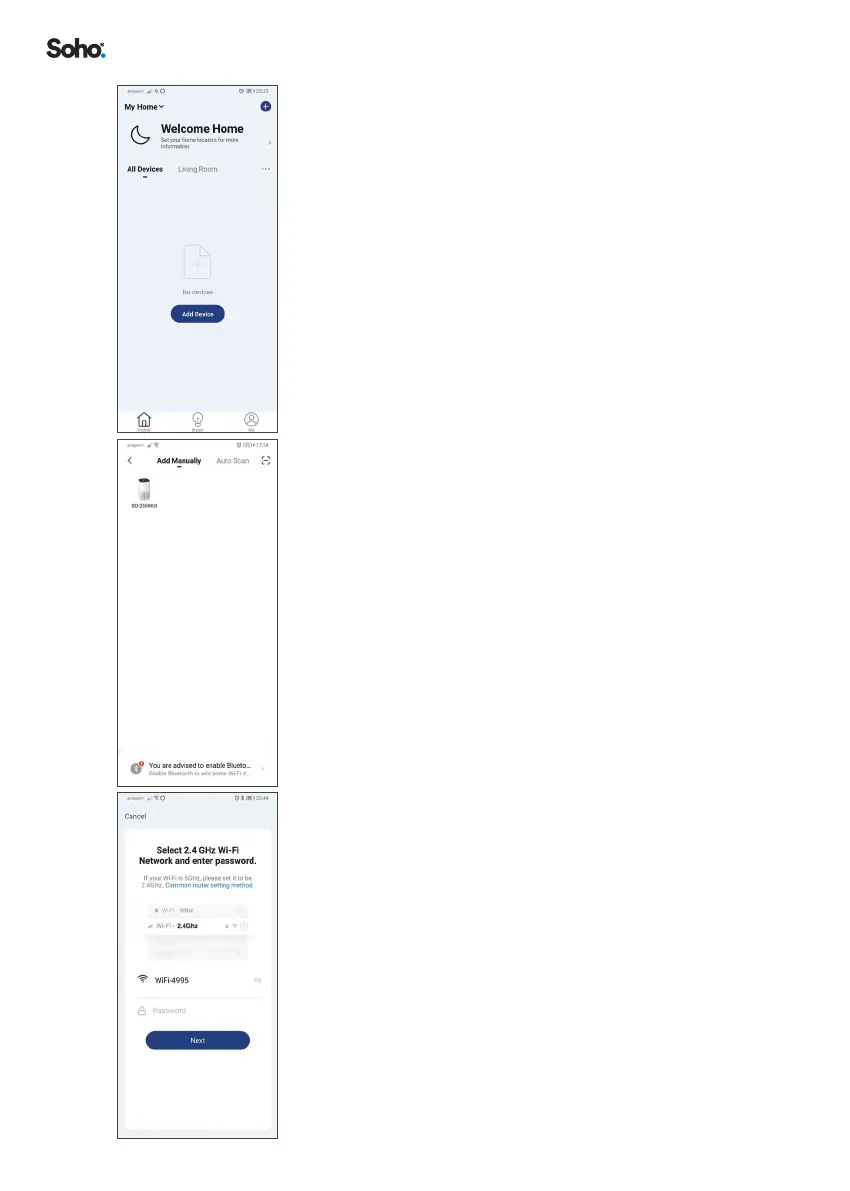
4. Select ‘HOME’ on the menu at the bottom of the
screen� Then click ‘+’ on the top right of the screen to
add a new device�
5. Tap ‘ADD MANUALLY’, then click on the icon for
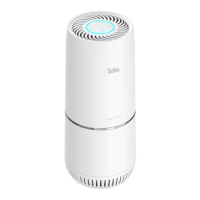
PureHome Connect Air Purier ‘SO255WUI’�
6. Choose a 2�4GHz WiFi network and enter the password
for the network� Click ‘NEXT’�
Your WiFi network name will be displayed� If your
2�4GHz WiFi network name is not displayed, please
leave the App, connect your Smartphone to the
2�4GHz network, then return to the App and enter
the WiFi password and select conrm� You can also
enter the network name manually if it is not displayed�
Please refer to “QUICK EXPLAINER:” on page 15
if this is not clear� If you are still having trouble nding
your 2�4GHz WiFi signal, please contact your internet
provider�


 To Next Page