Position and Audio Control Module User Guide
4.3.3 P4 of Cable X Workstation Line In/Out (Cable Y)
Pin Signal Line In Plug Line Out Plug
1 Unassigned
2 Tel Mic + Tip
3 Tel Hdset + Tip
4 Unassigned
5 Unassigned
6 Tel Mic - Sleeve
7 Tel Hdset - Sleeve
8 Unassigned
9 Unassigned
Table 10: Cable Y Pin Assignments
4.4 Configuration
For integration with LibertySHIELD Guardian (Emergency Call Taking), the
application needs to be aware of the PAC module, and this requires that the Radio
Bypass plugin be installed and configured at each operator position.
To install and configure the radio bypass options…
1 Run the LibertySHEILD Guardian client installation program
“LibertySHIELD_Setup.exe”.
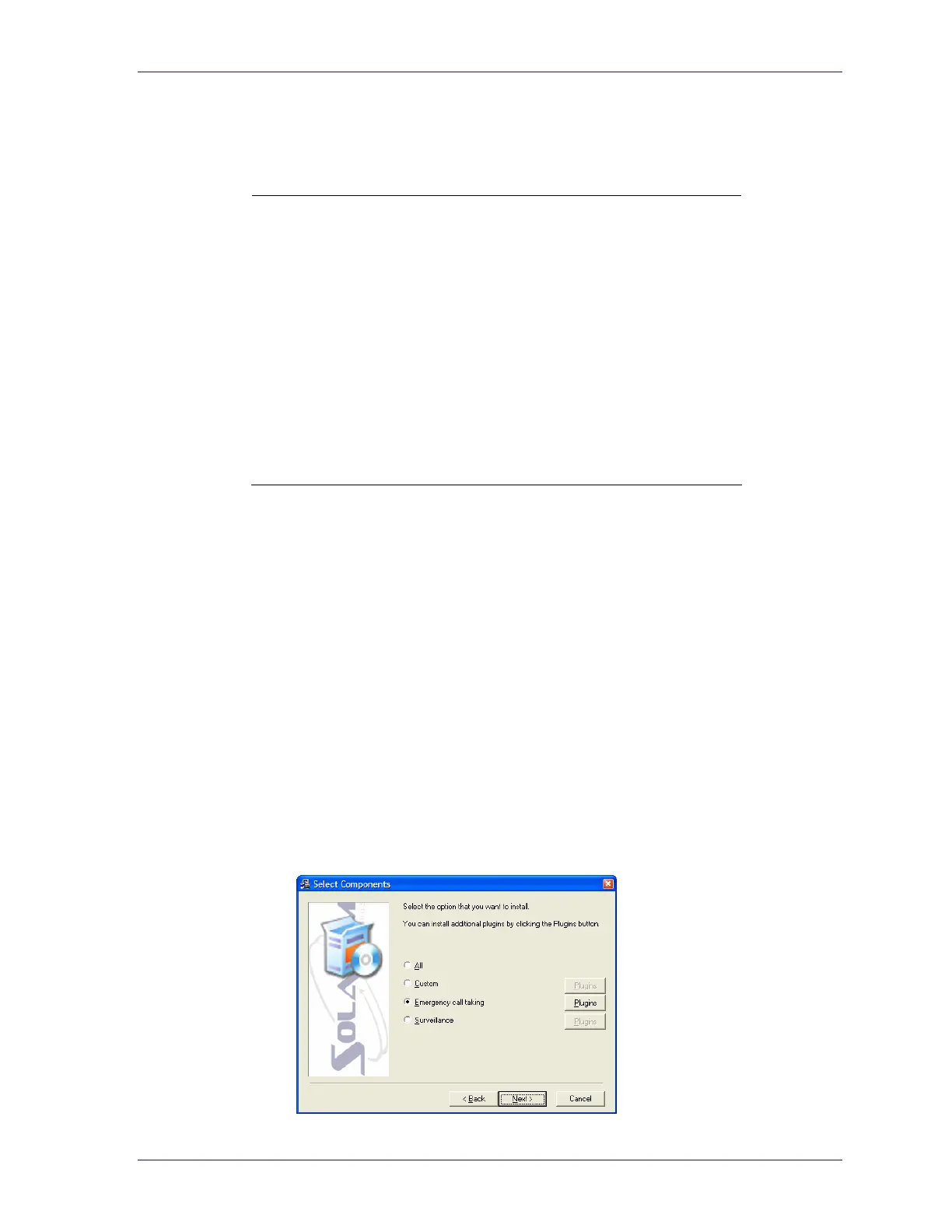
2 Run through the installation until you get to the Select Components page.
3 Ensure that the Emergency call taking option is selected, and the click the
corresponding Plugins button.
13



 To Next Page