Position and Audio Control Module User Guide
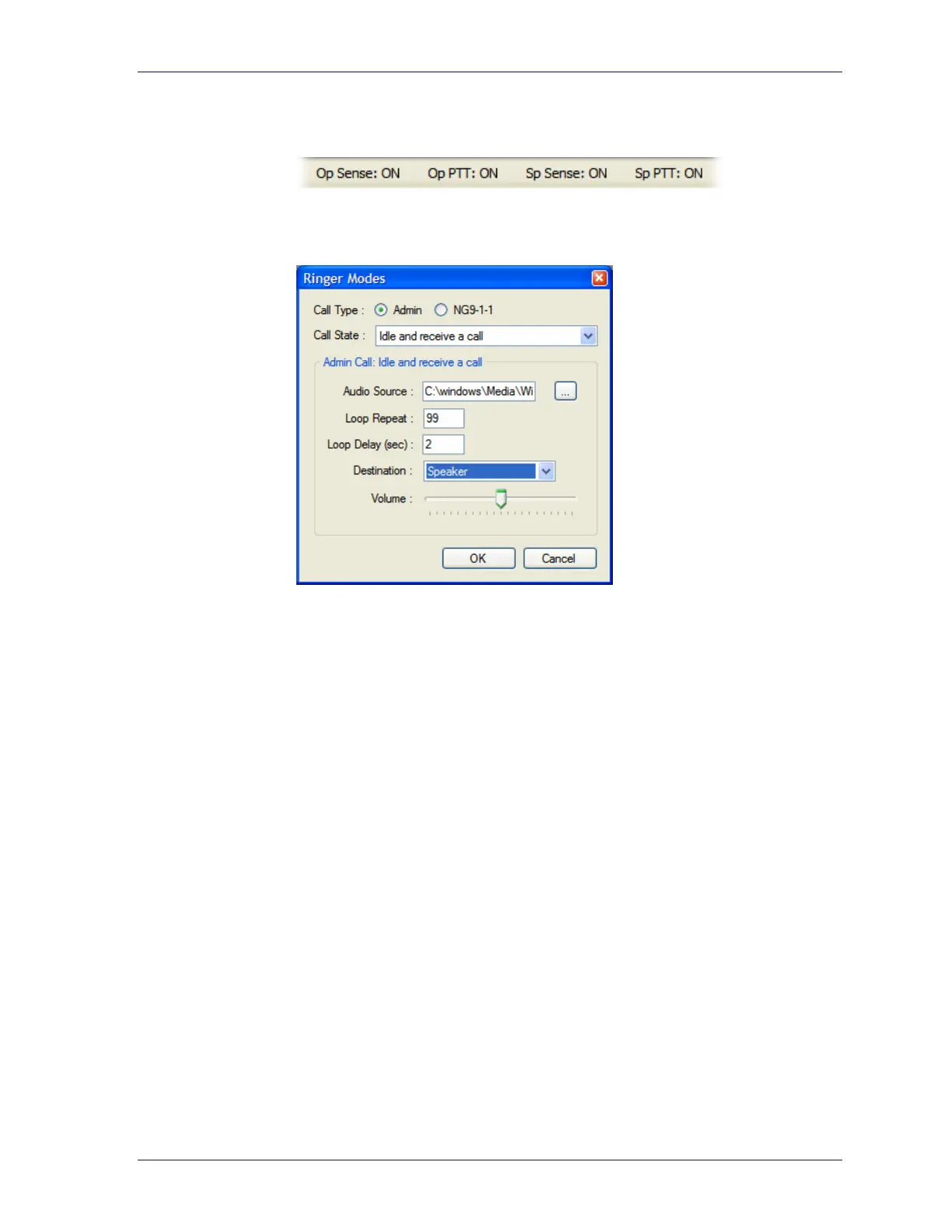
13 Launch LibertySHIELD Guardian and verify that the Sense indicators are
listed on the status bar.
14 Select Tools > Ringer Modes.
15 In the Ringer Modes dialog box, ensure that, for each combination of Call
Type and Call State, Destination is set to Speaker.
16 Perform test 9-1-1 and Admin calls and check that the audio (two way) and
PTT signals are working properly.
15



 To Next Page