18
Grid Tied PV System with Battery Backup – User Manual
Version UM1142-PV-BT-v1.0 © solarcity 2019
5.5.7 System information and support
When selecting the rightmost icon in the top navigation bar with the tree vertical dots you gat another two options to
select besides the “DETAILS” screen, describes in the previous section.
The selectable options are “SYSTEM” and SUPPORT”.
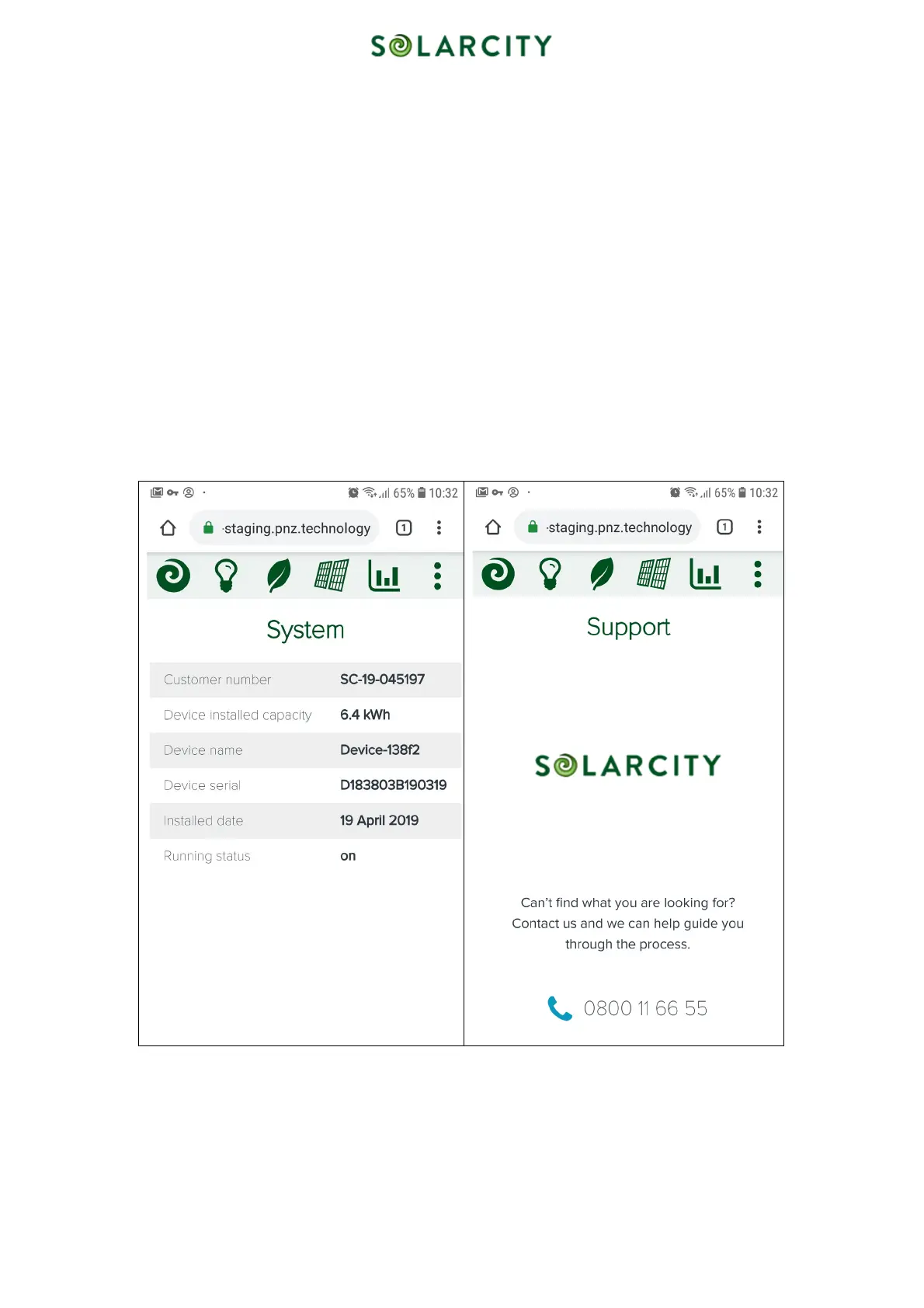
The System screen shows all the background information, some of it being unique to the battery installed in your home.
It consists of:
• Customer number – The unique number under which your property is identified in our database
• Device installed capacity – This is the nameplate capacity of the battery. Please note that this is not the
“usable” amount of power available for use at your house. The usable capacity is set to 80% of that capacity
(e.g. 6.4 kWh * 80% = 5.12 kWh). The reason to keep a safety buffer is to prevent the battery of reaching a
state of “deep discharge” that would result in irreparable damage.
• Device name
• Device serial number – This is the serial number of the EMU (Energy Management Unit) in the battery. We
use this number combined with the customer number to link the battery installed in your home with the data
displayed in the app on your phone or tablet.
• Installed date – The date when your battery was activated and linked to our fleet management system
• Running status – Current status of the battery
The Support screen displays the solarcity phone number that you can call if you have any questons or if you are
experiencing any issues with the product.
Figure 11: System information and support



 To Next Page