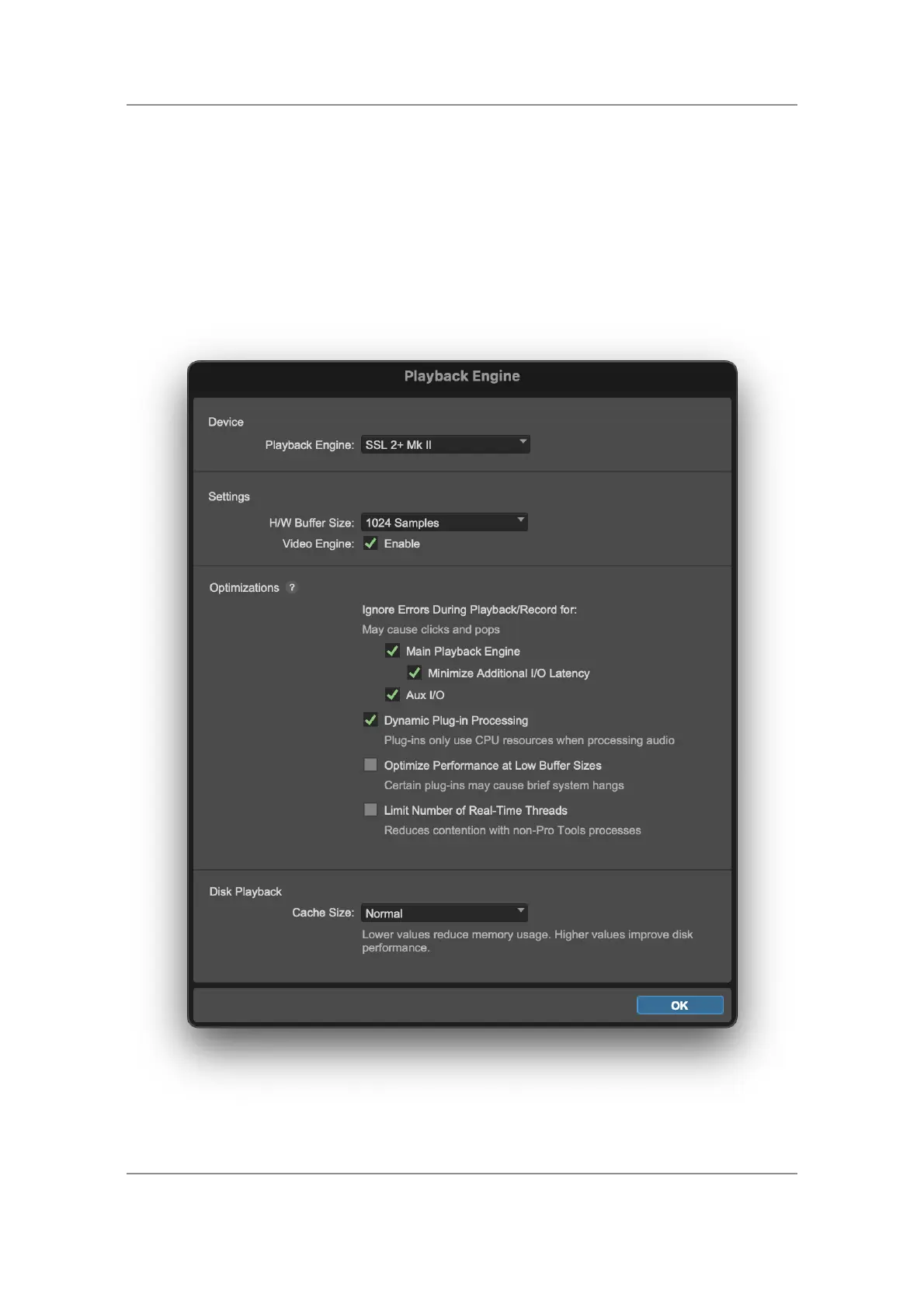
Pro Tools Setup
Open Pro Tools and go to the 'Setup' menu and choose 'Playback
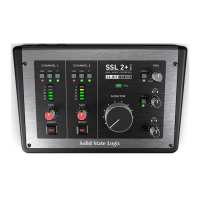
Engine...'. Make sure that SSL 2+ MKII is selected as the 'Playback Engine'
and that 'Default Output' is Output 1-2 because these are the outputs that
will be connected to your monitors.
Note: On Windows, ensure that 'Playback Engine' is set to 'SSL 2+ MKII
ASIO' for the best possible performance.
Ableton Live Lite Setup


 To Next Page