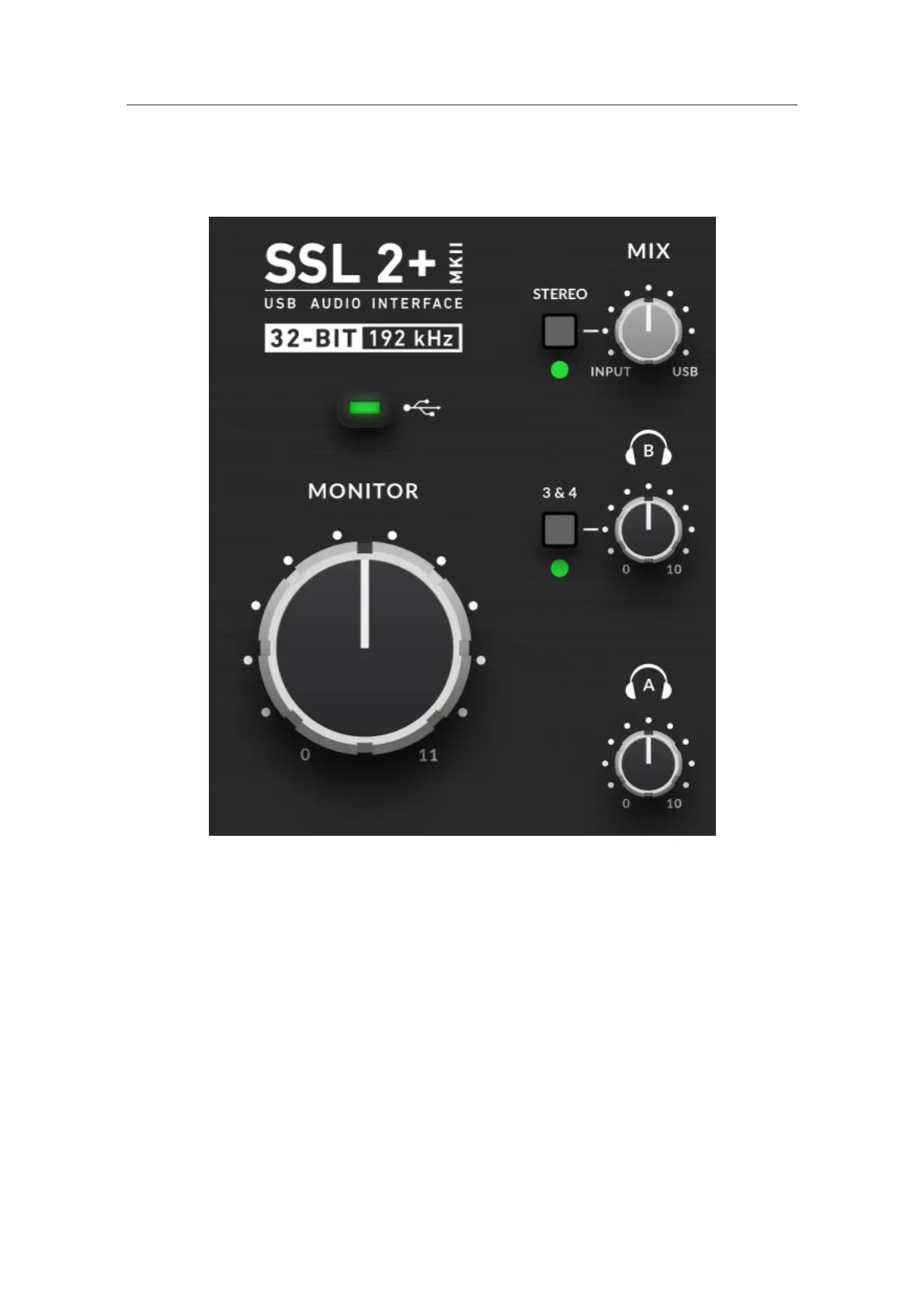
Monitoring Section
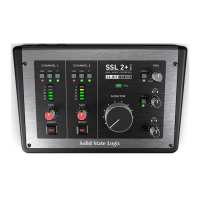
This section describes the controls found in the monitoring section. These
controls affect what you hear through your monitor speakers and the
headphone output.
MIX (Top-Right Control)
This control directly affects what you hear coming out of your monitors and
headphones. When the control is set to the left-most position labelled
INPUT, you will hear only the sources you have connected to Channel 1
and Channel 2 directly, without latency.
If you are recording a stereo input source (e.g. a stereo keyboard or synth)
using Channels 1 and 2, press the STEREO switch so that you hear it in
stereo. If you are only recording using one Channel (e.g. a vocal recording),
make sure that STEREO is not pressed, otherwise, you will hear the vocal
in one ear!



 To Next Page