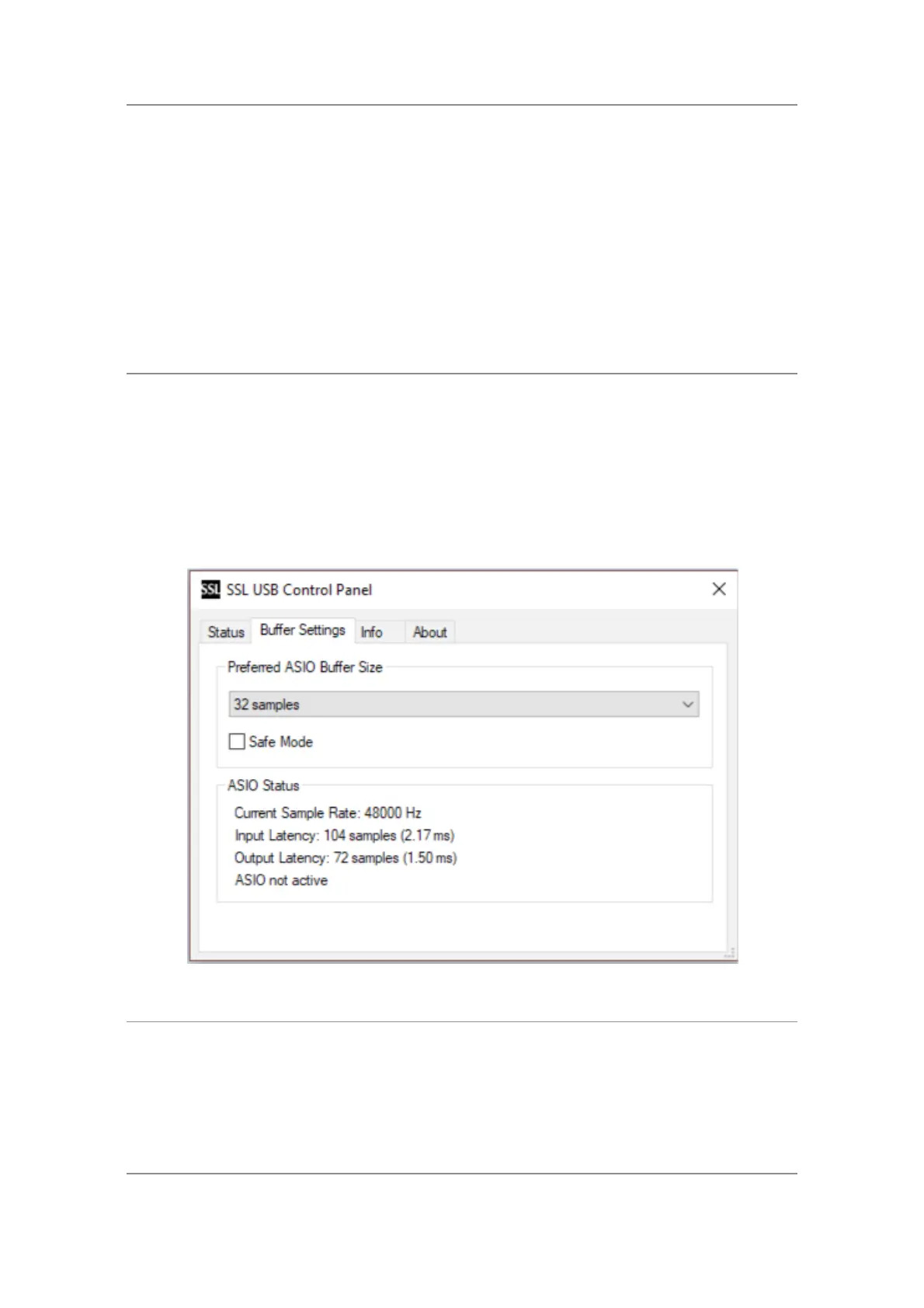
SSL USB Control Panel (Windows Only)
If you're working on Windows and have installed the USB Audio Driver
required to make the unit operational, you will have noticed that as part of
the installation, the SSL USB Control Panel will be installed onto your
computer. This Control Panel will report details such as what Sample Rate
and Buffer Size your SSL 2+ MKII is running at. Please note that both
Sample Rate and Buffer size will be taken control of by your DAW when it is
opened.
Safe Mode
One aspect you can control from the SSL USB Control Panel is the tickbox
for Safe Mode on the 'Buffer Settings' tab. Safe mode defaults to ticked but
can be unticked. Unticking Safe Mode will reduce the overall Output
Latency of the device, which may be useful if you are looking to achieve the
lowest possible roundtrip latency in your recording. However, unticking this
may cause unexpected audio clicks/pops if your system is under strain.
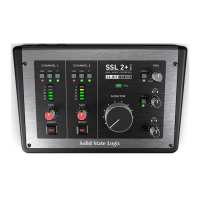
SSL 2+ MKII DC-Coupled Outputs
The SSL 2+ MKII !Interface allows the user to send out a DC!Signal!from
any output on the interface. This!allows CV-enabled!equipment
to!receive!the signal to control parameters. !
What is CV?


 To Next Page