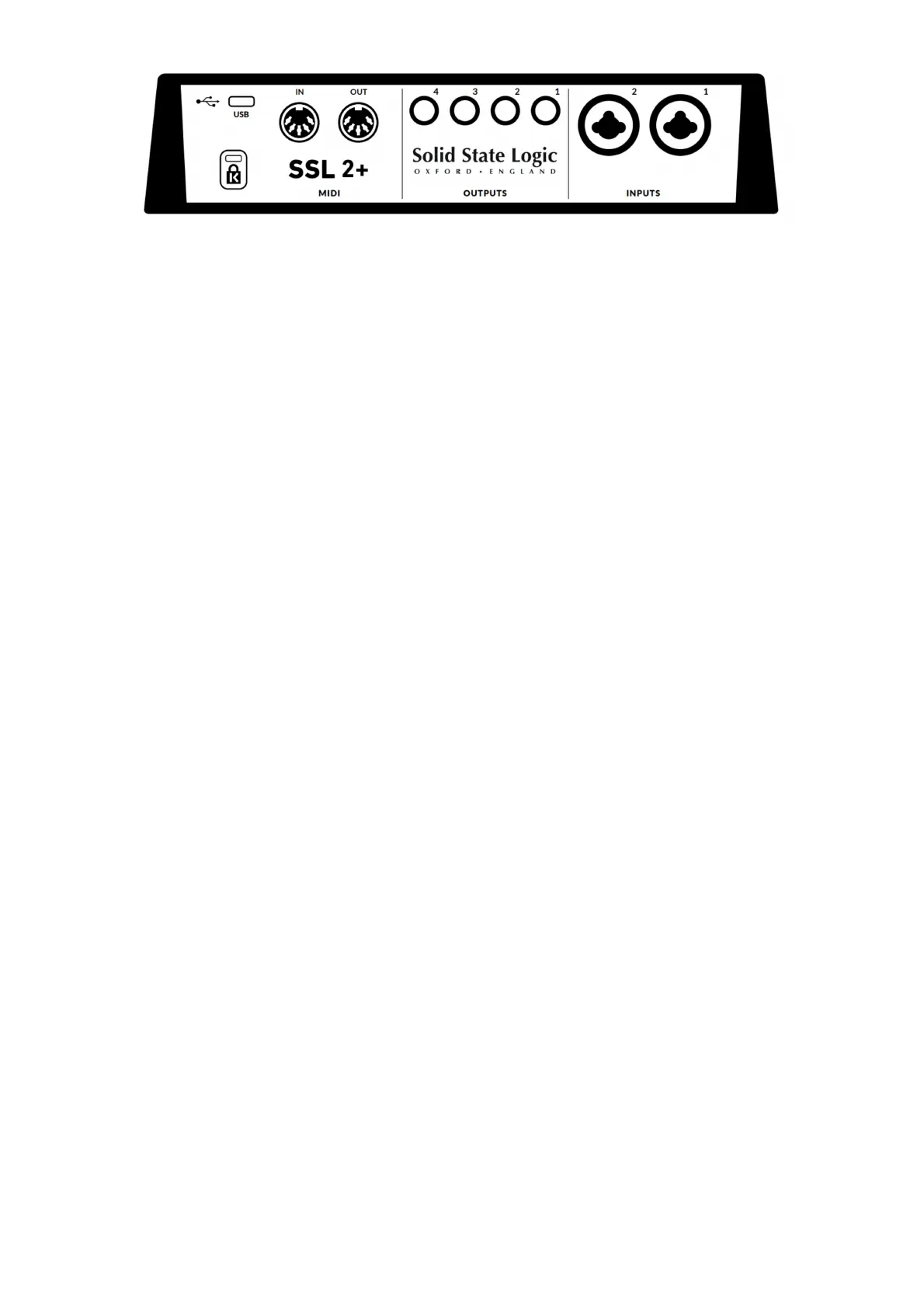
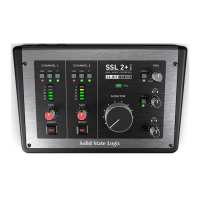
INPUTS 1 & 2 : Combo XLR / 1/4" Jack Input Sockets
This is where you connect your mic/line input sources (microphones,
keyboards etc) to the unit. Once connected, your inputs are controlled using
front panel Channel 1 and Channel 2 controls respectively. The combo XLR
/ 1/4" Jack socket contains an XLR and a 1/4" Jack in one connector (the
Jack socket is the hole in the middle). If you are connecting a microphone,
then use an XLR cable. If you want to connect a Line level Input such as or
keyboard/synth, then use a Jack cable (TS or TRS Jacks). For connecting
an instrument directly (bass guitar/guitar), use the INST 1 & 2 jack
connections at the front (not the Combo XLR/Jack socket on the rear),
which automatically apply an appropriate instrument impedance (1 MΩ).
Please note that the line-level input can only be accessed via the rear panel
Combo jack socket, not the XLR). If you have a line-level devices that
outputs on XLR, please use a XLR to jack adapter.
BALANCED LINE OUTPUTS 1 - 4 : 1/4" TRS Jack Output Sockets
Outputs 1 & 2 are primarily to be used for your main monitors and the
physical volume is controlled by the Monitor Knob on the front of the
Interface. Outputs 3 & 4 can be used for miscellaneous tasks such as
feeding external headphone mixers/amps or sending signals to external
effects units.
All outputs are also DC-coupled and able to send +/-5v signal to allow CV
control to Semi & Modular Synths, Eurorack and CV-enabled outboard FX.!
Please Note: More information is available in the CV Control via Ableton®
Live CV Tools section in this User Guide.
When using outputs 1-2 for CV output, remember the Monitor Control Knob
is still affecting the signal. Some experimentation on finding the best level
for your connected CV controlled synth/FX unit may be required.
USB 2.0 Port : 'C' Type Connector
Connect this to a USB port on your computer, using one of the two cables
provided in the box.


 To Next Page