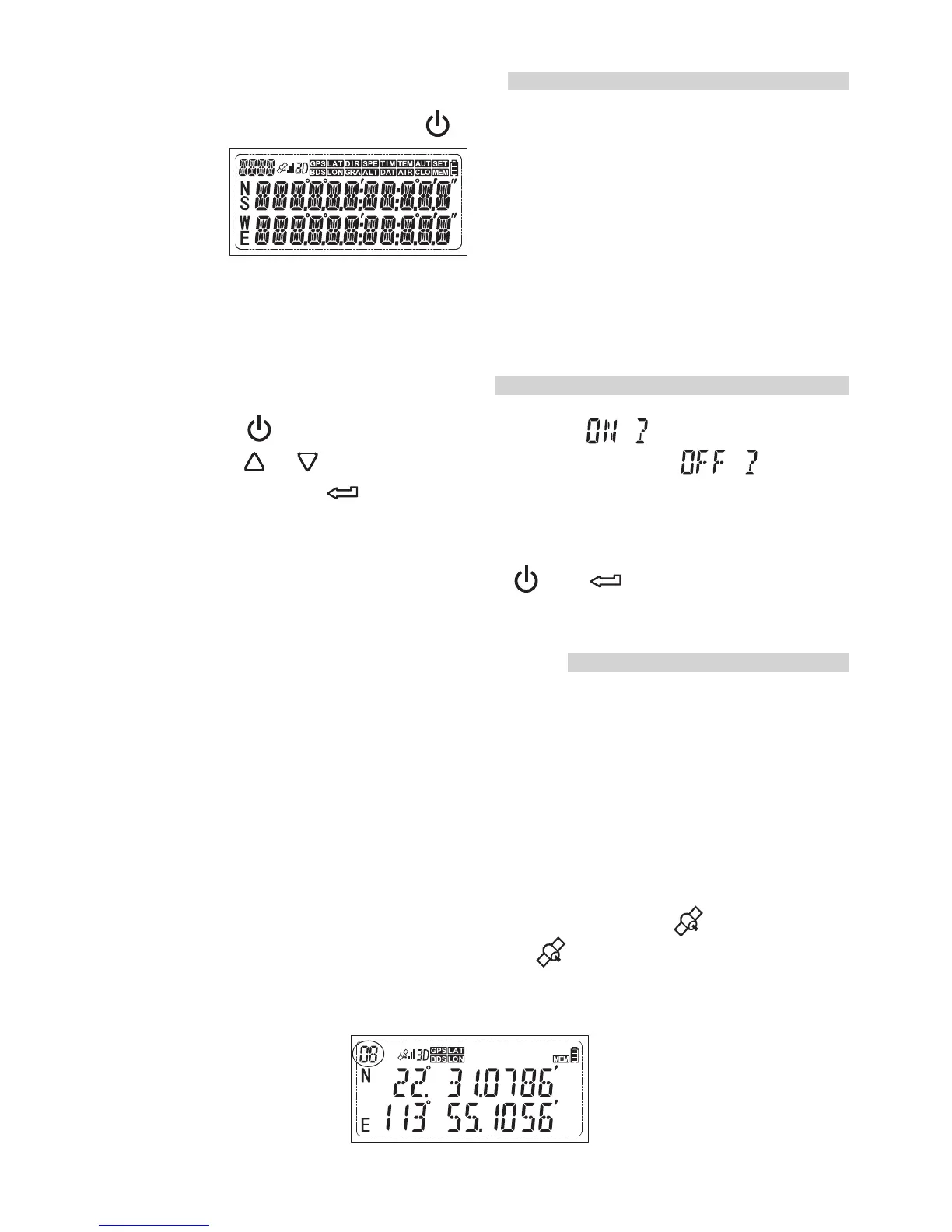
Turning the Receiver On
To turn on the receiver, press for more than 3 seconds until the
LCD shows
The firmware version will be displayed first, and then the latitude
and longitude will be displayed in the LCD.
Turning the receiver off
1 Short press the LCD shows a flashing. ,
2 Short press or until the LCD shows a flashing . ,
and then short press to turn off the receiver.
3.In some special situations, such as the receiver is software frozen
and it cannot be turned off via upon procedure. In this case, the
receiver can be forced off pressing and together. by
Acquiring GPS/BDS signals
To acquire GPS/BDS signals, bring the receiver outdoors where the sky
is unobstructed and aim it up. Turn on the receiver to start automatic
GPS signal acquisition. To check the acquisition status, watch the /BDS
GPS indicator./BDS
Fast red blinking: Signal not acquired
Slow green blinking Signal acquired, 2D positioning fixed :
Stable green Signal acquired 3D positioning fixed : ,
When the receiver is searching the signal, a flashing is displayed
in the LCD. Once the signal acquired, the will be stable and the
latitude, longitude will be displayed in the LCD accordingly. The number
in the top left indicates how many satellites are used.
7


 To Next Page