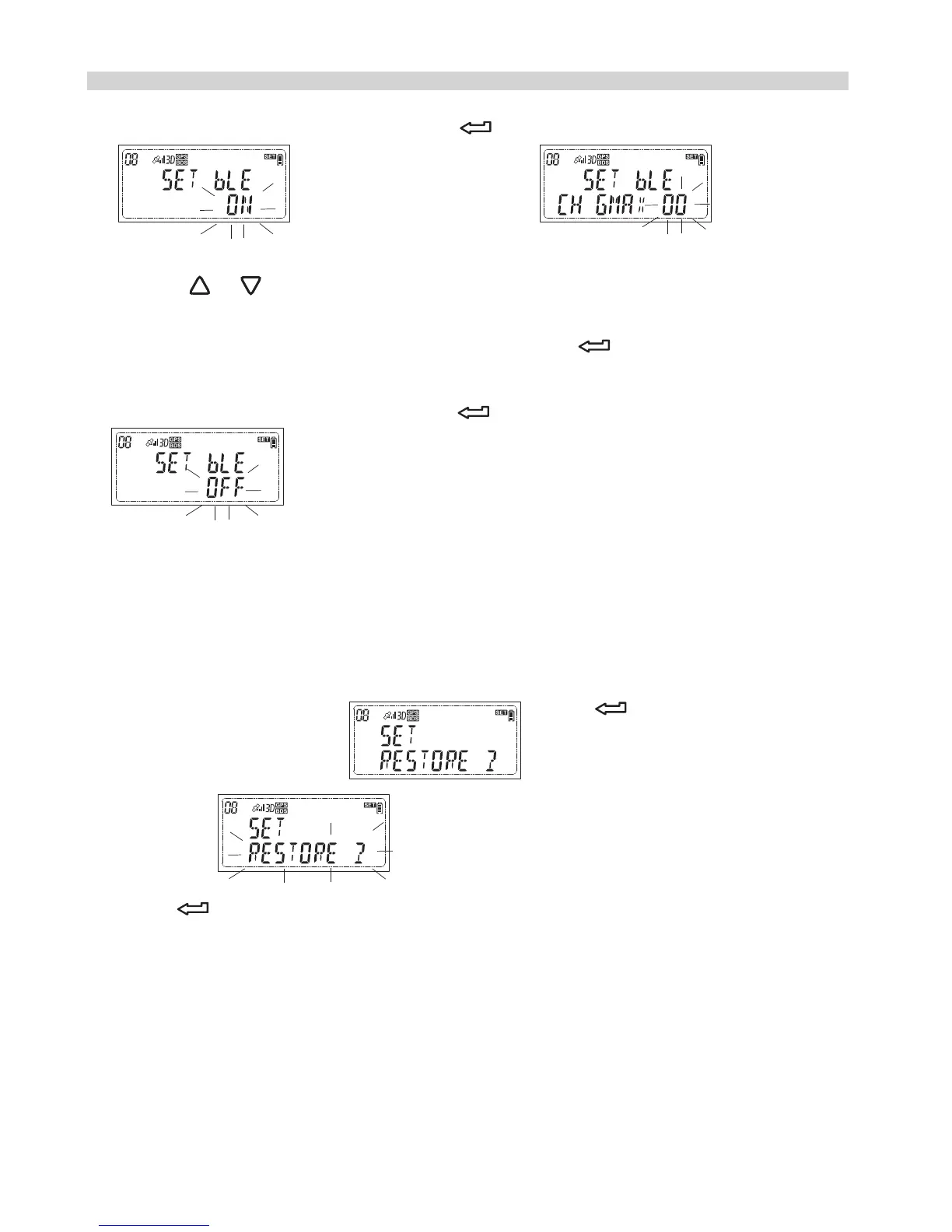
3.1 To turn on the Bluetooth, press while the LCD shows
and the LCD will show
it is to set the device name.
Press or to choose your wanted name, the name can be set
as 00, 01, 02, 03, 04, 05, 06, 07, 08, 09, 10, 11, 12, 13, 14, and 15.
While your preferred name appears, press to confirm your
selection.
3.2 To turn off the bluetooth, press while the LCD shows
Timer release setting
See page 33
Restore the receiver
1.While the LCD shows press and the LCD
will show
2.Press again and the receiver will automatically turn off. The
receiver is restored.
How to do the custom setting?
The default is turn off.
32


 To Next Page