Other applications
Wireless remoter
To use the GMAX as a camera wireless remoter, a “ GMAX-Remoter ”
APP should be installed in your mobile phone in advance. The APP is
a wireless remoter software. It can communicate with the GMAX receiver
via the Bluetooth, and then to realize the focus and shutter release on
the camera. (At the time of writing, the GMAX only supports iPhone iOS.)
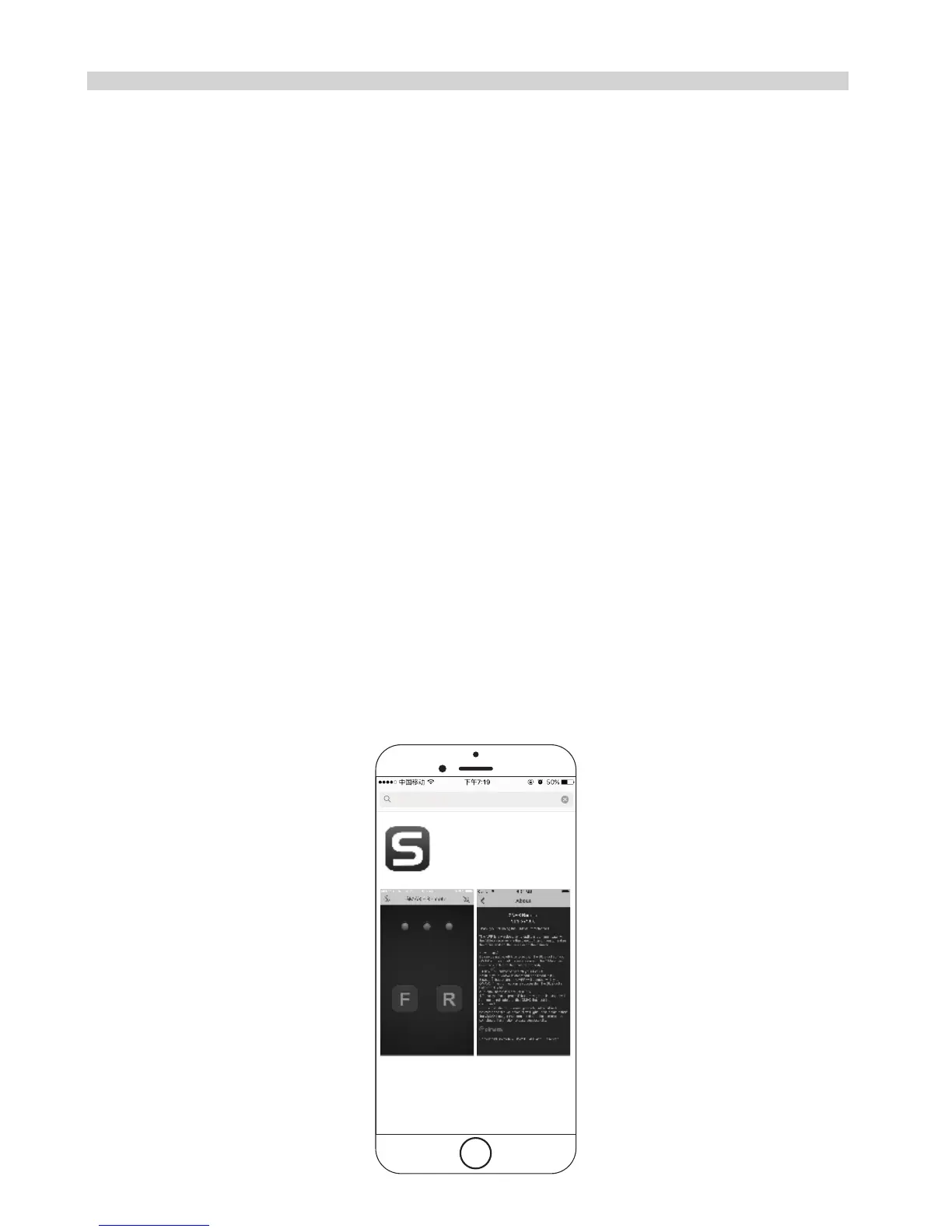
1.Download and install the Solmeta APP in your mobile phone. The
Solmeta APP can be searched in the “App Store” by inputting the key
words of “ GMAX-Remoter ” .
2.Ensure that the Bluetooth of your GMAX and your cellphone are on
and the GMAX has been connected to the camera properly.
The Bluetooth is off and the channel (device name) is GMAX00
by default.
3.Running the “GMAX-Remoter” APP on your mobile phone. The APP
will communicate with the GMAX. If the communicate is successful,
the Bluetooth indicator on the receiver will green light up.
4.Use the APP as a remoter to realize the focus and shutter release on
the camera.
For how to use the APP please refer to the “About” in the APP.
34


 To Next Page