EasyManua.ls Logo

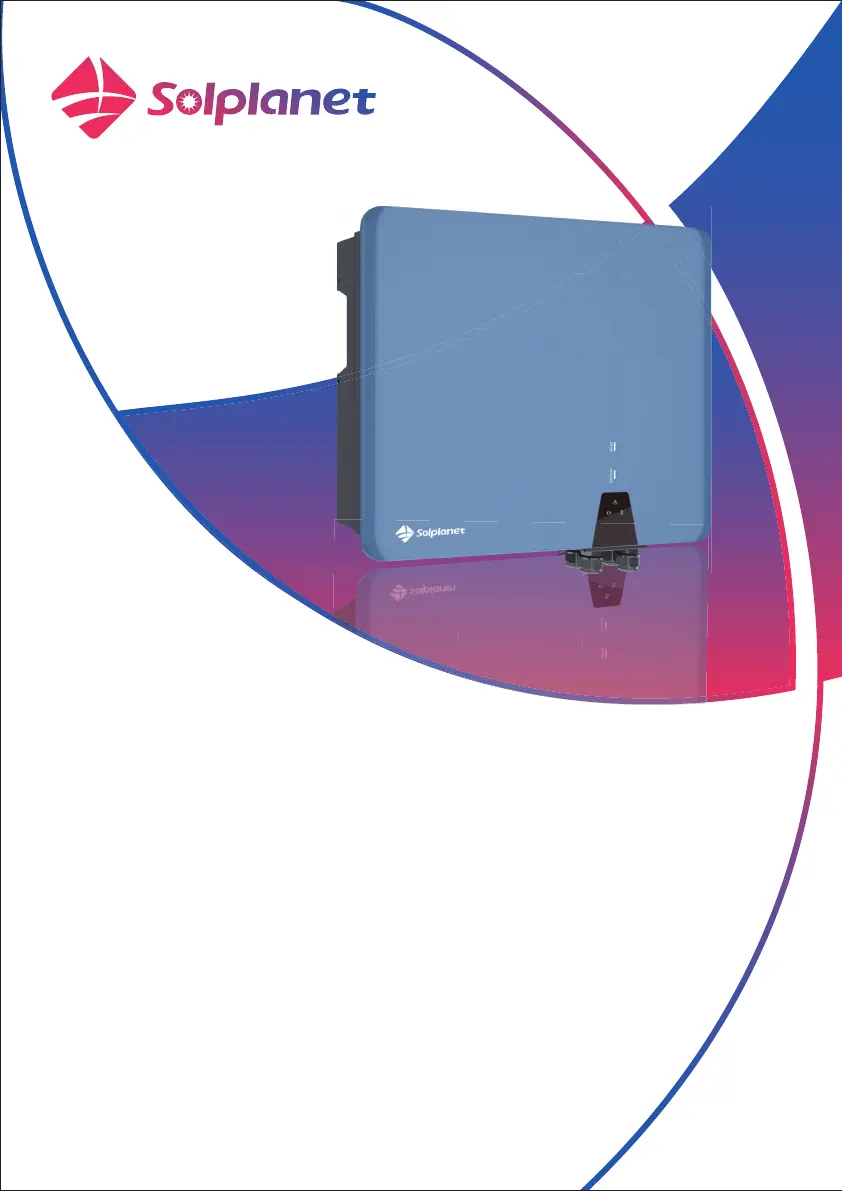
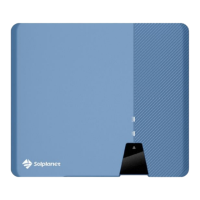
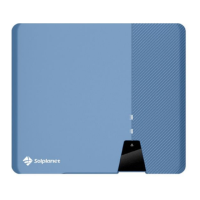
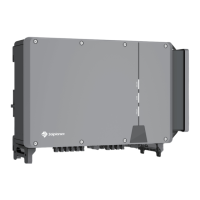
Solplanet ASW05kH-T2 - User Manual

Solplanet ASW05kH-T2
118 pages
Print Icon
To Next Page IconTo Next Page
Loading...
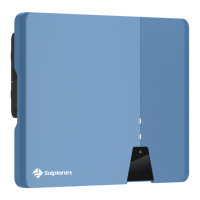
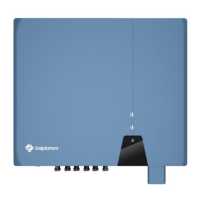
Three phase hybrid inverter
User Manual
ASW05kH/06kH/08kH/10kH/12kH-T2
ASW05kH/06kH/08kH/10kH/12kH-T2-O
ASW08kH/10kH/12kH-T3
ASW08kH/10kH/12kH-T3-O

Table of Contents

Other manuals for Solplanet ASW05kH-T2

Questions and Answers

  • L
    Lisa JonesSep 8, 2025
    What to do if my Solplanet ASW05kH-T2 Inverter displays a bus over voltage error?
    • B
      Brian SmithSep 8, 2025
      If your Solplanet Inverter displays a bus over voltage error, check if the input mode setting is correct. Restart the inverter and wait until it functions normally. If the error persists, contact customer service.
  • M
    Matthew AndersonSep 10, 2025
    What does it mean if my Solplanet ASW05kH-T2 Inverter shows a '10 minutes average over voltage fault'?
    • J
      Jordan LewisSep 10, 2025
      If your Solplanet Inverter displays a '10 minutes average over voltage fault', check the grid voltage at the point of connection of the inverter. If the grid voltage is outside the permissible range due to local grid conditions, try to modify the values of the monitored operational limits after informing the electric utility company first. If the grid voltage lies within the permitted range and this fault still occurs, please call service.
  • N
    Natasha BradleySep 12, 2025
    What should I do if my Solplanet ASW05kH-T2 displays a grid frequency fault?
    • A
      Ashley PowersSep 12, 2025
      If your Solplanet Inverter is showing a grid frequency fault, check the grid and EPS frequency and observe how often major fluctuations occur. If the EPS frequency is abnormal, contact customer service. If frequent fluctuations cause this fault, try to modify the operating parameters after informing the grid operator first.
  • S
    Steven HuffmanSep 14, 2025
    What to check if my Solplanet ASW05kH-T2 shows a Parallel RS 485 Comm Fault?
    • S
      Steven HillSep 14, 2025
      If your Solplanet Inverter displays a Parallel RS 485 Comm Fault, check the comm line and 120ohm Resistors.
  • R
    reneebuckSep 15, 2025
    What to check if my Solplanet ASW05kH-T2 Inverter shows a Parallel CAN Comm Fault?
    • N
      Natalie HoodSep 16, 2025
      If your Solplanet Inverter displays a Parallel CAN Comm Fault, check the comm line and 120ohm Resistors.
  • W
    wmuellerSep 18, 2025
    What should I do if my Solplanet ASW05kH-T2 Inverter displays a Parallel Multiple Host Fault?
    • D
      Danielle TurnerSep 18, 2025
      If your Solplanet Inverter displays a Parallel Multiple Host Fault, check the host quantity and set one host.

Summary

General Information

About This Document

Describes the product's mounting, installation, and operation.

Product Validity

Lists the inverter models covered by this manual.

Target Group

Identifies intended users and their required skills.

Symbols

Explains safety and informational symbols used in the manual.

Safety

Intended Use

Details the inverter's function, application scope, and connection requirements.

Important Safety Instructions

Provides critical safety instructions for installation, operation, and maintenance.

Symbols on the Label

Explains safety and certification symbols found on the product label.

Unpacking and Storage

Scope of Delivery

Lists all items included in the product package.

Product Storage

Provides guidelines for storing the inverter if not installed immediately.

Inverter Overview

Product Description

Describes the physical components and features of the inverter.

Dimensions

Provides the physical dimensions of the inverter for installation planning.

LED Indicator

Explains the meaning of different LED indicators for various operational states.

Supported Grid Types

Illustrates the different grid structures the product supports for compatibility.

Interfaces and Functions

Details the available interfaces like Ai-Dongle, RS485, CAN, Modbus.

Basic System Solution

Illustrates a typical system configuration with major components.

Energy Management

Explains different energy management modes and their operational logic.

Parallel System

Describes how multiple inverters can operate together in a parallel system.

Mounting

Requirements for Mounting

Specifies conditions and safety precautions for inverter installation location.

Taking Out and Moving the Product

Provides instructions on safely handling and moving the inverter.

Mounting

Step-by-step guide for physically mounting the inverter.

Electrical Connection

Connection Port Description

Identifies and describes all connection ports on the inverter for wiring.

Connecting Additional Grounding

Explains how to connect additional grounding if required by installation.

Grid Cable Connection

Critical steps and requirements for connecting the AC grid cable.

Backup Load Cable Connection

Steps and requirements for connecting the backup load cable.

DC Connection

Critical steps and requirements for connecting the PV DC input.

Battery Connection

Critical steps and requirements for connecting the battery.

Ai-Dongle Connection

Step-by-step guide for connecting the Ai-Dongle for communication.

Communication Equipment Connection

Details on connecting various communication devices to the inverter.

Commissioning

Inspection Before Commissioning

Critical checks to perform before starting the inverter for the first time.

Commissioning Procedure

Step-by-step guide to start up the inverter.

Solplanet App

Brief Introduction

Overview of the Solplanet mobile application's purpose.

Download and Install

Instructions for downloading and installing the Solplanet App.

Create an Account

Guide on registering a new account for the Solplanet App.

Create a Plant

Steps to create a new plant configuration in the Solplanet App.

Inverter Configuration

Overview of inverter configuration settings via the app.

Grid Code Settings

Procedure for setting the correct grid code for the inverter.

Active Power Reduction at Overfrequency P(f)

Configuration steps for active power reduction due to overfrequency.

Active Power Reduction at Overvoltage P(U)

Configuration steps for active power reduction due to overvoltage.

Cosφ(P) Curve Configuration

Steps to configure the power factor based on active power.

Q(U) Curve Configuration

Steps to configure reactive power based on voltage.

Decommissioning the Product

Disconnecting the Inverter from Voltage Sources

Procedure for safely disconnecting the inverter from all power sources.

Dismantling the Inverter

Steps to safely remove the inverter from its mounting.

Technical Data

ASW05 kH;06 kH;08 kH;10 kH;12 kH-T2

Technical specifications for T2 series models.

ASW05 kH;06 kH;08 kH;10 kH;12 kH-T2-O

Technical specifications for T2-O series models.

ASW08 kH;10 kH;12 kH-T3

Technical specifications for T3 series models.

ASW08 kH;10 kH;12 kH-T3-O

Technical specifications for T3-O series models.

General Data

General specifications applicable to all models.

Protective Device

Lists integrated protective devices and functions.

Troubleshooting

Maintenance

Cleaning the Contacts of the DC Switch

Instructions for cleaning the DC switch contacts.

Cleaning Air Inlet and Outlet

Instructions for cleaning the inverter's air inlet and outlet.

Recycling and Disposal

EU Declaration of Conformity

Service and Warranty

Contact

Solplanet ASW05kH-T2 Specifications

General IconGeneral
BrandSolplanet
ModelASW05kH-T2
CategoryInverter
LanguageEnglish

Related product manuals