APT250/APT500/APT1000 Operation Manual
8
True Soltec Co., Ltd.
6. Other Keys Operation
All motions should stop if
it is pushed while a cable
is being pulled.
Only available for
calibration mode.
Disabled for normal
operation.
While a cable
is being pulling
ENT
This motion stops pulling
cable and indicates the
maximum pull force from
start to that point when
ENT is pushed.
If you want to terminate its
test, push ENT again. The
controller stops test and
motor starts in reverse
mode to get home.
If you want to continue its
test, push the START
button. The controller
continues monitoring peak
force by rotating the motor
in forward mode until it
detects the wire strands
breakage.
Special keys operation
Push START key while holding down ENT key
Measurement unit will be changed.
Display order is changed from Kg ⇒ N ⇒ lb ⇒
Push ZERO key while holding down ENT key.
The communication speed of RS232C will be
changed. Select it among “9600”, “19200” and “38400”.
The PC’s communication speed must be the same as that of the pull tester.
The measurement unit and communication speed will be kept in memory. Even if the
power is turned off, it will be kept.
Once a measurement unit and/or communication speed are set, the settings are
effective in the subsequent tests.
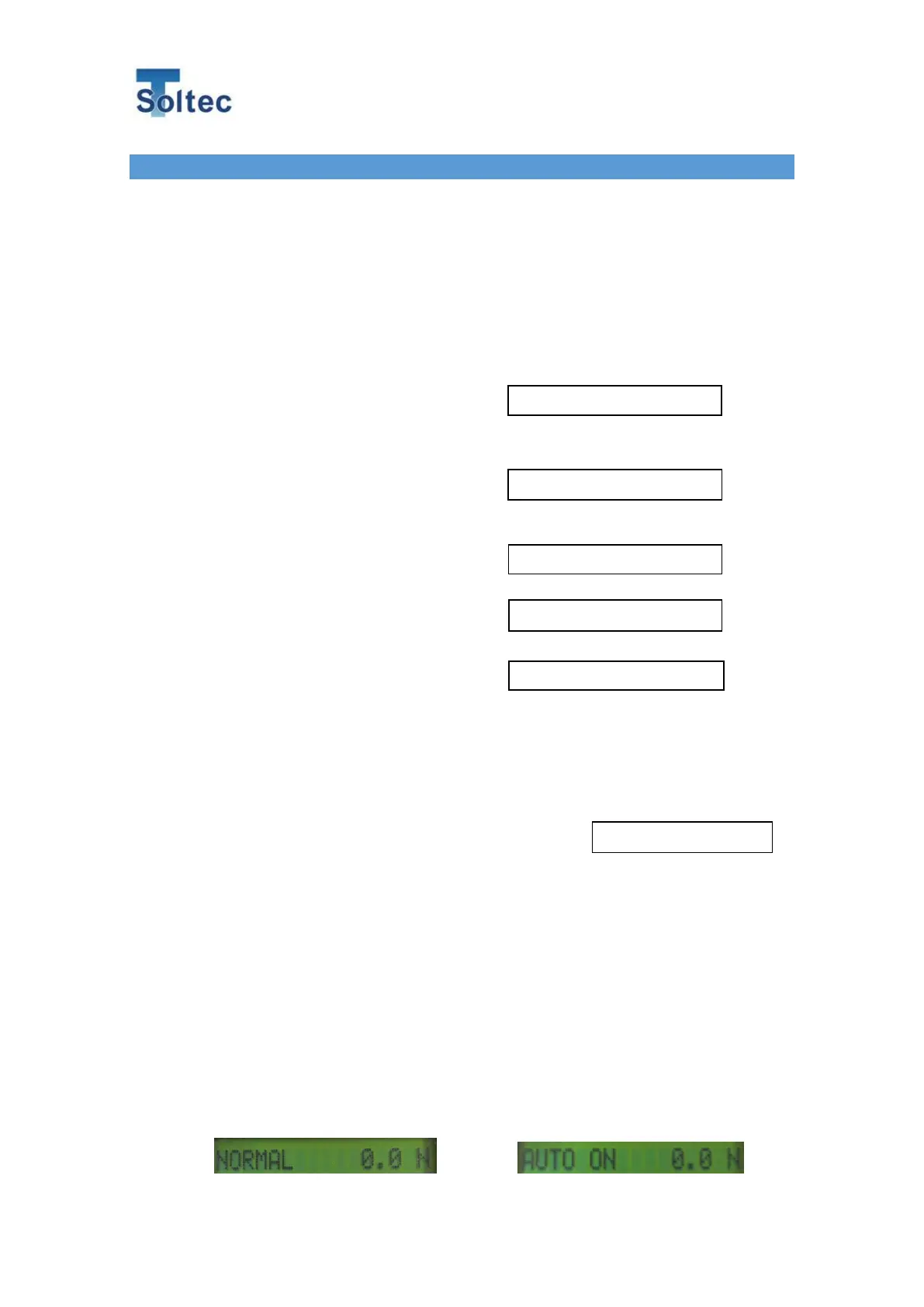
Push STOP key while holding down ENT key
The movement will be changed after wire break.
When APT is the hold mode (initial state), after pushing ENT key, cable clamper will go
back to the home position.
When APT is the Auto return mode, after wire break the cable clamper will go back to
home position automatically.
Controller stops test and goes back home.
Push ENT while in pulling.
Push START for test continuation.
Strands breakage detection and Peak is displayed.



 To Next Page