APT250/APT500/APT1000 Operation Manual
5
True Soltec Co., Ltd.
3. How to use the terminal clamper
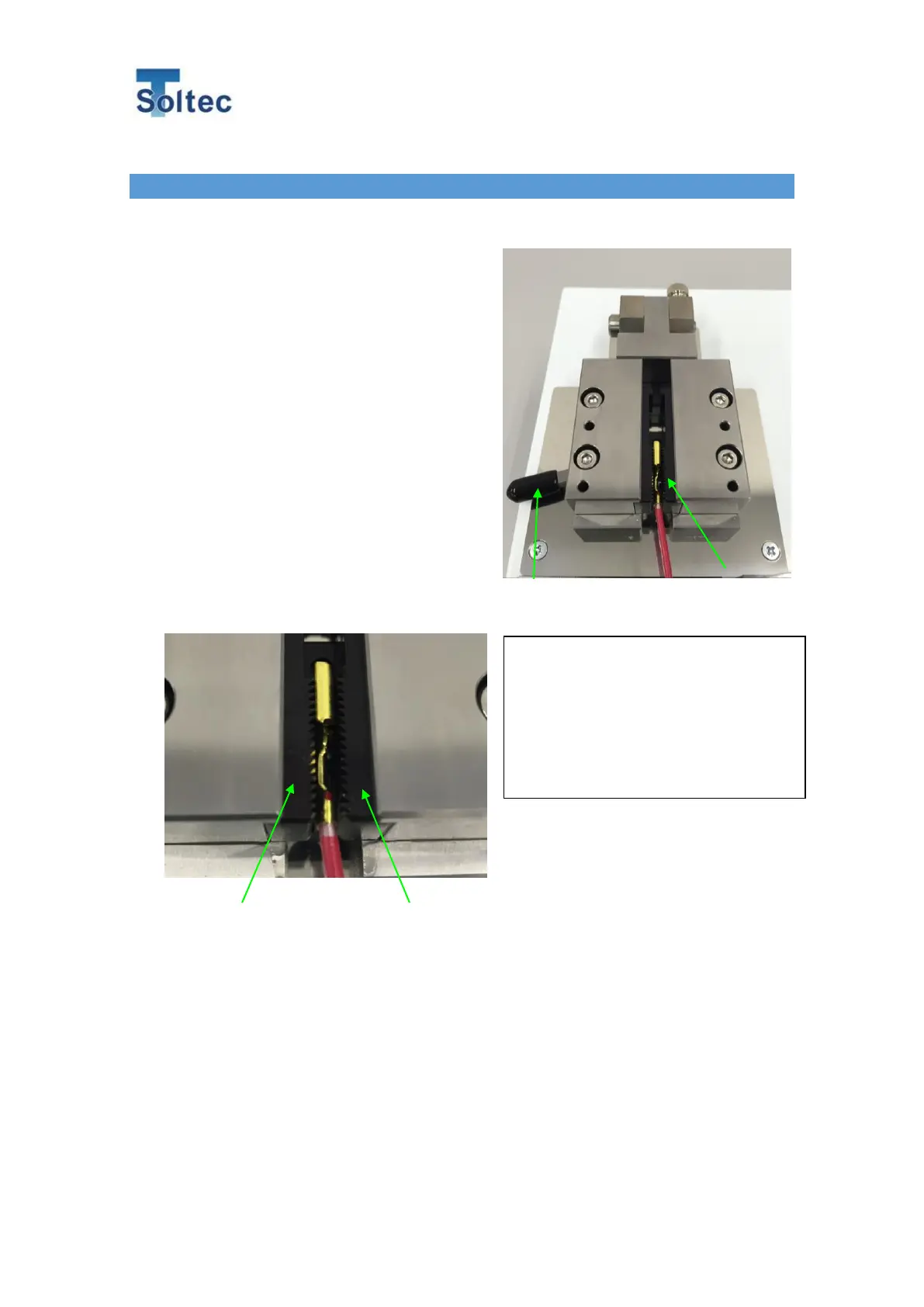
Push the clamper open lever. The two clamper fixtures will open (max. 8mm
clearance)
Note:
Watch out for clamper fixtures not to
squeeze your finger. The spring structure
of the clamper closes the fixtures
automatically.
Clamp the terminal’s flat part and just
leave the lever. Fixtures will be closed.
Pull test makes strong
clamping force on the clamper
Once the pull test is started, the
wedge-shape fixtures apply very
high clamping force onto the
terminal.



 To Next Page