APT250/APT500/APT1000 Operation Manual
6
True Soltec Co., Ltd.
4. How to use the cable clamper
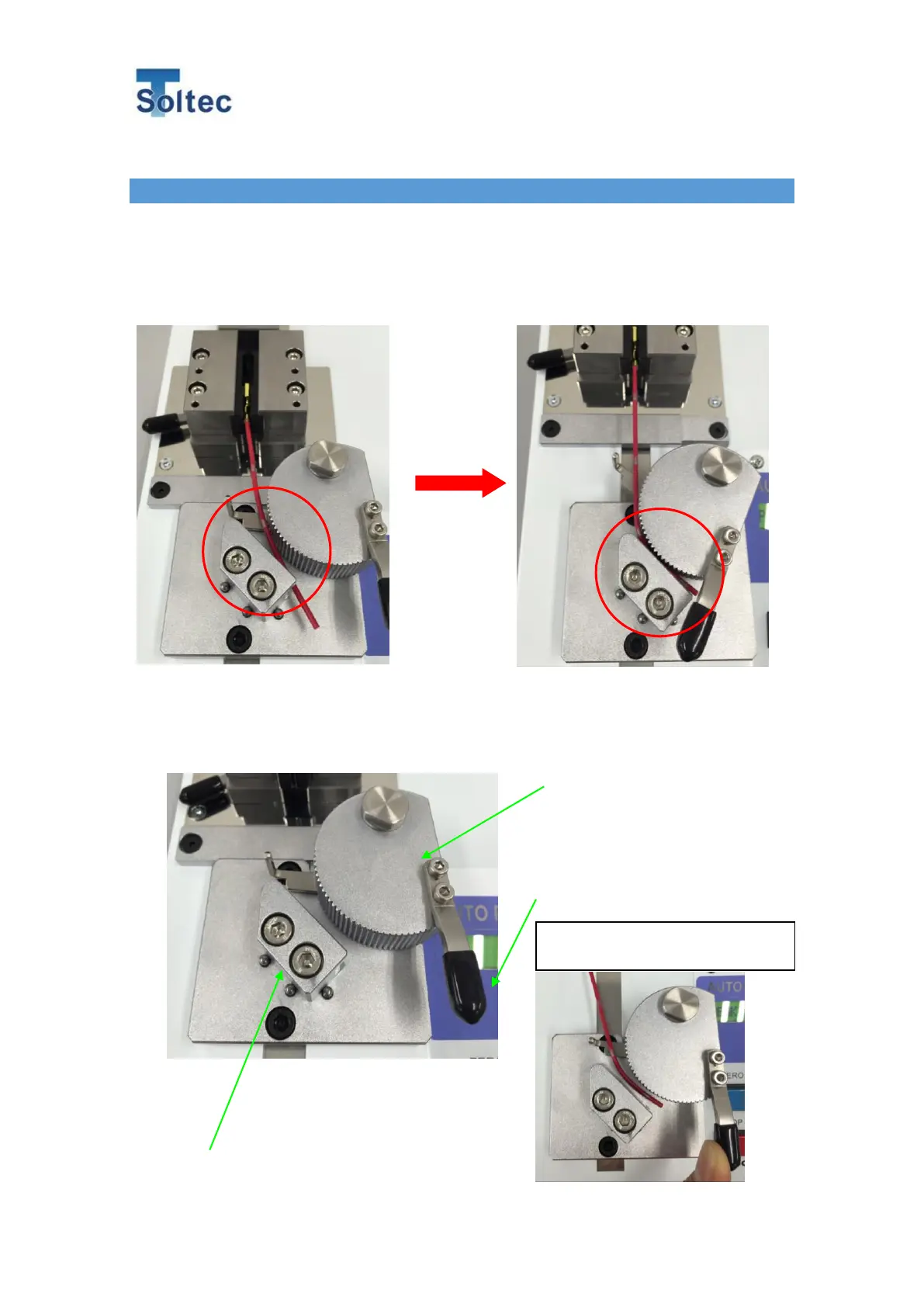
Push the START button and the cable clamper goes backward while the clamp roller
automatically closes. The movement stops when the controller detects wire breakage.
Pushing the ENTER button allows the clamper to return to the home position. While it
goes back to the home position, the clamp roller automatically releases the cable.
The clamper accommodates the cable size 0.13 square mm (about AWG26) to 5 square
mm (about AWG10).
Turning the clamp lever up allows
you to manually release the cable.



 To Next Page