APT250/APT500/APT1000 Operation Manual
11
True Soltec Co., Ltd.
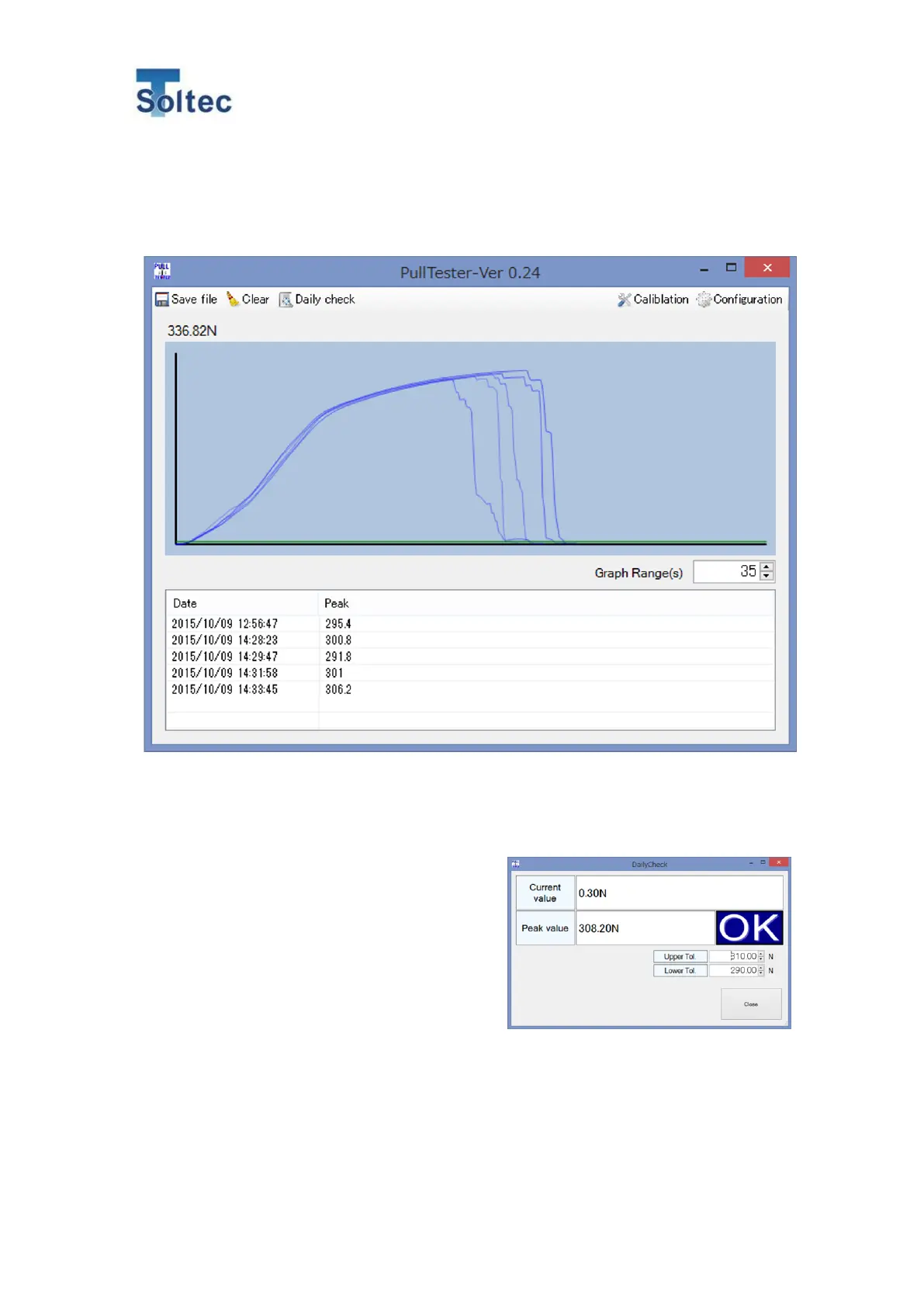
7.2. Main display operation
Only when APT is connected with the software, the pull test is possible. Here is how to operate
the main display.
1) Save file
Pressing Save file allows data acquired in a pull test to output as CSV format.
2) Clear
Pressing Clear allows to delete temporarily saved data (date & time, and peak value).
3) Daily check
Confirm that the value on APT is correct by using
a terminal the peak value of which is already
known.
Perform the pull test after inputting Upper Tol and
Lower Tol according to the peak pull force value.
If an approximate value is displayed every time
(every day), it proves that the value displayed on
APT is correct.
Note: The individual difference among terminals
may affect the value.
4) Load (Y axis)
It is the max. value on the Y axis in the displayed graph.
Note: It is not the current value of the pull force.
5) Force wave
Pull forces in pull test are displayed in real time as force wave.
Max.10 force waves can be displayed. Each color of the lines is gradually faded.



 To Next Page