APT250/APT500/APT1000 Operation Manual
12
True Soltec Co., Ltd.
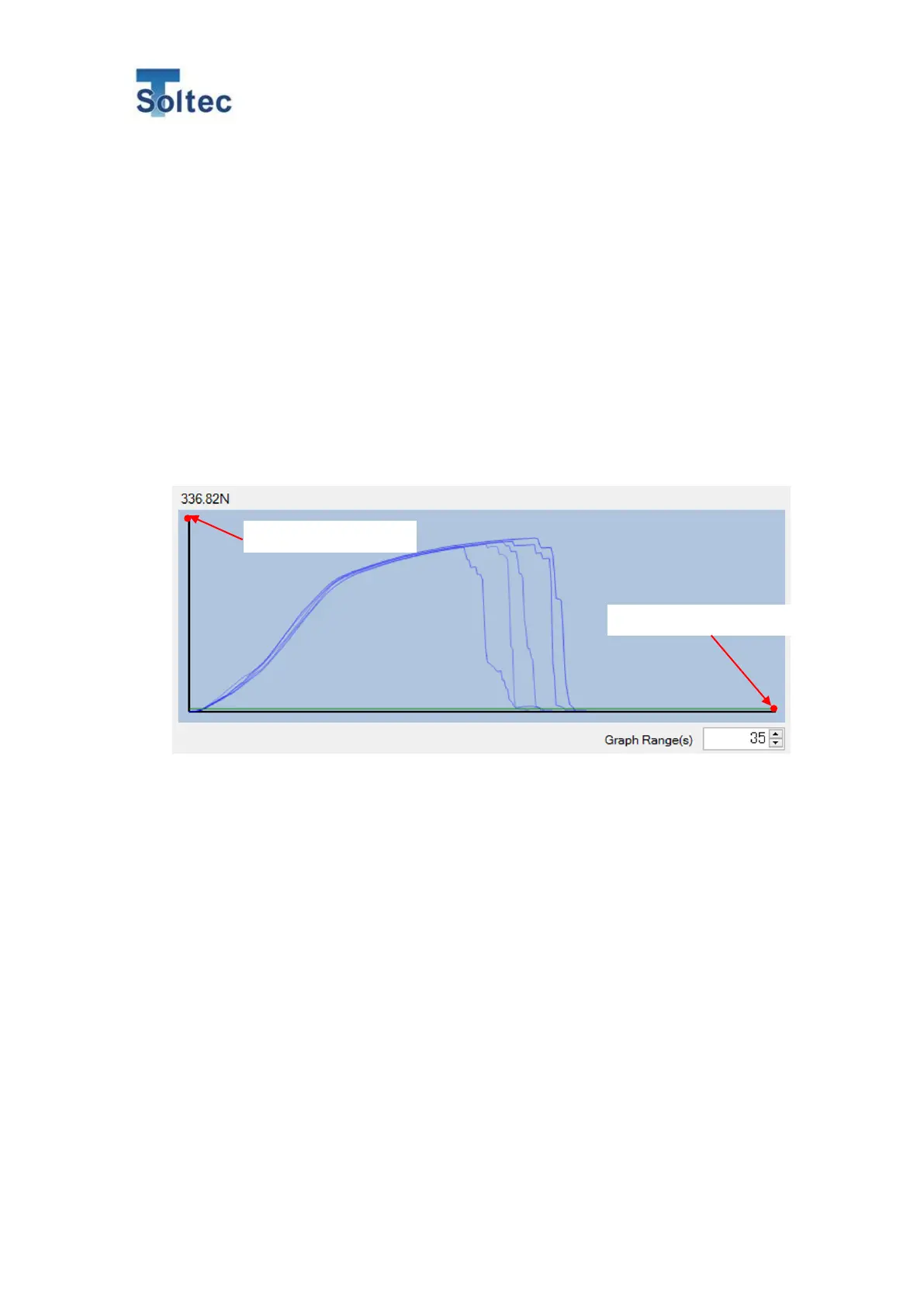
6) Time (X axis)
It is the max. value on the X axis in the displayed graph. When the elapsed time from a test
start to the breakage of the terminal wire is too long, the force wave may be beyond the
screen.
7) Date & time
It is the date & time on and at which a pull test was performed.
8) Peak
It is the peak pull force value in a pull test.
Hold mode:
When you push ENT key, the peak value is sent to the APT.
Auto return mode:
After wire break, the peak value is sent to the APT automatically.
Note: X axis and Y axis



 To Next Page