EasyManua.ls Logo

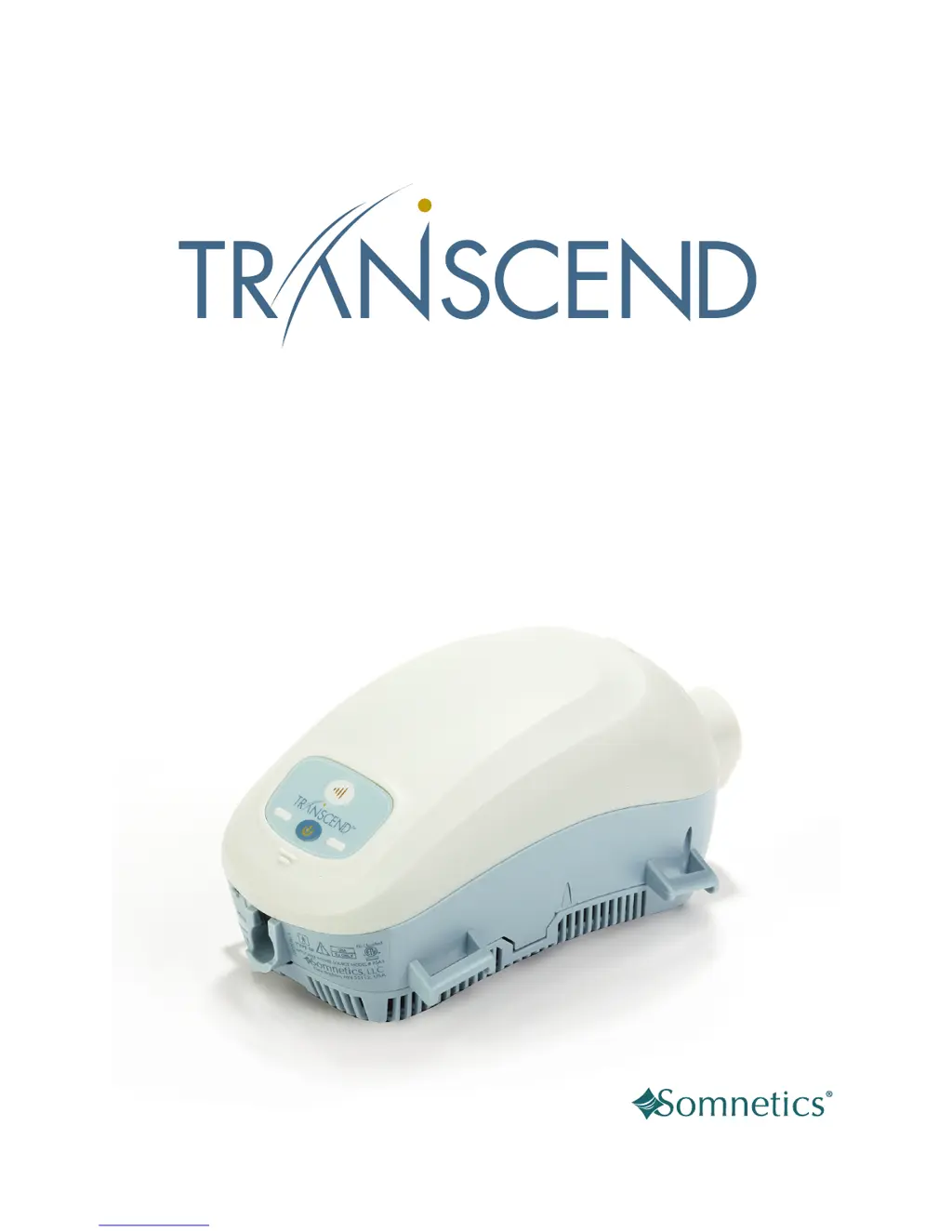
Somnetics Transcend - User Manual

Somnetics Transcend
59 pages
Print Icon
To Next Page IconTo Next Page
Loading...
®
Sleep Apnea Therapy
User Manual

Table of Contents

Other manuals for Somnetics Transcend

Questions and Answers

  • D
    David PhillipsAug 17, 2025
    What to do if Somnetics Transcend Medical Equipment CPAP control panel LEDs don’t flash?
    • V
      Vickie ColeAug 18, 2025
      If the CPAP control panel LEDs don’t flash or illuminate when the power supply is connected, check all power connections. If that doesn't work, try another power outlet, ensuring it's not controlled by a wall switch. You can also test the outlet with another device. If the power source LED is not lit, it might indicate a faulty power source.
  • D
    Danielle FarrellAug 20, 2025
    How to stop nose or throat irritation from Somnetics Transcend?
    • B
      Brian PenaAug 20, 2025
      Nose or throat irritation can occur due to dry air or a dirty air filter. You can add humidity to the room, or change and/or clean the air inlet filter.
  • E
    Edward BaileyAug 22, 2025
    How to fix discomfort from high pressure with Somnetics Transcend Medical Equipment?
    • K
      Katherine BakerAug 23, 2025
      Discomfort from a feeling of high pressure may be due to the CPAP device pressure being set too high. Try breathing slowly through your nose with your mouth closed. Also, use the ramp pressure, if available.
  • S
    Stephanie YoungAug 26, 2025
    What to do if PAP device turns on but then stops working on Somnetics Humidifier?
    • R
      Robert GilesAug 26, 2025
      If your PAP device turns on but then stops working with the Somnetics Humidifier, it might be due to a significant air leak causing the system to shut down. Here's what you should do: 1. Make sure the air supply hose is securely connected to both the Heated Humidifier and your mask. 2. Ensure your mask fits securely on your face before turning on the PAP device. 3. Verify that the Water Reservoir gasket is correctly placed and the Water Reservoir cover is fully seated. 4. Confirm that the PAP device is fully seated in the Heated Humidifier.
  • S
    Samuel HudsonAug 27, 2025
    Why is the red LED illuminated on my Somnetics Humidifier?
    • A
      Aaron AguirreAug 27, 2025
      The red LED on your Somnetics Humidifier lights up because either the water supply is low, or the water reservoir isn't properly attached. To fix this: 1. Make sure the water reservoir is correctly attached to the humidifier body, using the guides to secure it. 2. Check the water level in the reservoir; if it's low, refill it.
  • M
    Monica MitchellAug 30, 2025
    How to fix Somnetics Humidifier when it does not turn on?
    • J
      Jesse VasquezAug 30, 2025
      If your Somnetics Humidifier isn't turning on, the issue might be due to an incorrect setup. Here’s how to troubleshoot: 1. Ensure the PAP device is fully seated into the Heated Humidifier and that you've pressed the PAP power button. 2. Verify that both the PAP device and the Heated Humidifier are properly connected to a power source.
  • P
    peggy30Sep 1, 2025
    What to do if Somnetics Humidifier does not heat the Water Reservoir?
    • K
      Katie BryanSep 2, 2025
      If your Somnetics Humidifier isn't heating the water reservoir, it could be due to an incorrect setup. Ensure you've set it up correctly. The middle green LED should light up, indicating that the humidifier is warming the water. Note that it may take up to 45 seconds to reach the desired temperature.
  • B
    Bryan Gaines IISep 4, 2025
    Why is water splashing on my face from Somnetics Humidifier?
    • A
      Andrew WoodsSep 4, 2025
      If water is splashing on your face while using the Somnetics Humidifier, it's likely because the Water Reservoir is overfilled or the settings knob is too high, causing condensation. Here’s how to resolve it: 1. Empty some water from the Water Reservoir. 2. Adjust the setting to a lower level.
  • M
    Michael OneillSep 6, 2025
    Why does air feel too moist with Somnetics Humidifier?
    • A
      Angela RobertsSep 6, 2025
      If the air feels too moist when using your Somnetics Humidifier, the settings knob is likely set too high. Adjust the setting to a lower level.
  • D
    Debra ChambersSep 9, 2025
    Why does air not feel moist enough with Somnetics Humidifier?
    • A
      Andrew JohnsonSep 9, 2025
      If the air from your Somnetics Humidifier doesn't feel moist enough, it might be because the settings knob is set too low, or the heater isn't working properly. Try adjusting the setting to a higher level. If the issue continues, no answer.

Summary

Introduction

Indications for Use

Specifies the intended patient population and conditions for therapy.

Contraindications

Lists medical conditions where the device should not be used.

Precautions for Use

Warnings

Details potential serious injuries or death to users or others.

Cautions

Highlights potential minor injuries or equipment damage.

Symbols

Transcend Sleep Apnea Therapy System Components

Transcend Sleep Apnea Therapy System Starter Package

Lists the items included in the standard starter package.

Transcend H6 B Waterless Humidification System

Details the components of the H6B humidification system.

Transcend H9 M Waterless Humidification System

Details the components of the H9M humidification system.

Whats Not Included (All Sold Separately)

Lists accessories and parts not included in the package.

CPAP System Component Details

CPAP Device and Control Panel

Overview of the CPAP device's main unit and its control interface.

Power Jack and USB Port

Describes the power input and data exchange ports on the CPAP device.

Data Card Receptacle, Air Inlet Filter, and Humidification Interface

Details data slot, air filter, and the patient interface for humidification systems.

Headgear for Transcend Humidification Systems

Describes the headgear used to secure the CPAP and interface.

Assembling the Transcend CPAP System

Assembling the Transcend Sleep Apnea Therapy Starter System

Step-by-step guide for assembling the basic Transcend CPAP system.

Assembling the Transcend H6 B Waterless Humidification System

Instructions for assembling the H6B humidification system.

Assembling the Transcend H9 M Waterless Humidification System

Instructions for assembling the H9M humidification system.

Fitting Transcend Humidification Systems

Fitting the Transcend H6 B Waterless Humidification System

Guidance on properly fitting the H6B humidification system onto the user.

Fitting the Transcend H9 M Waterless Humidification System

Guidance on properly fitting the H9M humidification system onto the user.

Powering the CPAP System

Using the Universal AC Power Supply

Instructions for powering the CPAP using the standard AC adapter.

Using Transcend Battery Systems

Details on using P4 and P8 battery systems for portable power.

Using the Mobile Power Adaptor

Instructions for powering the CPAP using a mobile 12VDC adapter.

Battery LED Lights and Charging Procedures

Describes battery status indicators and charging procedures.

Using the CPAP System

CPAP Operational Modes

Explains Off, Standby, On, and Drying modes of CPAP operation.

Starting, Ramping, and Ending Therapy

Guides on initiating therapy, using the ramp function, and ending a session.

Drying Mode Operation

Details the procedure for using drying mode to clear moisture from the device.

Replacing CPAP Disposable Parts

Replacing Base and Forehead Pads

Instructions for replacing the CPAP base and forehead pads.

Replacing the Air Inlet Filter

Step-by-step guide for replacing the air inlet filter.

Replacing the HME

Instructions on how to change the Heat Moisture Exchanger (HME).

CPAP System Care and Maintenance

Cleaning the Interior with Drying Mode

Procedures for cleaning the inside of the CPAP device using drying mode.

Cleaning the Exterior

Procedures for cleaning the outside of the CPAP device.

Cleaning System Components

Guidance on washing and maintaining various CPAP components.

Cleaning the Air Inlet Filter

Specific instructions for cleaning the air inlet filter.

CPAP Fault, Alert, and Reminder Codes

Non-Smartcard Fault Codes

Explains fault conditions indicated by the yellow LED flashes.

Smartcard Fault Codes

Describes fault conditions related to smartcard communication.

Alert Codes

Details alerts that do not reset the processor during operation.

Filter Change Reminder

Explains the reminder for replacing the air inlet filter.

CPAP Troubleshooting Guide

CPAP Part Number Appendix

Disposable Parts

Lists part numbers for disposable items like filters and HMEs.

Accessories

Lists part numbers for various accessories available for the system.

Replacement Parts

Lists part numbers for replacement components of the CPAP system.

CPAP System Specifications Appendix

CPAP Specifications

Details physical dimensions, weight, and connector types for the CPAP.

Power Supply and Adapter Specifications

Lists input/output specifications for AC power supply and mobile adapter.

Battery Specifications

Provides technical details for the P4 and P8 battery systems.

CPAP Performance Specifications

Outlines performance parameters like pressure range and humidity.

Manufacturers Declaration (EMC)

Contains electromagnetic compatibility declarations and guidelines.

CPAP Limited Warranty Appendix

Somnetics Transcend Specifications

General IconGeneral
Ramp Time0-45 minutes
Altitude AdjustmentAutomatic
Pressure Range4-20 cm H2O
HumidificationIntegrated heated humidifier
Power SupplyAC adapter, DC adapter
AC Power100-240V, 50/60Hz
DC Power12 VDC
Battery TypeOptional external battery
Battery Life (with humidifier)Up to 8 hours
Data Recordingpressure data

Related product manuals