• • • • • • • • • • • • • • • • • • • • • • • • • • • • • • • • • • • • • • • • • • • • • • • • • • • • • • • • • • • • • • • • • • • • • • • • • • • • • • • • • • • • • • • • • • • • • • • • • • • • • • • • • • • •
I N S T R U C T I O N M A N U A L • M O D E L H 5 2 0 / H 5 4 0
17
O P E R A T I N G P R O C E D U R E S
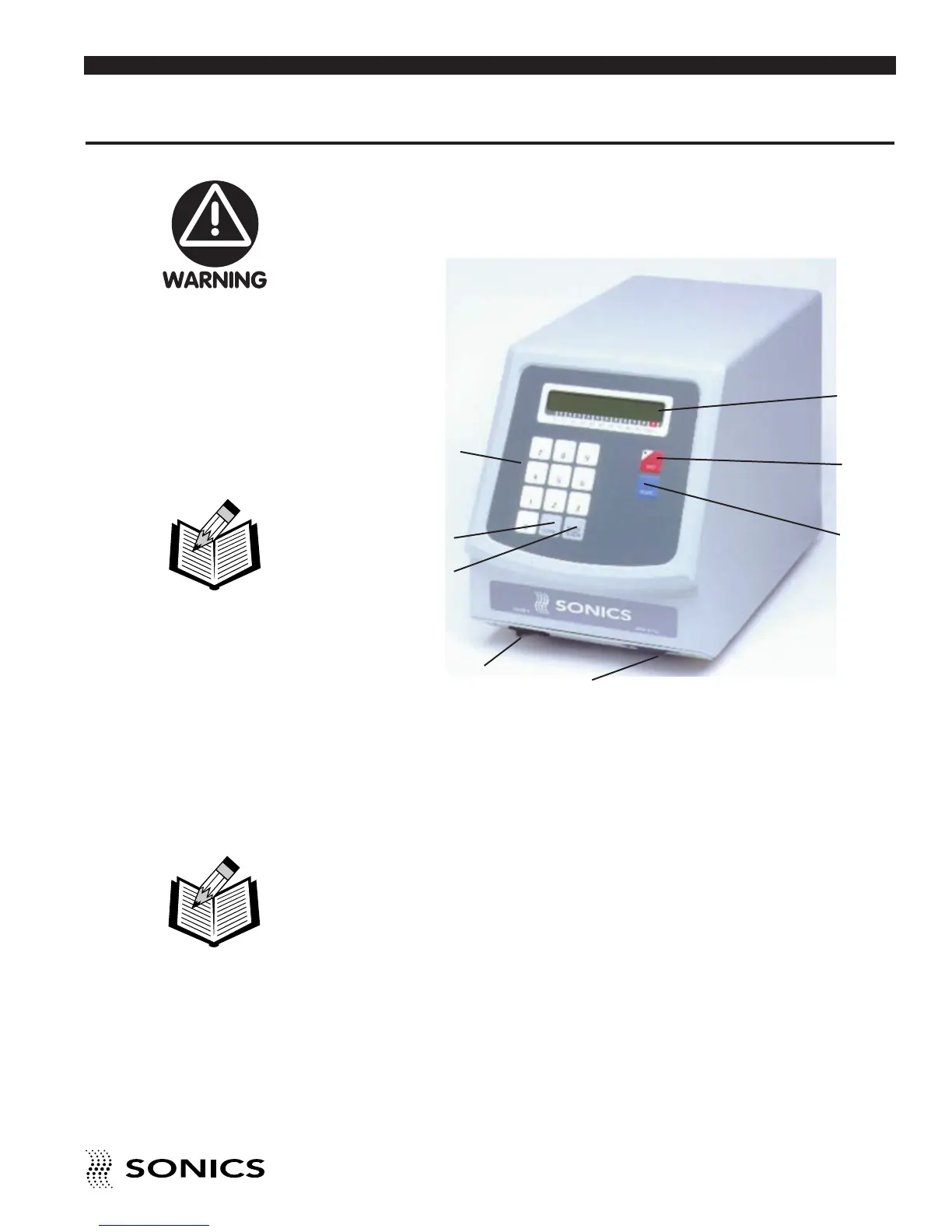
FRONT PANEL CONTROLS AND INDICATORS
Located at the front of the power supply are the following controls:
1. ON/OFF switch which turns the unit on and off.
2. AMPLITUDE dial which controls adjustment of the amplitude of the
system’s high-frequency vibrations over the full operating range. Turning
the dial clockwise increases amplitude, while turning it counterclockwise
decreases the amplitude.
3. 0-9 NUMERIC KEYPAD which allows input of numeric data by pressing
the keys.
4. CLEAR key which clears the preceding entry when pressed.
5. ENTER/REVIEW key which serves to enter data into the system and/or
to display data (or parameters) on the LCD screen.
6. TIMER key which, when used with the numeric keys, controls the duration
of the ultrasonics. The minimum time setting is 0.1 seconds and the
maximum is 9.9 seconds. At a time setting of 0, the ultrasonics will run
continuously when the hand gun trigger switch is depressed.
❶
❷
❻
❼
❺
❹
❽
❸
Do not operate the
power supply unless it
is connected to the
hand gun.
NOTE: The operating
range of amplitude is
20-100%
NOTE: If ultrasonics
are run continuously
(time setting = 0), be
sure to air cool the
converter.



 To Next Page