Sonos Digital Music System User Guide5-18
Managing Zones
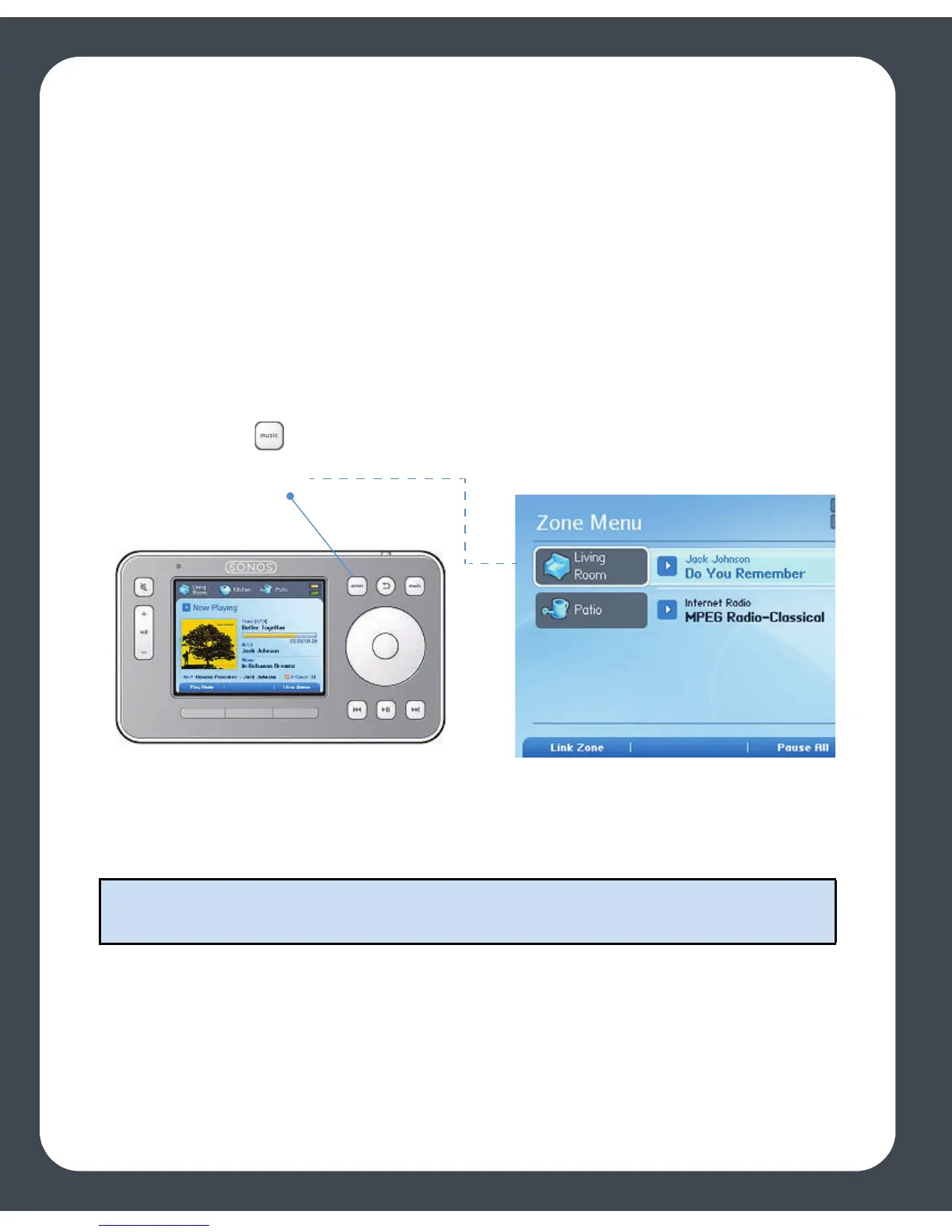
Press the Zones button on your Controller to:
• See an alphabetical list of the zones in your household, along with the music cur-
rently playing in each zone
• Group zones together to play the same music across zones (create a zone group)
• Drop a zone from a zone group
• Turn off your music system
Music continues to play while you browse the Zone menu. Use the scroll wheel to
highlight a zone, and press OK. The Now Playing window appears. You can then press
the Music button to change the music selection for that zone.
Note: The currently selected zone shows at the top of your Controller screen so you
can see which zone you are making changes to.
Zones button
Touch the Zones button to view the music playing in each room



 To Next Page