Sonos Digital Music System User GuideC-4
Setup with a NAS Device (no router)
1. Attach the power cord to a ZonePlayer and plug into a wall outlet.
2. Using your handheld Controller, press OK from the Welcome screen.
3. Follow the Controller’s on-screen prompts to connect and then name your
ZonePlayer
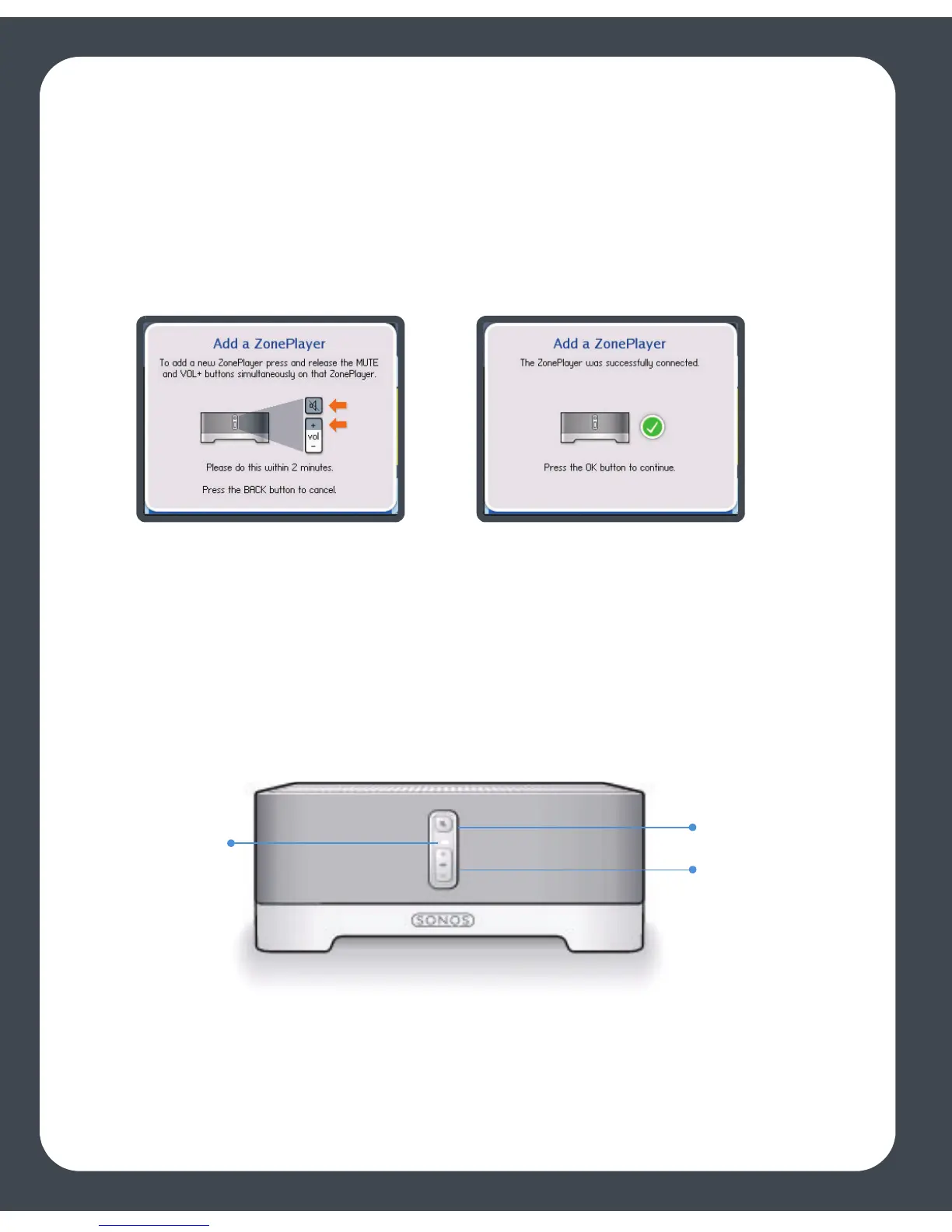
Once the ZonePlayer is successfully initialized, the ZonePlayer Status indicator will stop
flashing and change to solid white (normal operation), and the Mute indicator will go
off.
4. Press OK.
5. Connect the NAS device to your computer, and then access the Web
Configuration utility (see your product documentation for instructions on setting
You may release the buttons as soon as the Mute indicator (green) and
the ZonePlayer Status indicator (white) start to blink alternately.
ZonePlayer
status
indicator
Mute button
Volume up (+)
Volume down (-)



 To Next Page