Chapter 5: Using the Sonos® Controller 5-35
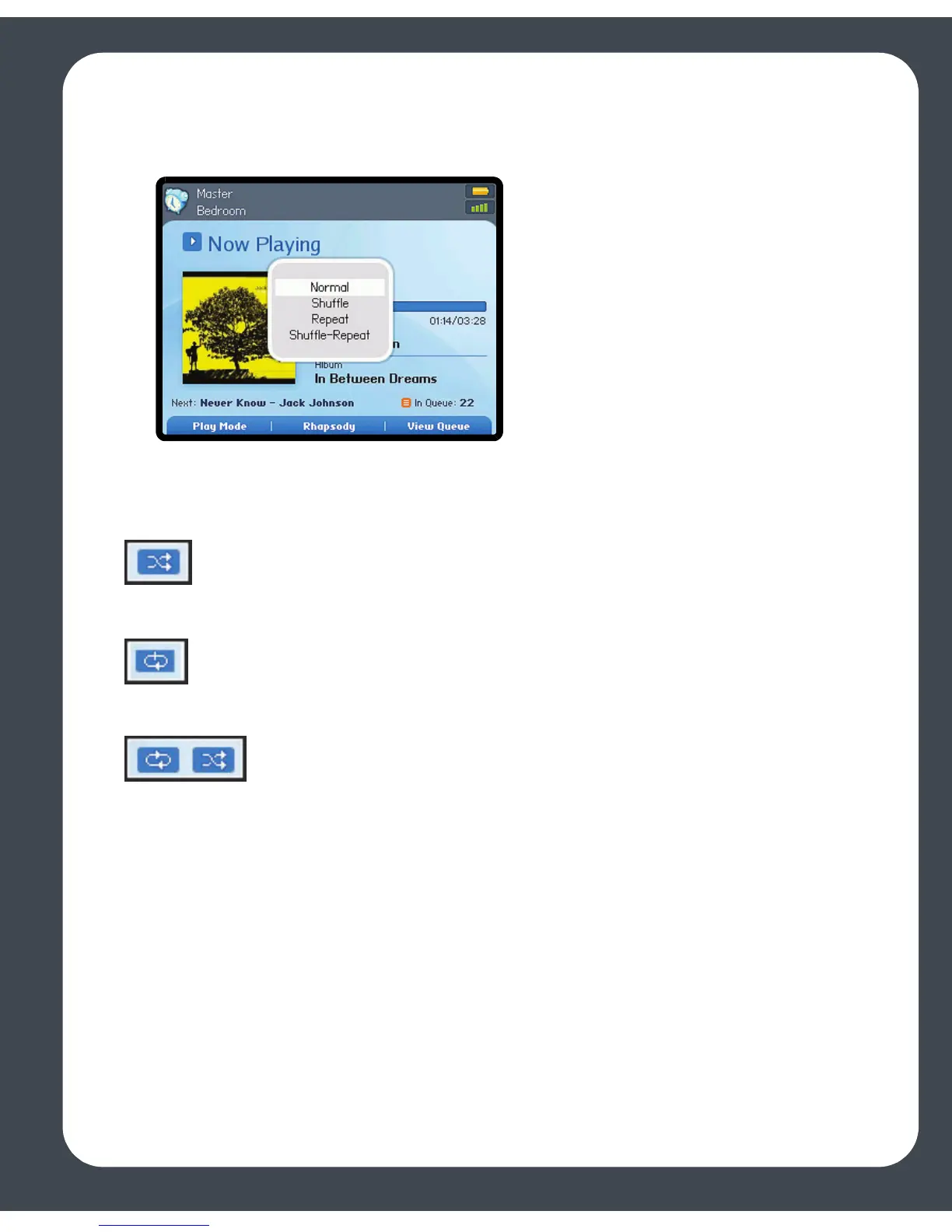
2. Press Play Mode.
3. Use the scroll wheel to select a play mode, and press OK.
The selected play mode appears as an icon on the Now Playing screen.
Shuffle. Plays the tracks in the music queue in a random order.
Repeat. Repeats the music queue after the last track has finished.
Shuffle-Repeat. Shows that both play modes are activated.



 To Next Page