Chapter 3: Windows® Desktop Controller
3-15
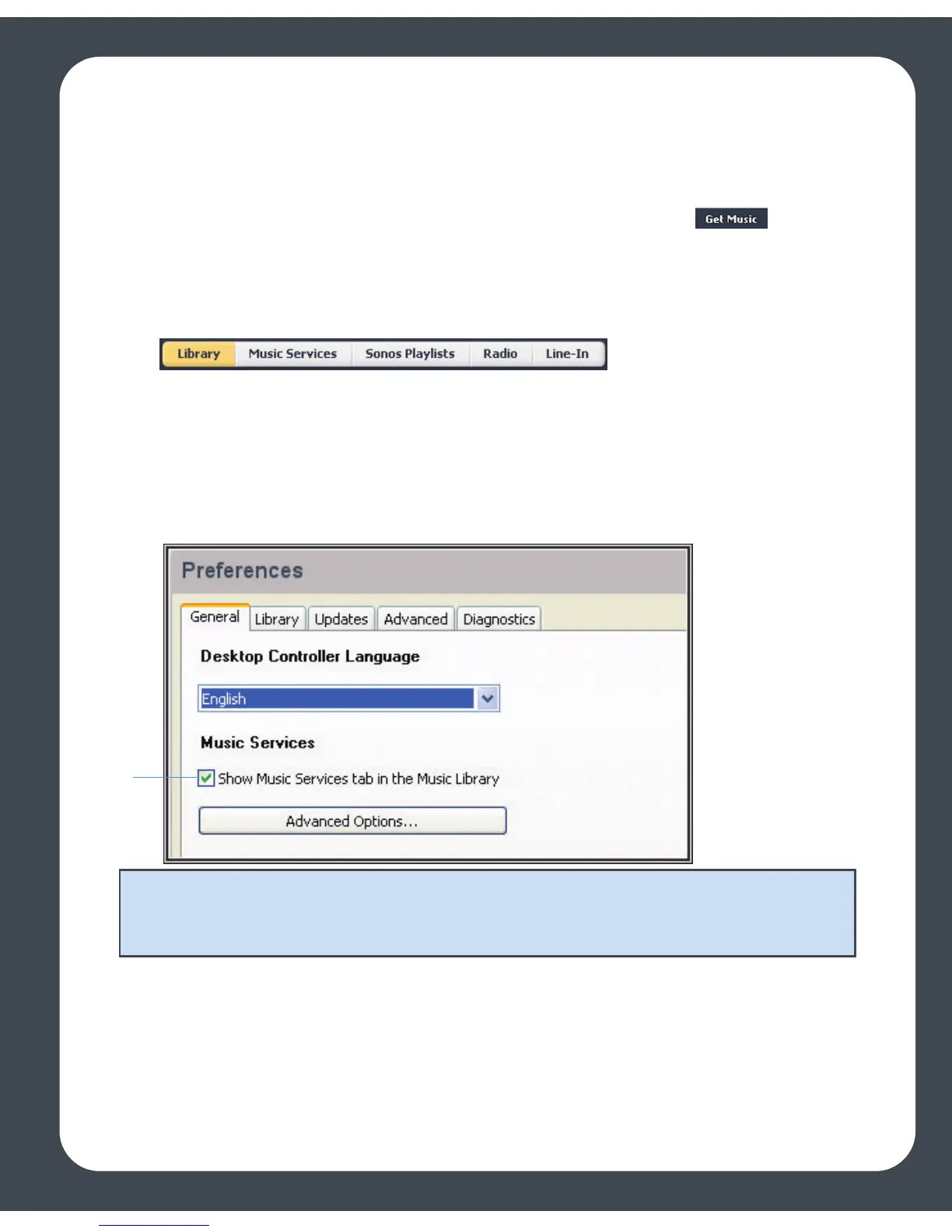
If the Music Services tab is not displayed in the Music Library, see Showing/hiding
the Music Services tab.
If you don’t currently have a music service enabled, you can click the button to
browse the online music and audio services available for use with the Sonos Digital
Music System.
Showing/hiding the Music Services tab
You can change your preference setting to show or hide the Music Services tab in the
Music Library pane of your Desktop Controller software. If you are not currently
subscribed to a music service, you may wish to hide this tab.
•Go to File>Preferences>General and check or uncheck the Show Music Ser-
vices tab in the Music Library box.
Your music service password
If you want to change the password for a music service you subscribe to, such as
Rhapsody, or Pandora, you must first change the password with your music service
provider.
Note: If your music service does not appear when you click the Music Services tab,
your firewall may be preventing Sonos from accessing it. See Firewall Information or
go to http://faq.sonos.com/firewall for additional information.



 To Next Page