Chapter 3: Windows® Desktop Controller
3-17
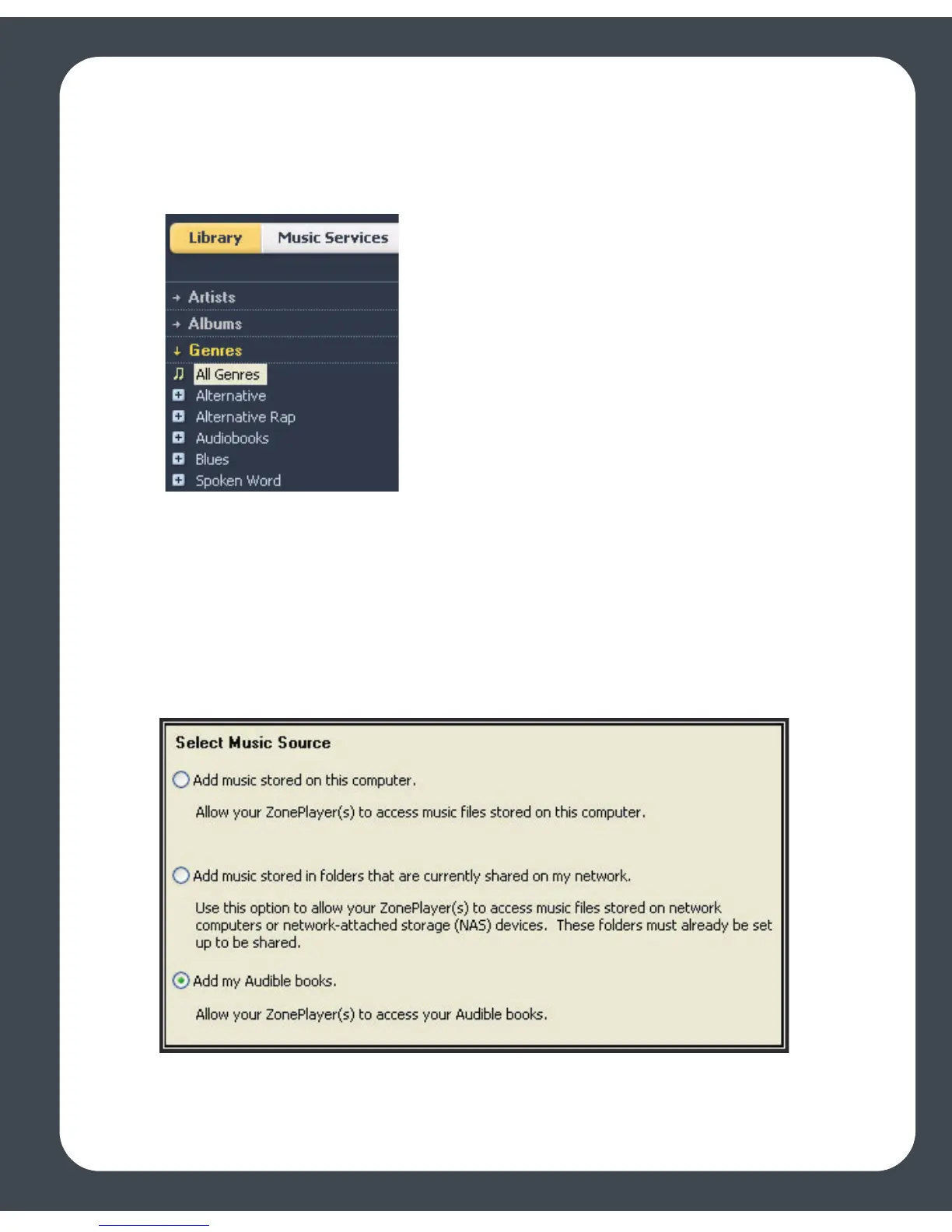
It’s easy to view your Audible files by genre. From the Music Library, select
Library>Genres, and select Audiobooks.
Other content, such as journals will appear in the Spoken Word genre. You may need to
select All to view your journal content.
Adding Audible to your Sonos System
If you have AudibleManager software installed on your computer, the Sonos Digital
Music System detects it when you add a music folder to your Sonos system. When
Audible is detected, a third radio button displays on the Select Music Source screen.
1. Select Add my Audible books, and click Next.



 To Next Page