Sonos Digital Music System User Guide4-2
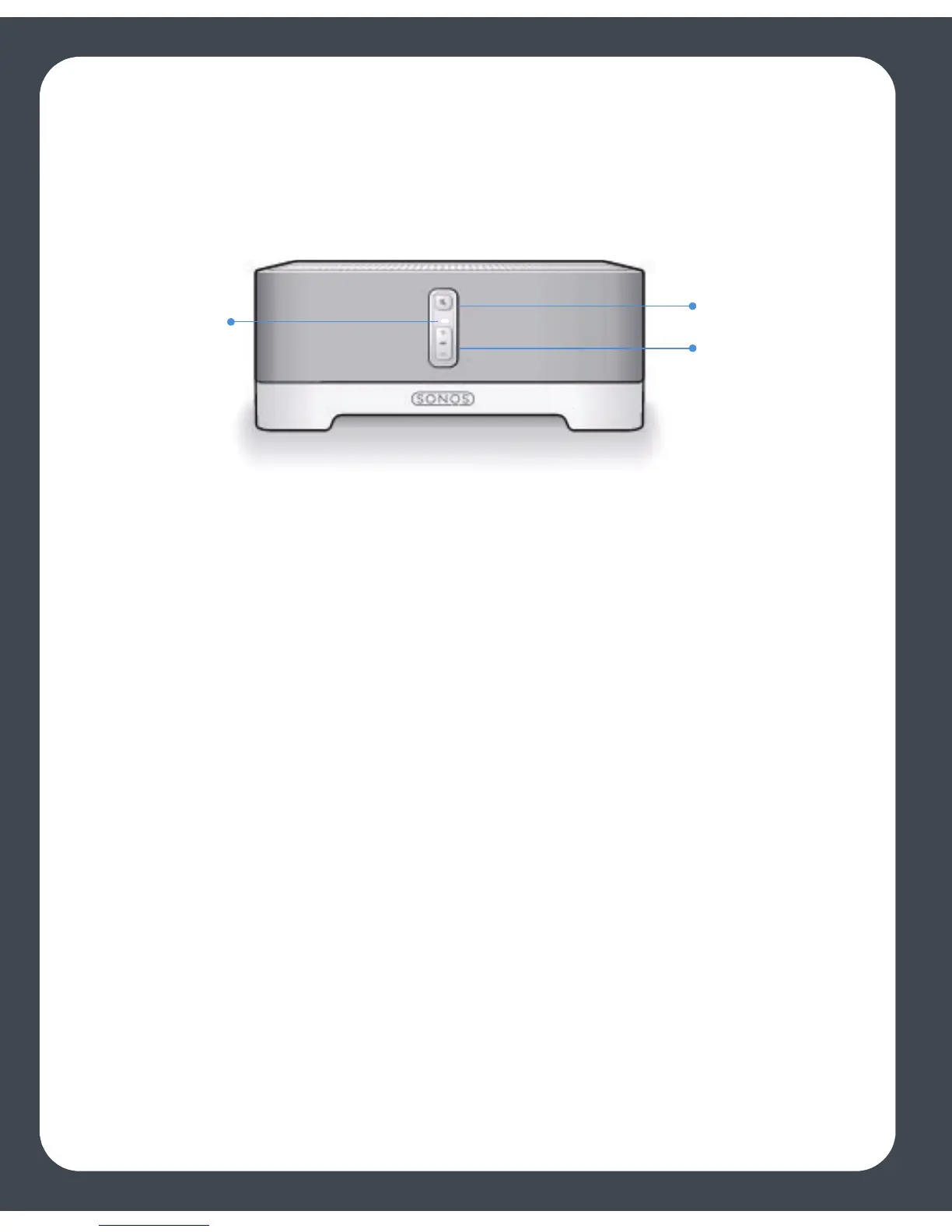
4. When instructed, press the Mute and the Volume Up buttons simultaneously on
the ZonePlayer you are connecting. (Remember, the first ZonePlayer you install
must connect to your home network using a standard Ethernet cable).
You can release the buttons as soon as the Mute indicator (green) and the ZonePlayer
Status Indicator light (white) start to blink alternately. This takes approximately 1
second. Once the ZonePlayer is successfully connected, the ZonePlayer Status
Indicator light will stop flashing and change to solid white (normal operation), and the
Mute indicator will go out.
During the setup process, you may be asked to configure your Macintosh’s firewall. See
’Firewall Information’ for help with this step.
5. Choose a ZonePlayer name from the pop-up menu, and then select Continue.
6. Choose one of the following options:
• If you have another ZonePlayer to set up now, choose Yes, I want to add anoth-
er ZonePlayer and select Continue.
• If you don’t want to set up another ZonePlayer, choose I do not want to add an-
other ZonePlayer at this time, and select Continue.
7. When you are prompted to set up access to your music folders, choose Yes, set up
my music now, and select Continue.
Where is your music stored?
• Depending upon where your music is stored, you may be asked to provide an
admistrator name and password to allow access to your music folders.
• If your Macintosh computer does not have Windows Sharing enabled, the Desk-
ZonePlayer
status
indicator
Mute button
Volume up (+)
Volume down (-)



 To Next Page