17Getting started
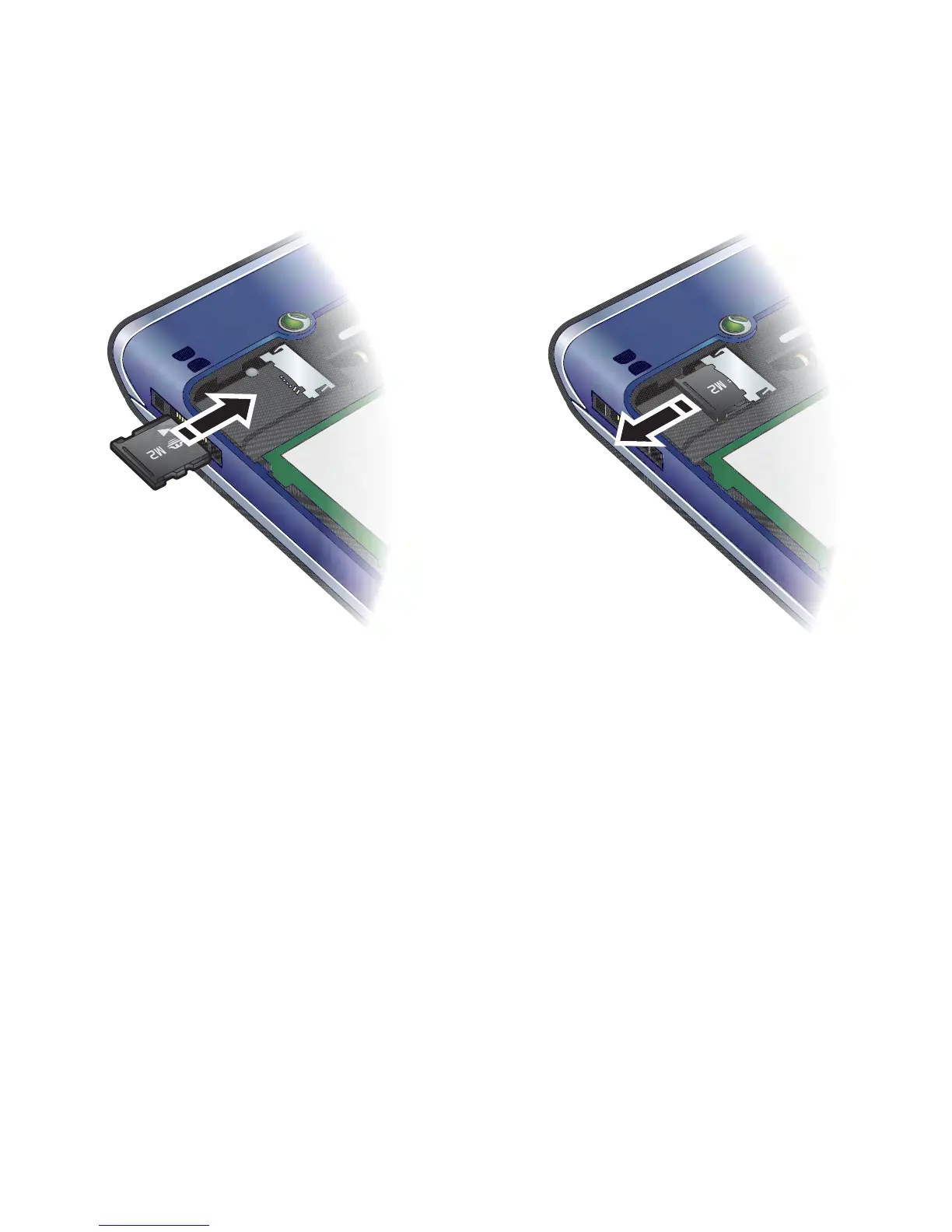
To insert a memory card
• Open the cover and insert the memory
card with the gold-coloured contacts
facing down.
To remove a memory card
• Open the cover and remove the
memory card.
To view memory card options
1 From standby select Menu > Organiser
& Tools > My Files > the On memory
card tab.
2 Select Options.
Phone language
You can select a language to use in
your phone.














 To Next Page