20 Walkman™
Walkman™ player
To play music
1 From standby select Menu > Media >
Music.
2 Browse by category using the
navigation key.
3 Scroll to a track and select Play.
To stop playing music
• Press the centre navigation key.
To fast forward and rewind
• Press and hold down or .
To move between tracks
• Press or .
To minimize the player
• When music is playing, press .
To return to the player
• Press .
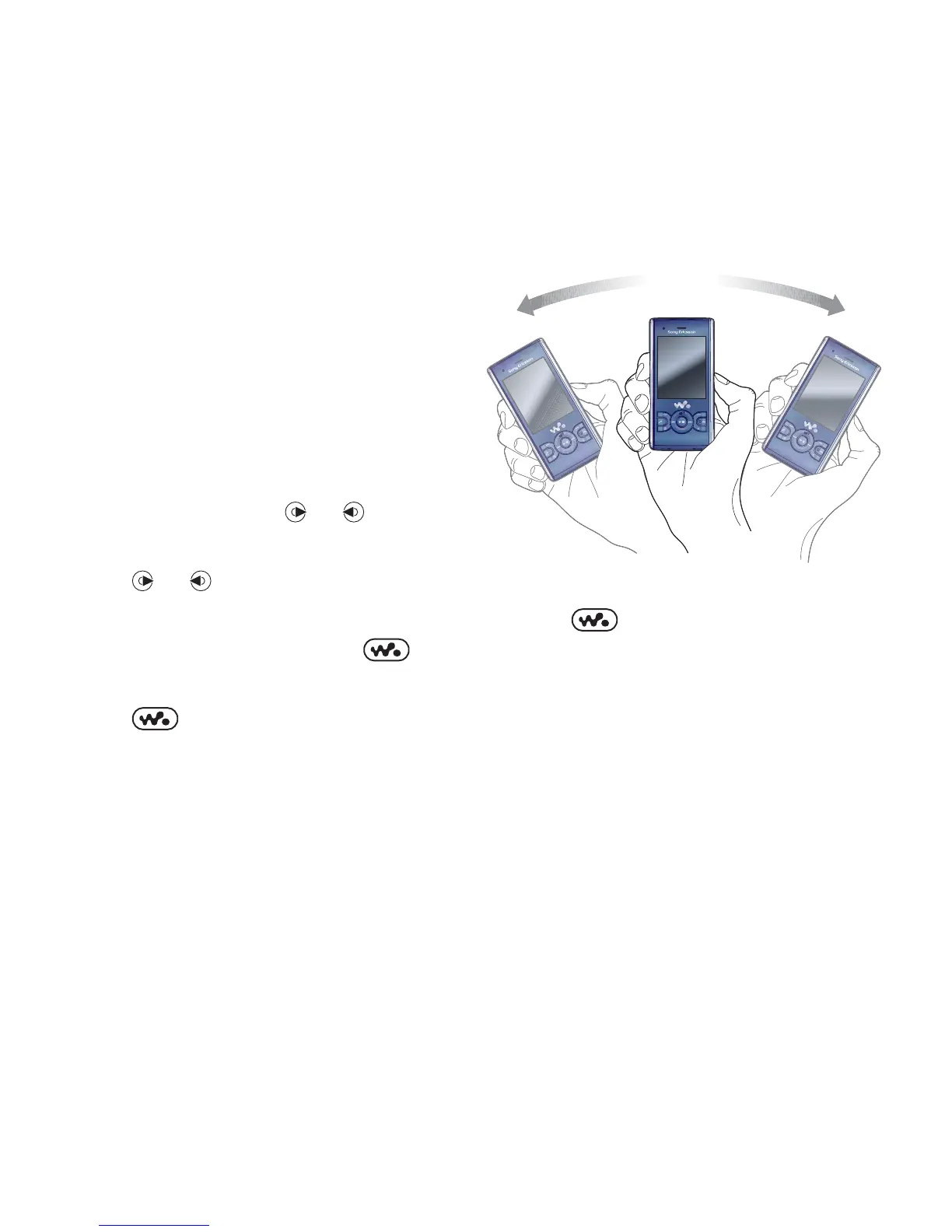
Shake control
To switch track
• When music is playing, press and hold
down and move the phone to the
right with a flick of your wrist to go to
the next track. To go to the previous
track, use the same action to the left.














 To Next Page