27Transferring and handling content
2 Select a language and click OK.
3 Click Install Sony Ericsson Media
Manager and follow the instructions.
To transfer content using
Sony Ericsson Media Manager
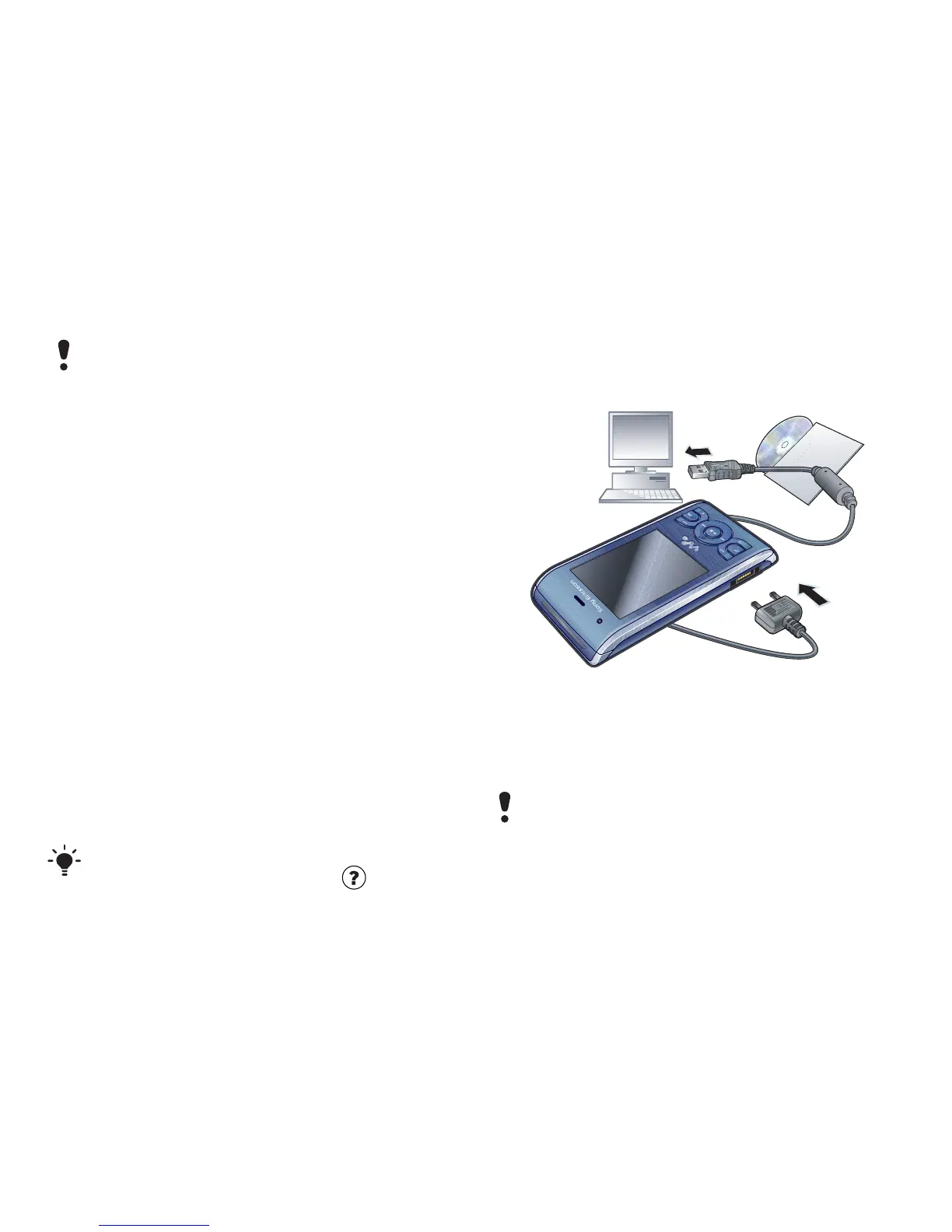
1 Connect the phone to a computer with
a USB cable supported by your
phone.
2 Computer: Start/Programs/
Sony Ericsson/Media Manager.
3 Phone: Select Media transfer.
4 Computer: Wait until the phone
appears in Sony Ericsson Media
Manager.
5 Move files between your phone and
the computer in Sony Ericsson Media
Manager.
6 For safe disconnection of the USB
cable, right-click the removable disk
icon in Windows Explorer and select
Eject.
Using the USB cable
You can connect your phone to a
computer with the USB cable to
synchronise, transfer and back up
phone content and use your phone as
a modem. For more information, go to
www.sonyericsson.com/support to
read Getting started guides.
Before you use the USB cable
• See Required operating systems on
page 26.
To disconnect the USB cable safely
1 Right-click the removable disk icon in
Windows Explorer.
Do not remove the USB cable from your
phone or computer during transfer, as
this may corrupt the phone memory.
For details on transferring music, refer to
Media Manager Help. Click in the top
right corner of the Sony Ericsson Media
Manager window. You can also go to
www.sonyericsson.com/support to read
Getting started guides.
Only use a USB cable supported by your
phone. Do not remove the USB cable
from your phone or computer during
transfer as this may corrupt the phone
memory.














 To Next Page