63More features
phone memory. Unrecognized files are
saved in the Other folder.
You can create subfolders to move or
copy files to. You can select more
than one or all the files in a folder at
the same time for all folders except
Games and Applications.
If the memory is full, delete some
content to create space.
My Files tabs
My Files is divided into three tabs, and
icons indicate where the files are
saved.
To view information about files
1 From standby select Menu > Organiser
& Tools > My Files.
2 Find a file and select Options >
Information.
To move a file in My Files
1 From standby select Menu > Organiser
& Tools > My Files.
2 Find a file and select Options >
Manage file > Move.
3 Select Memory card or Phone.
4 Open a folder.
5 Select Paste.
To select more than one file in a
folder
1 From standby select Menu > Organiser
& Tools > My Files.
2 Scroll to a folder and select Open.
3 Select Options > Mark > Mark several.
For each file you want to mark, scroll
to the file and select Mark.
Alarms
You can set a sound or the radio as an
alarm signal. The alarm sounds even if
the phone is turned off. When the
alarm sounds you can silence it or turn
it off.
To set the alarm
1 From standby select Menu > Organiser
& Tools > Alarms.
2 Scroll to an alarm and select Edit.
3 Scroll to Time: and select Edit.
4 Enter a time and select OK > Save.
To set the recurrent alarm
1 From standby select Menu > Organiser
& Tools > Alarms.
2 Scroll to an alarm and select Edit.
3 Scroll to Recurrent: and select Edit.
4 Scroll to a day and select Mark.
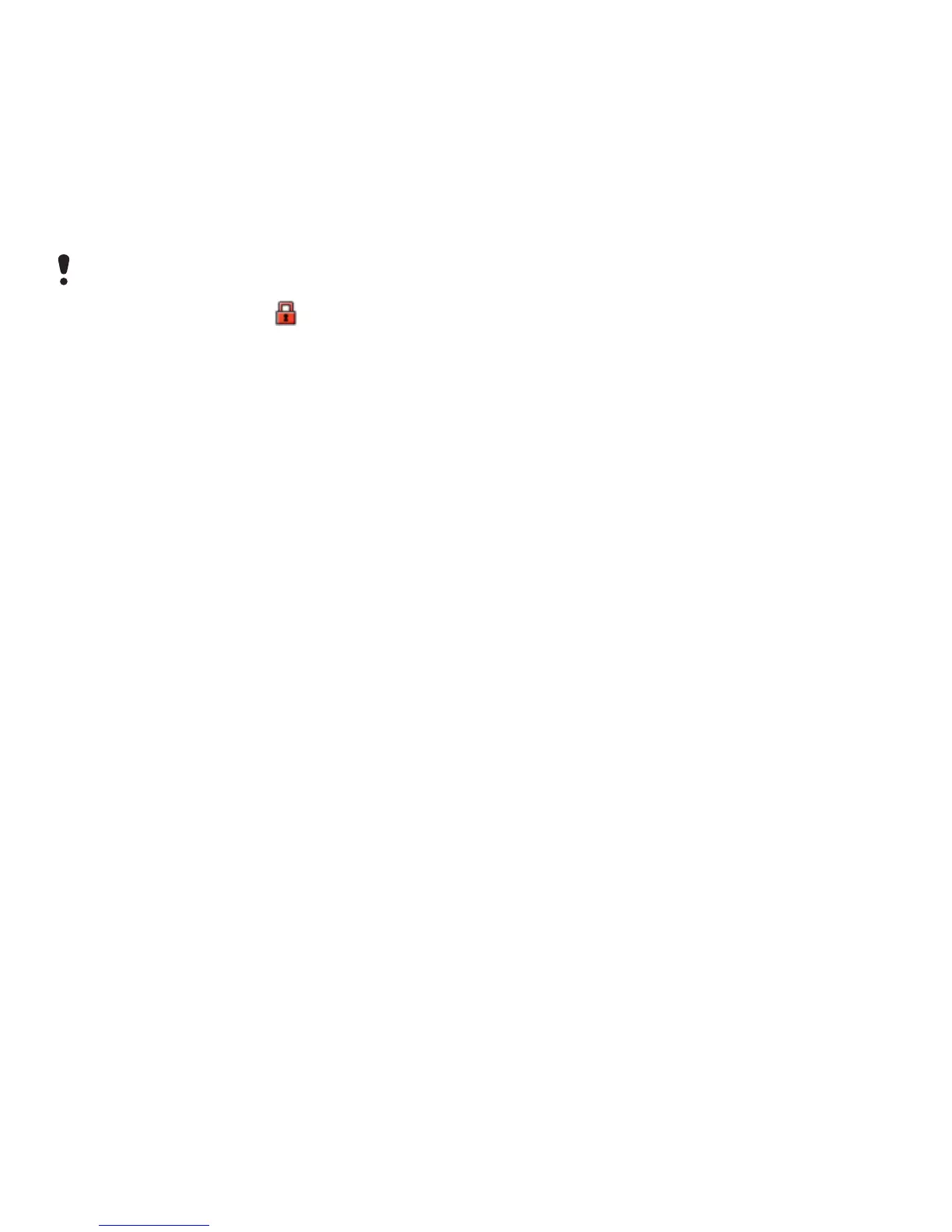
You are not allowed to exchange some
copyright-protected material. A
protected file has a icon.














 To Next Page