22 Walkman™
To create a playlist
1 From standby select Menu > Media >
Music > Playlists.
2 Scroll to New playlist and select Add.
3 Enter a name and select OK.
4 For each track you want to add, scroll
to the track and select Mark.
5 Select Add to add the tracks to the
playlist.
To add tracks to a playlist
1 From standby select Menu > Media >
Music > Playlists.
2 Select a playlist.
3 Scroll to Add music and select Add.
4 For each track you want to add, scroll
to the track and select Mark.
5 Select Add to add the tracks to the
playlist.
To remove tracks from a playlist
1 From standby select Menu > Media >
Music > Playlists.
2 Select a playlist.
3 Scroll to the track and press .
SensMe™
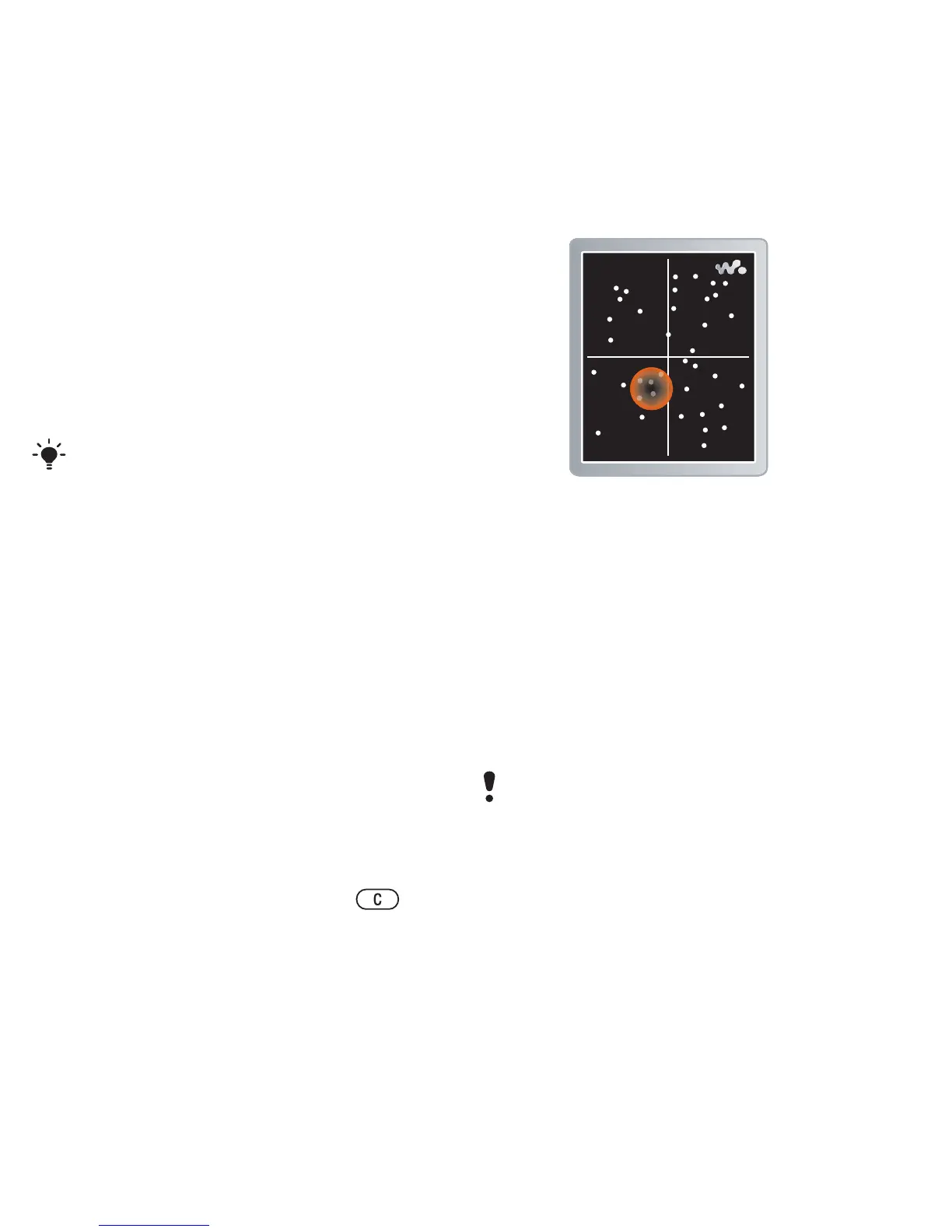
With SensMe™ you can create
playlists by mood. By using
Sony Ericsson Media Manager to
analyze and transfer music to your
phone, information such as mood,
tempo and chords is added to your
tracks. The tracks are displayed as
dots on a map with two axes. You can
create a playlist by selecting an area
of tracks.
To create a playlist by mood
1 From standby select Menu > Media >
Music.
2 Scroll to SensMe™ and select Open
.
You can add folders to a playlist. All
tracks in a folder are added to the
playlist.
For information on how to analyze your
music, see Sony Ericsson Media
Manager Online Help.














 To Next Page