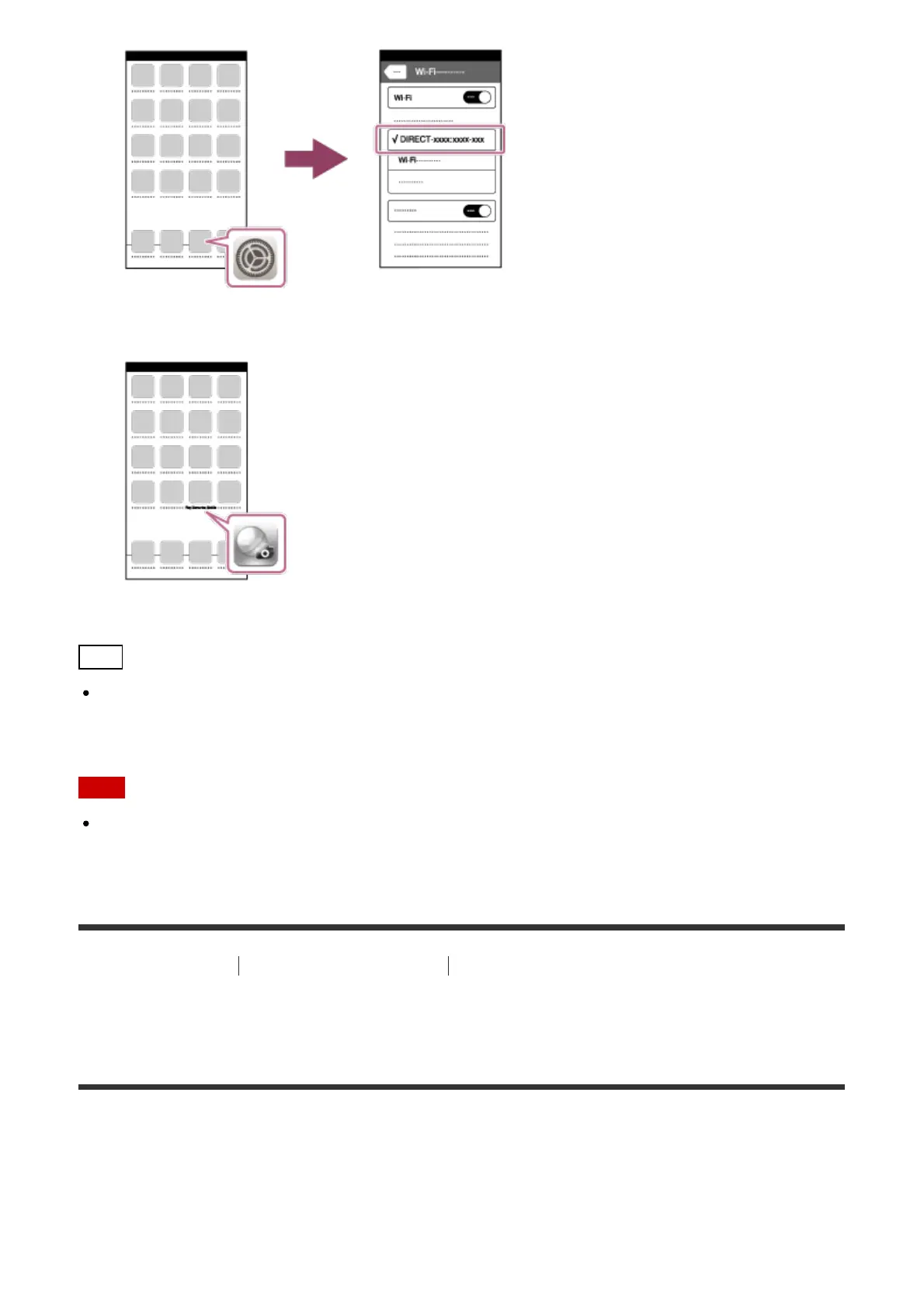
8. Return to the "Home" screen of the iPhone or iPad and launch PlayMemories Mobile.
Hint
Once the QR code has been read, this product's SSID (DIRECT-xxxx) and password are
registered to the iPhone or iPad. This enables you to easily connect the iPhone or iPad to
the product via Wi-Fi at a later date by selecting the SSID.
Note
If you cannot connect your device to this product using the QR code, use the SSID and
password.
[239] How to Use
Using Wi-Fi functions Connecting this product and a Smartphone
Connecting an Android smartphone to this product by
inputting an SSID and password
1. Launch PlayMemories Mobile on your smartphone.
2. Select the model name of this product (DIRECT-xxxx: xxxx).



 To Next Page