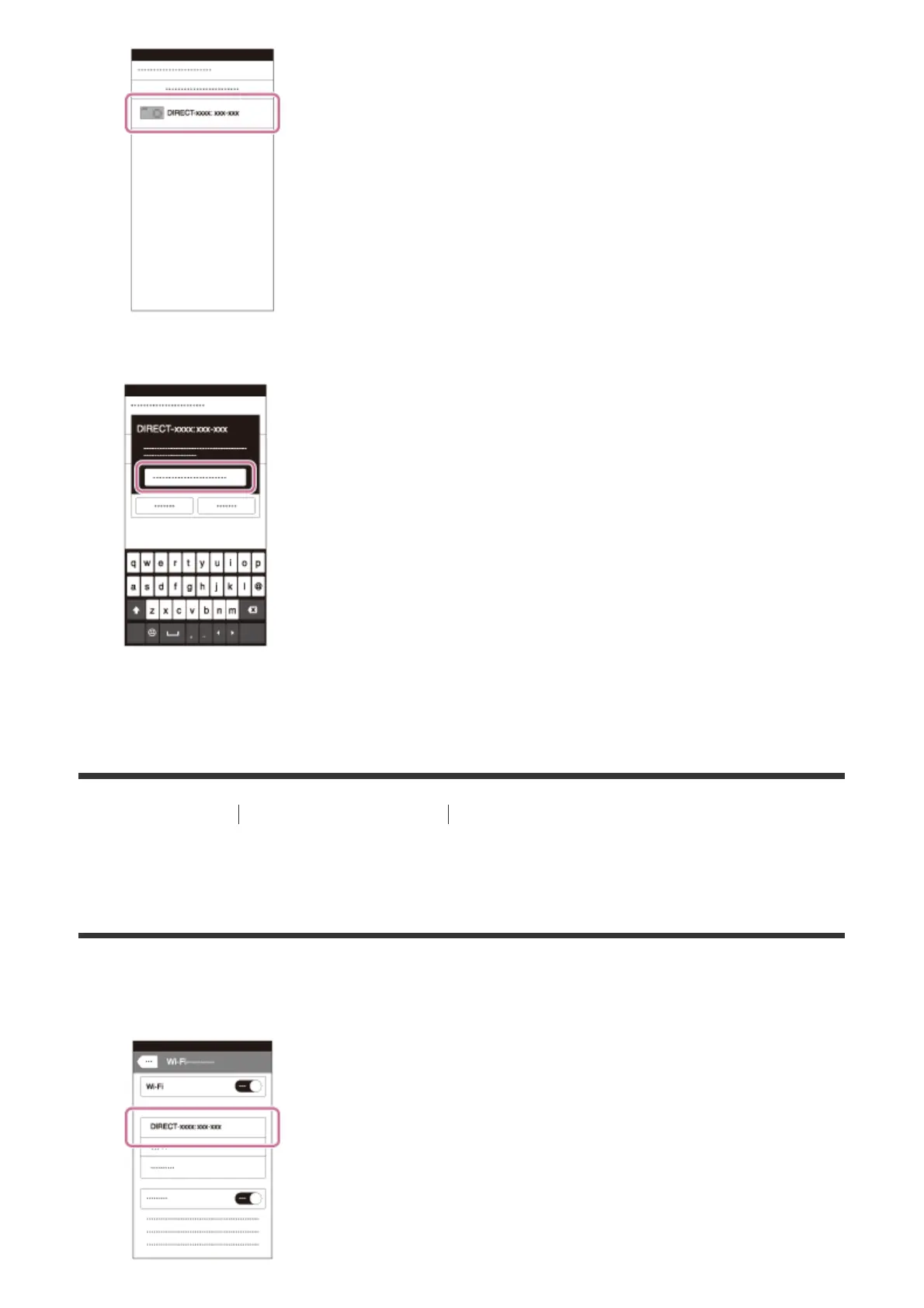
3. Input the password that is displayed on this product.
The smartphone is connected to the product.
[240] How to Use Using Wi-Fi functions Connecting this product and a Smartphone
Connecting an iPhone or iPad to this product by
inputting an SSID and password
1. Select the model name of this product (DIRECT-xxxx: xxxx) on the Wi-Fi setting screen
of your iPhone or iPad.



 To Next Page