ILCE-1
5-025-480-11(1)
GB
54
C:\Users\gotanda\Desktop\5025480111_分分分\5025480111ILCE1UC21\01GB-ILCE1UC2\080MEN.indd
DTP data saved: 2020/11/20 14:50
PDF file created: 2020/11/20 14:53
Focus Magnif. Time
Sets the length of time the image will
be shown in an enlarged form.
Initial Focus Mag.
Sets the initial magnification scale when
using [Focus Magnifier].
AF in Focus Mag. Sets whether or not to autofocus when
an enlarged image is being displayed.
While the enlarged image is being
displayed, you can focus within a
smaller area than the [Spot].
Initial Focus Mag.
Sets the initial magnification scale when
using [Focus Magnifier].
Peaking Display
Peaking Display
Sets the peaking function, which
enhances the outline of in-focus areas
when focusing manually.
Peaking Level
Sets the level of enhancement of in-
focus areas.
Peaking Color
Sets the color used to enhance in-focus
areas.
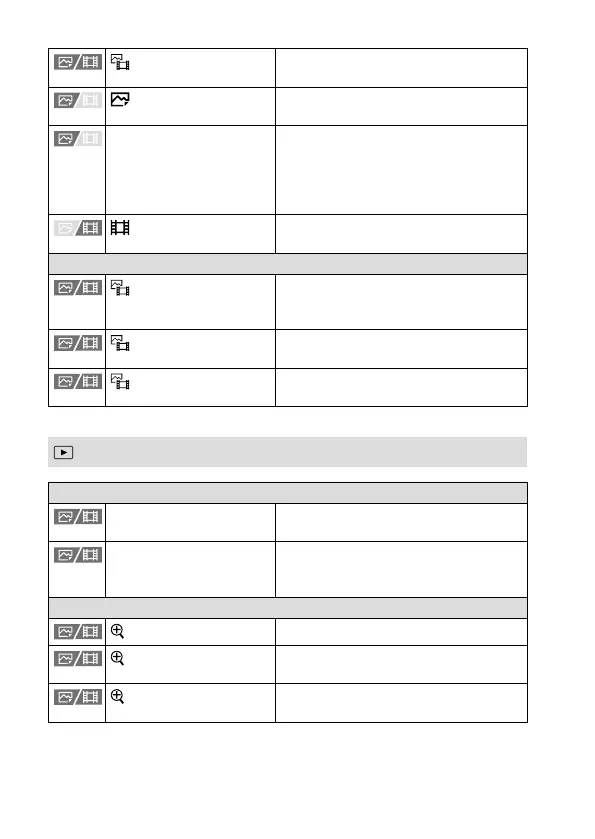
(Playback) tab
Playback Target
Select Playback Media Selects the memory card slot of the
memory card to be played back.
View Mode Plays back all images from a specified
date, all still images in a specified folder,
or all movies.
Magnification
Enlarge Image
Enlarges the playback images.
Enlarge Initial Mag.
Sets the initial magnification scale when
playing back enlarged images.
Enlarge Initial Position
Sets the initial magnification area when
playing back enlarged images.



 To Next Page