C:\d832100911\d832100911ILCE9AP2\01GB-ILCE9AP2\020PRE.indd
2019/02/19 16:35
ILCE-9
d-832-100-91(1)
GB
29
Preparations for shooting
To adjust settings from the dedicated setting screens
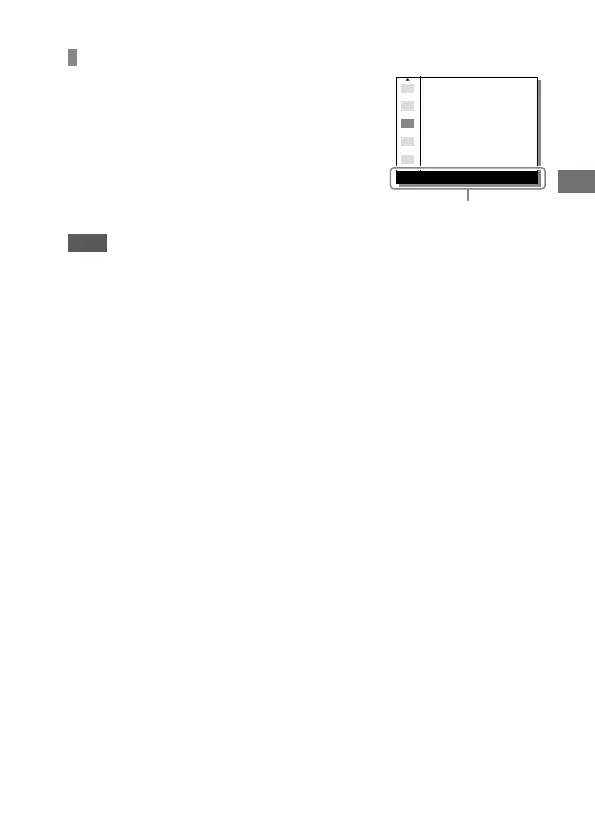
Select the desired function in step 4,
then press the center of the control
wheel. The dedicated setting screen
for the function will appear. Follow the
operating guide to adjust settings.
Operation guide
Note
• Items that are gray on the Quick Navi screen are not adjustable.
• When using [Creative Style], some settings can only be controlled from the
dedicated screen.



 To Next Page