C:\d832100911\d832100911ILCE9AP2\01GB-ILCE9AP2\100MEN.indd
2019/02/19 16:35
ILCE-9
d-832-100-91(1)
GB
81
MENU items/List of icons
Reset Network Set.
Resets all the network settings. Help
Guide
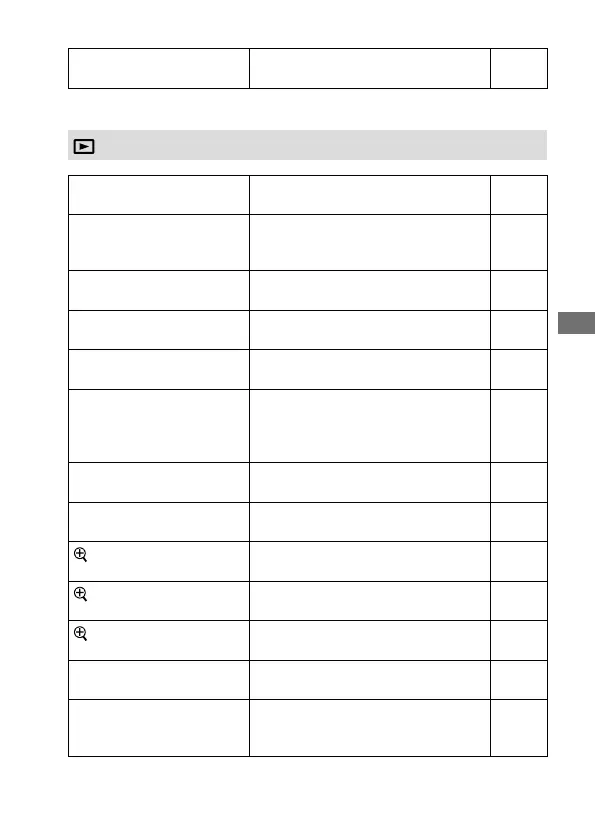
(Playback)
Delete
Deletes an image. Help
Guide
View Mode
Plays back images from a specified
date or specified folder of still images
and movies.
Help
Guide
Image Index
Displays multiple images at the same
time.
Help
Guide
Display Rotation
Sets the playback orientation for
images shot vertically.
Help
Guide
Select PB Media
Selects the memory card slot of the
memory card to be played back.
Help
Guide
Copy
Allows you to copy images from the
memory card in the memory card slot
designated in [Select PB Media] to the
memory card in the other slot.
Help
Guide
Slide Show
Plays a slide show. Help
Guide
Rotate
Rotates the image. Help
Guide
Enlarge Image
Enlarges the playback images. Help
Guide
Enlarge Init. Mag.
Sets the initial magnification scale
when playing back enlarged images.
Help
Guide
Enlarge Initial Pos.
Sets the initial magnification area
when playing back enlarged images.
Help
Guide
Protect
Protects recorded images against
accidental erasure.
Help
Guide
Specify Printing
Specifies in advance on the memory
card which still images to print out
later.
Help
Guide
Blue tab



 To Next Page