C:\d832100911\d832100911ILCE9AP2\01GB-ILCE9AP2\120OTH.indd
2019/02/19 16:35
ILCE-9
d-832-100-91(1)
GB
93
About this product
Note
• Use the slot1 when you are using a UHS-II memory card. Also, set
[Select Rec. Media] to [Slot 1].
• Memory Stick PRO Duo media cannot be used in the slot1.
• When an SDHC memory card is used to record an XAVC S movie over
extended periods of time, the recorded movies will be divided into files 4GB
in size. The divided files can be handled as a single file by importing them to a
computer using PlayMemories Home.
• When recording a movie on memory cards in both the slot1 and the slot2
with following camera settings, insert two memory cards with the same file
system. XAVC S movies cannot be recorded simultaneously when using a
combination of the exFAT file system and FAT32 file system.
– [
File Format] is set to [XAVC S 4K] or [XAVC S HD]
– [Recording Mode] is set to [Simult.(
)] or [Simult.( / )]
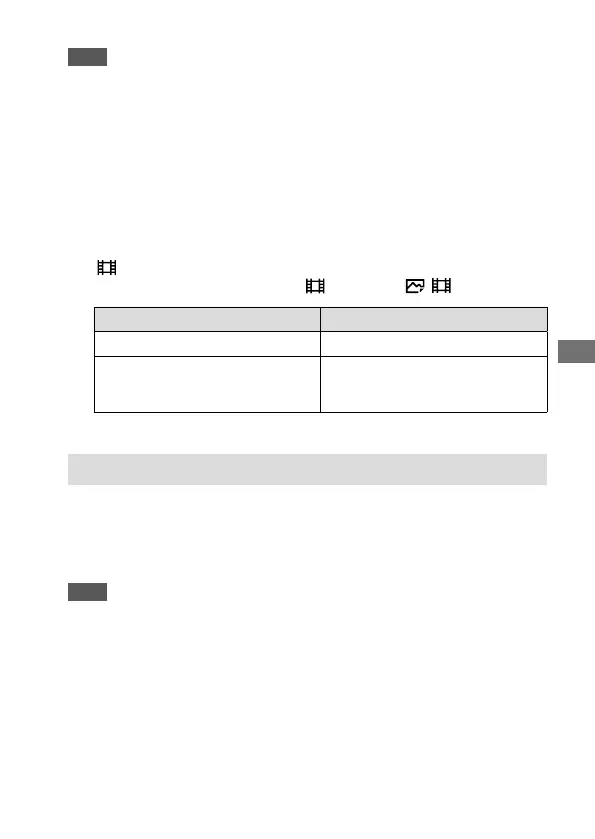
Memory card File system
SDXC memory card
exFAT
Memory Stick PRO Duo (Mark2)
Memory Stick PRO-HG Duo
SDHC memory card
FAT32
Number of recordable images
When you insert a memory card into the camera and set the ON/OFF
(Power) switch to “ON,” the number of images that can be recorded
(should you continue to shoot using the current settings) is displayed on
the screen.
Note
• When “0” (the number of recordable images) flashes in orange, the memory
card is full. Replace the memory card with another one, or delete images from
the current memory card.
• When “NO CARD” flashes in orange, it means no memory card has been
inserted. Insert a memory card.



 To Next Page