C:\d832100911\d832100911ILCE9AP2\01GB-ILCE9AP2\030BAS.indd
2019/02/19 16:35
ILCE-9
d-832-100-91(1)
GB
53
Shooting
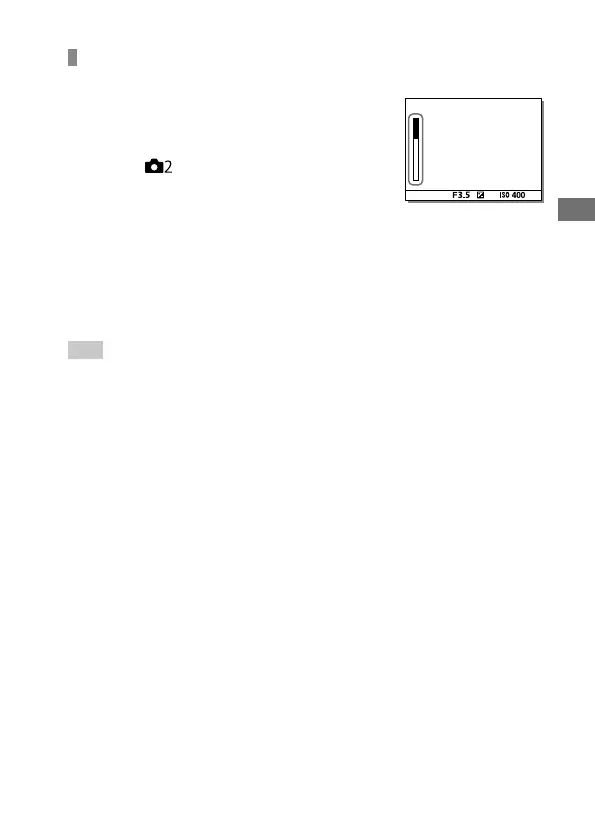
Displaying continuous shooting remaining time indicator
(Cont. Shoot. Length)
Sets whether to display an indicator of the
remaining time for which continuous shooting
can be performed at the same shooting speed.
MENU (Camera Settings 2)
[Cont. Shoot. Length] desired setting.
Always Display: Always displays the
indicator when the drive mode is set to
[Cont. Shooting].
Shoot.-Only Display: Displays the indicator only
while continuous shooting is performed.
Not Displayed: Does not display the indicator.
Hint
• When the internal camera memory for buffering is full, “SLOW” will be
displayed and the continuous shooting speed will decrease.



 To Next Page