2-13
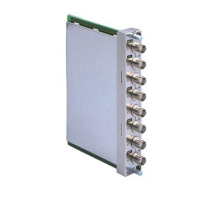
BKM-120D/127W/129X/142HD
ABC
1
2
3
4
5
TP305 TP307
TP306
20a
TP101
BD board – side A –
CN401
1CH
2CH
Oscilloscope
Frequency Counter
TP102
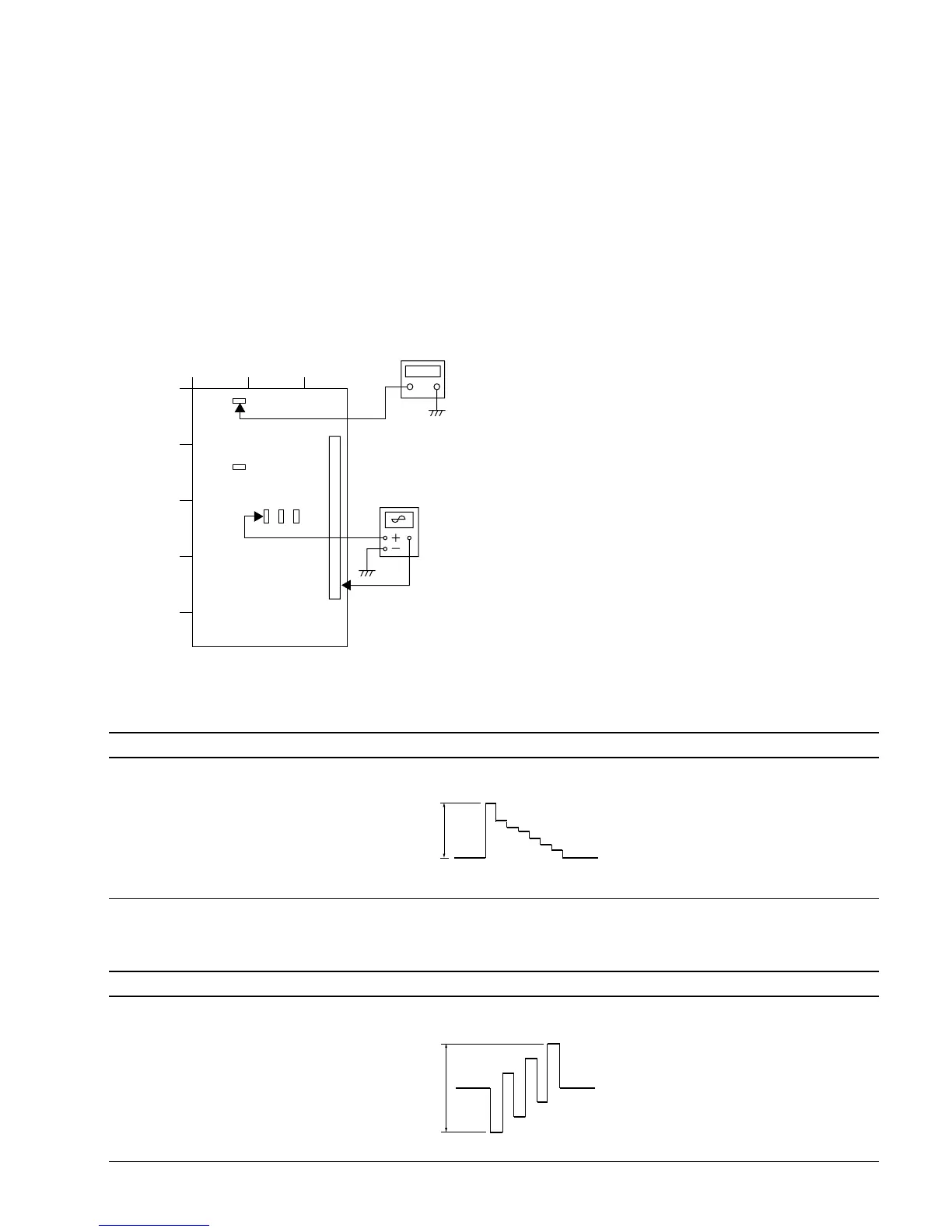
2-7-1. BD Board Adjustment (BKM-120D)
This section describes the adjustments of the Y LEVEL,
PB LEVEL, and PR LEVEL when the D1-SDI signal is
input to BD board.
Equipment Used
Oscilloscope
Frequency counter
Connection
Setting the Monitor
Set the INPUT CONFIGURATION menu of the SET UP
menu as follows.
FORMAT ............... D1-SDI
SLOT NO. .............. 2
INPUT NO.............. 1
Adjusting Procedure
1. D1 OUTPUT LEVEL Adjustment
1-1.Y LEVEL Adjustment
Adjustment Standard Adjusting Point
• Input the 100% color bar signal TP305 (Y OUT) output level: The adjustment menu is located in
(100% White Ref. 100% Saturation) the lower layer of BKM-120D of
into the SDI input terminal. the MAINTENANCE menu.
• Connect an oscilloscope to TP305 Y LEVEL
(Y OUT).
1-2.PB LEVEL Adjustment
Adjustment Standard Adjusting Point
• Input the 100% color bar signal TP306 (PB OUT) output level: The adjustment menu is located in
(100% White Ref. 100% Saturation) the lower layer of BKM-120D of
into the SDI input terminal. the MAINTENANCE menu.
• Connect an oscilloscope to TP306 PB LEVEL
(PB OUT).
645 ±10 mVp-p
645 ±10 mVp-p





 To Next Page