2-15
BKM-120D/127W/129X/142HD
Adjusting Procedure
1. Y/PB/PR LEVEL Adjustment
1-1.Y LEVEL Adjustment
Adjustment Standard Adjusting Point
• Input the 100% color bar signal TP301 (Y OUT) output level: The adjustment menu is located in
(100% White Ref. 100% Saturation) the lower layer of BKM-142HD of
into the HD SDI input terminal. the MAINTENANCE menu.
• Connect an oscilloscope to TP301 Y LEVEL
(Y OUT).
1-2.PB LEVEL Adjustment
Adjustment Standard Adjusting Point
• Input the 100% color bar signal TP302 (PB OUT) output level: The adjustment menu is located in
(100% White Ref. 100% Saturation) the lower layer of BKM-142HD of
into the HD SDI input terminal. the MAINTENANCE menu.
• Connect an oscilloscope to TP302 PB LEVEL
(PB OUT).
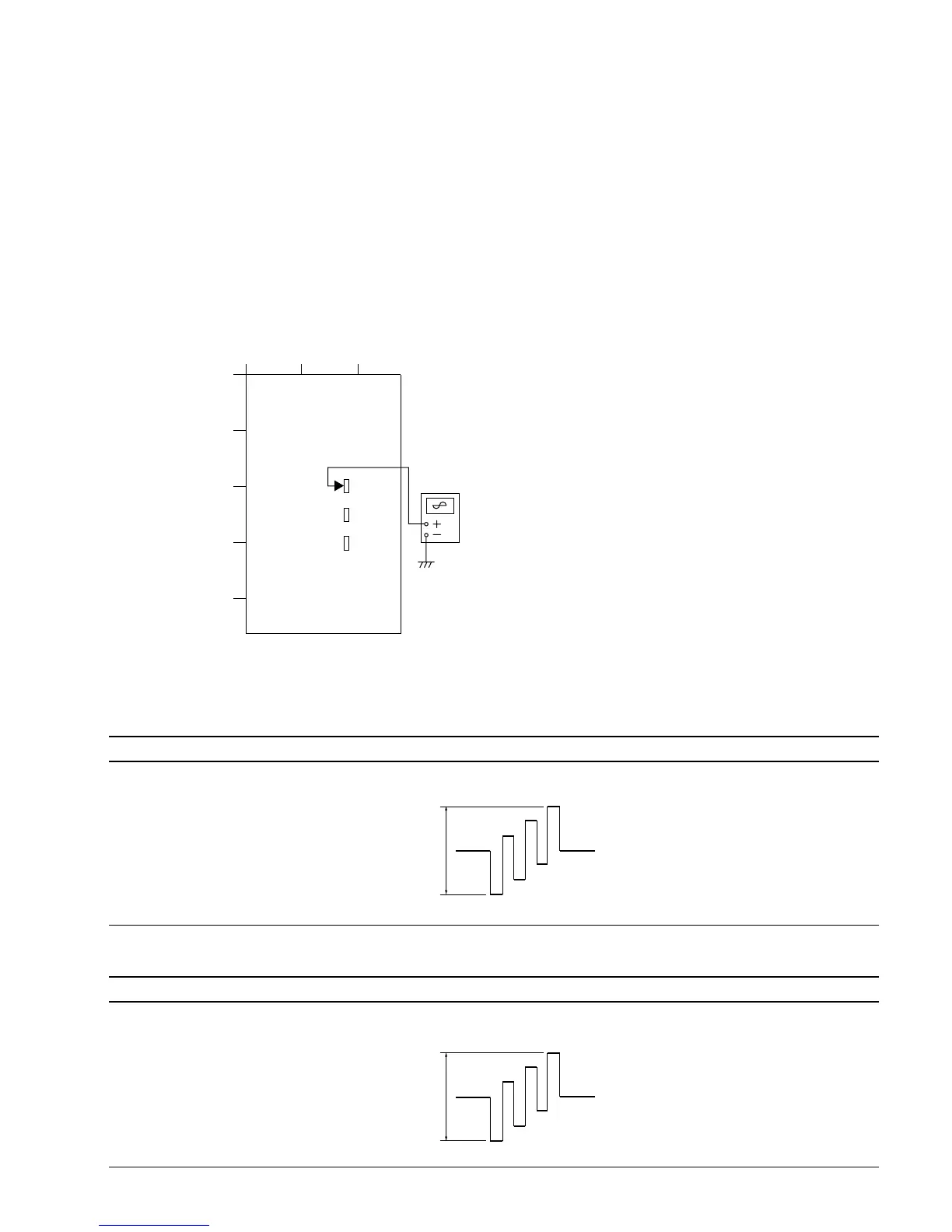
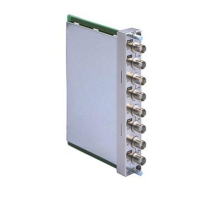
2-7-1. BHA/BHB Board Adjustment
(BKM-142HD)
This section describes the adjustments of the Y LEVEL,
PB LEVEL, and PR LEVEL when the HD SDI signal is
input to BHA/BHB board.
Equipment Used
Oscilloscope
Connection
Setting the Monitor
Set the INPUT CONFIGURATION menu of the SET UP
menu as follows.
FORMAT ............... HD SDI
SLOT NO. .............. 2
INPUT NO.............. 1
ABC
1
2
3
4
5
TP301
BHA board – side A –
Oscilloscope
TP302
TP303
645 ±10 mVp-p
645 ±10 mVp-p





 To Next Page