28
Using the wide mode function
Selecting the desired mode
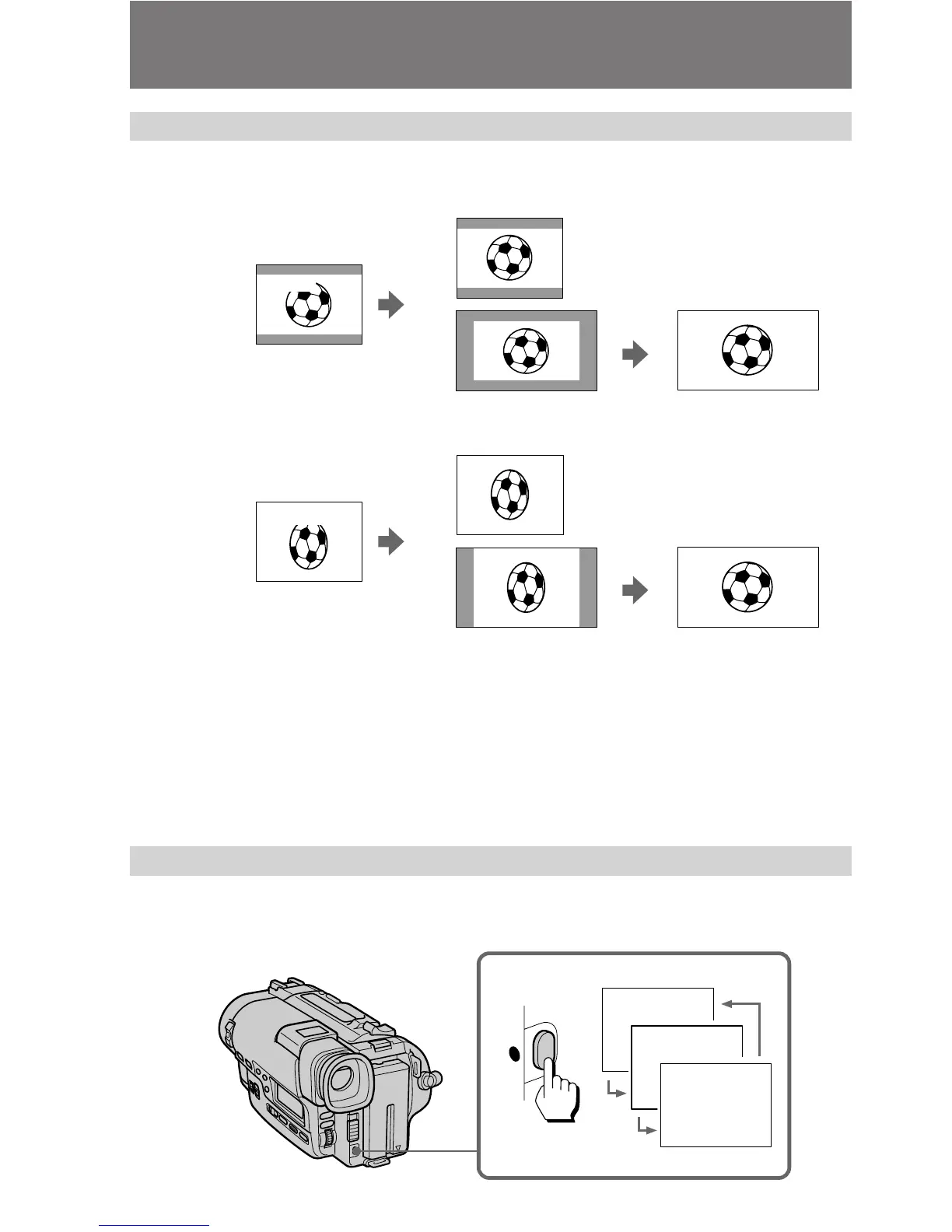
You can record a cinemalike picture (CINEMA) or a 16:9 wide picture to watch on the
16:9 wide-screen TV (16:9 FULL).
CINEMA
Black bands appear at the top and the bottom of the screen, and the viewfinder [a] and
a normal TV screen [b] look wide. You can also watch the picture without black bands
on a wide-screen TV [c]. When you select the CINEMA mode, DATE, TIME and the
battery indicators are displayed above.
16:9 FULL
The picture in the viewfinder [d] or on a normal TV [e] is horizontally compressed. You
can watch the picture of normal images on a wide-screen TV [f].
Using the wide mode function
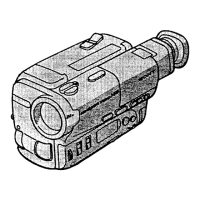
While the camcorder is in Standby mode, press 16:9 WIDE repeatedly so that the
desired mode indicator appears in viewfinder. While recording, you cannot change the
mode.
[b]
CINEMA
[a]
[c]
[e]
[f]
CINEMA
16:9 FULL
16:9 FULL
[d]
16:9 FULL
CINEMA
16:9 WIDE





 To Next Page