34
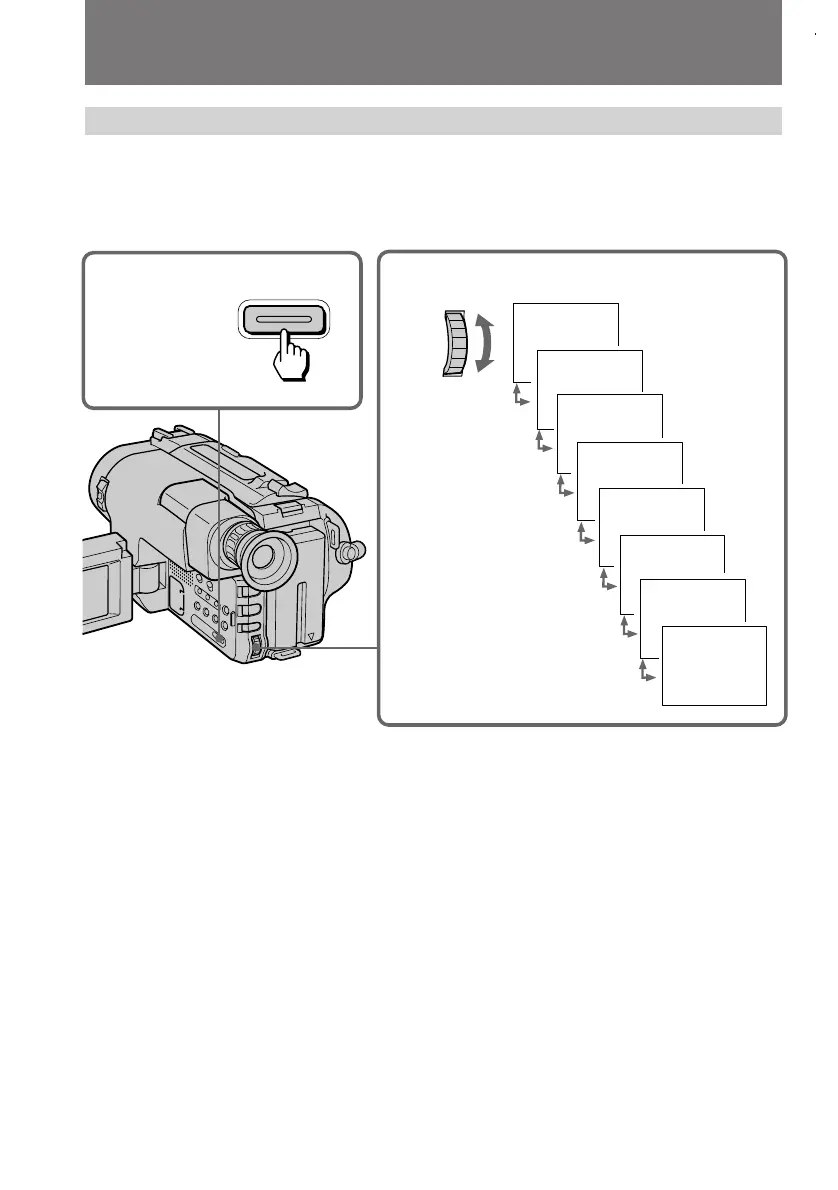
PICTURE EFFECT
1
2
PASTEL
NEG. ART
SEPIA
B & W
SOLARIZE
MOSAIC
SLIM
STRETCH
SEL/
PUSH
EXEC
Using picture effect function
(1) Press PICTURE EFFECT.
(2) Turn the control dial to select the desired picture effect mode.
To turn off picture effect
Press PICTURE EFFECT. The indicator in the viewfinder or on the LCD screen goes
out.
Note on the picture effect
When you turn the power off, the camcorder returns automatically to normal mode.
Enjoying picture effect



 To Next Page