45
Advanced operations
Recording with the date/time
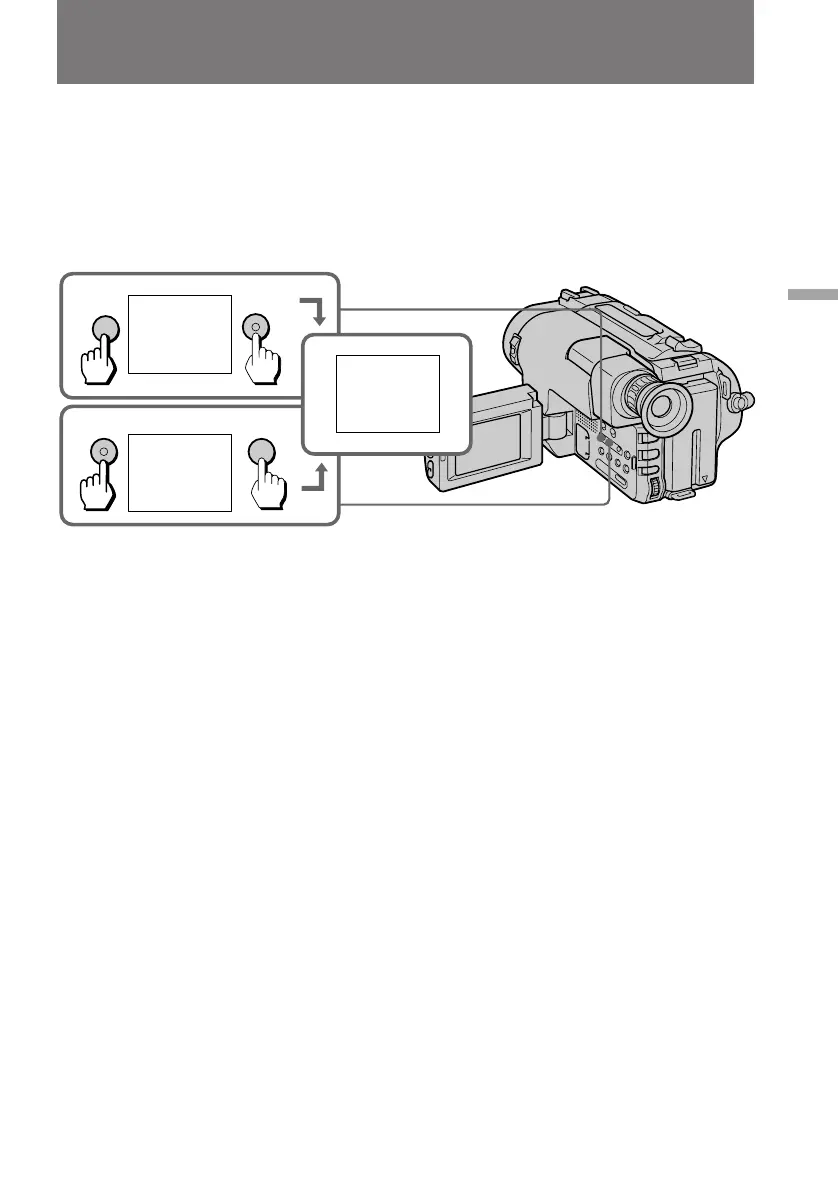
Before you start recording or during recording, press DATE or TIME. You can record
the date or time displayed in the viewfinder or on the LCD screen with the picture.
Press DATE (or TIME), then press TIME (or DATE) to display the date and time
together.
The clock is already set at the factory to Sydney time for Australia and New Zealand
models, to Tokyo time for the models sold in Japan and Hong Kong time for other
models. You can reset the clock in the menu system.
To stop recording with the date and/or time
Press DATE and/or TIME again. The date and/or time indicator disappear. The
recording continues.
Note on the date or time indicator
If you press DATE or TIME while you are recording in CINEMA mode, the indicators
in the viewfinder or on the LCD screen move upwards.
DATE
DATE
TIME
TIME
4 7 1997
17:30:00
17:30:00
4 7 1997



 To Next Page