48
2
1
12 3
MENU
[MENU]: END
EDIT OFF
ON
CAMERA
POWER
OFF
VTR
MENU
SEL/
PUSH
EXEC
SEL/
PUSH
EXEC
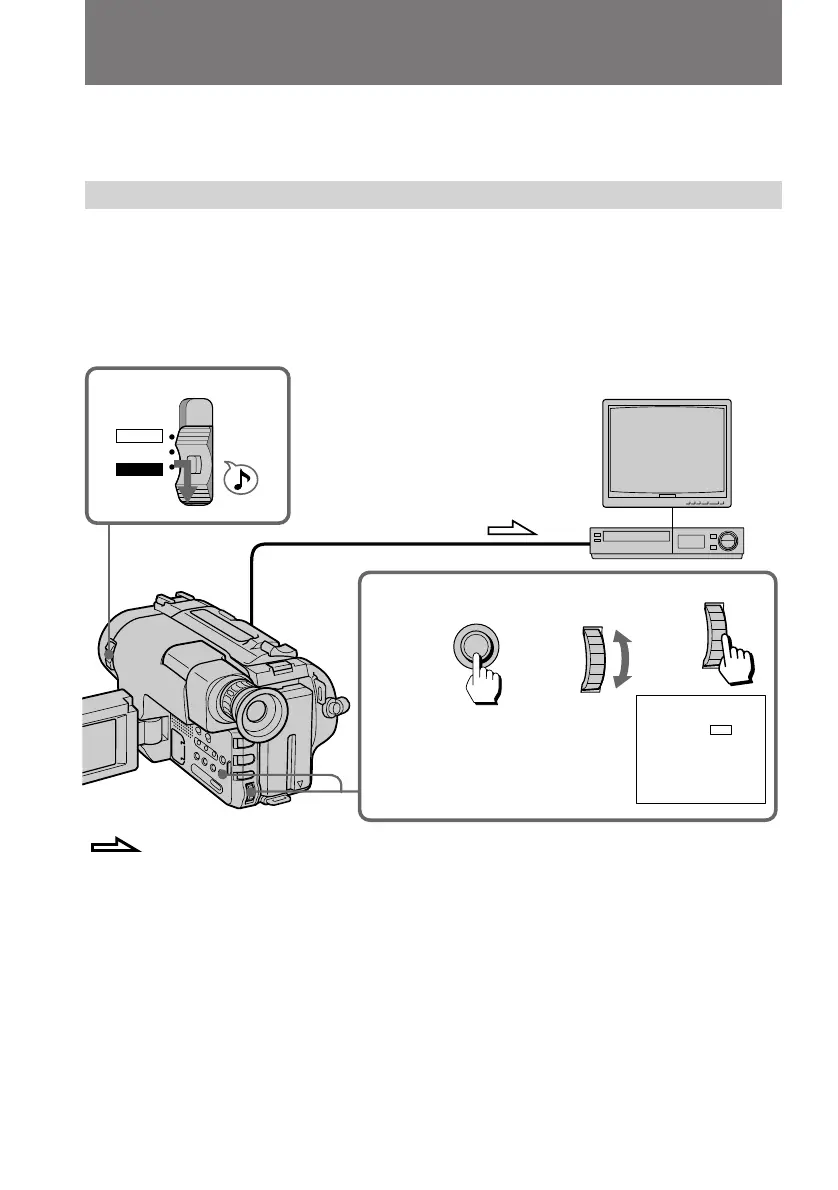
You can create your own video programme by editing with any other h 8 mm, H
Hi8, j VHS, k S-VHS, VHSC, K S-VHSC or l Betamax VCR that has
video/audio inputs.
Before editing
Connect the camcorder to the VCR using the supplied A/V connecting cable.
Set the input selector on the VCR to LINE, if available.
(1) While pressing the small green button on the POWER switch, set it to VTR.
(2) Set EDIT to ON in the menu system.
Editing onto another tape
: Signal flow



 To Next Page